How to Migrate Your Paging Tool Without Breaking Your Team
March 20, 2026 — 13 min read
TL;DR
- Paging accounts for only 10% of your incident management workflow — a like-for-like swap misses the other 90%.
- Start with a full inventory: schedules, escalation policies, monitors, integrations. Rank everything: keep, adjust, or delete.
- Identify change agents early — including your detractors. Those with real ownership become invested in success.
- Build a cross-functional project team with an executive sponsor, IT liaison, and no more than 2–3 platform admins.
- Allow at least 4 weeks of parallel running time so engineers can build trust before you decommission the old tool.
- Migrations that use the disruption deliberately come out with something fundamentally better, not just different software.
Most engineering teams don't migrate their paging system unless they have to. A vendor end-of-life. A painful contract renewal. A new engineering leader with a different vision. When the moment arrives, the natural instinct is to minimize disruption: find something similar, move the data over, retrain people on the new UI, and call it done.
That instinct is understandable — but it's a missed opportunity. The teams that come out of a migration better than they went in are the ones who used it as a forcing function to rethink their full incident workflow, not just swap the pager.
Over the last two years, I've helped engineering teams plan and execute these migrations — from 50 users to 5,000. I've seen migrations take three weeks and others take five months. Here's the playbook that consistently works.
Why does a like-for-like paging swap fall short?
Paging — getting the right person alerted at the right time — is roughly 10% of your incident management workflow. It's the starting gun. But then you have the other 90%: triage, communication, context-gathering, coordination, status page updates, and postmortems.
According to incident.io's 2026 SRE practices guide, teams that consolidate their incident tooling report MTTR reductions of up to 80% and postmortem time cut from 90 minutes to under 10. A paging swap alone doesn't move these numbers.
If engineers are manually stitching together Slack channels, status page updates, and leadership emails during a P1 — a new paging vendor won't fix that. If alert noise is burning out your on-call rotation — a new UI won't fix that either.
The teams that come out ahead are the ones who used migration as the opportunity to fix the full workflow.
How do you know if you need more than a swap?
Before scoping the project, ask honestly: what's actually broken? The following questions help gut-check your current state.
- Is your on-call program growing in complexity without actually scaling?
- Are internal and external communications during incidents inconsistent or slow?
- Do you know how much engineering time goes to reactive work versus proactive?
- Are engineers manually connecting separate tools for alerting, paging, incident management, and status pages?
- Is someone maintaining custom code just to connect your systems instead of building your actual product?
- Is alert noise burning out your on-call engineers?
- Do managers struggle to manage PTO, holidays, and escalation paths at scale?
If several of these ring true, a direct swap likely won't deliver what you actually need. The good news: a migration you were already doing anyway can fix all of them.
What is the four-step framework for a successful paging migration?
Whether migrating 50 users or 5,000, the teams that succeed follow the same four-step playbook.
Step 1: How do you take inventory of your current on-call system?
Before thinking about timelines or tooling, get everything out of the closet. Pull complete lists of the following:
- Schedules, escalation policies, and teams from your current paging provider
- Monitoring tools and alert sources — and how many monitors you actually have
- Service-to-team ownership mapping (and whether a service catalog exists)
- All integrations: webhooks, APIs, and home-built solutions built on top of the current tool
- Internal documentation, runbooks, and training materials
- Reports and insights dependencies — who pulls what data and how
- Teams that need to be trained versus teams that only need to be informed
Assign a directly responsible individual to each item. If you can't find who owns it — congratulations, it's you now.
"Most teams are carrying years of monitors nobody looks at, escalation paths nobody follows, and alert rules that fire constantly and mean nothing. This is your chance to cut them." — Eryn Carman, Strategic CSM, incident.io
Once you have the full picture, rank everything: Keep, Adjust, or Delete. Be aggressive with that last bucket.
Teams that use migration to audit their monitors commonly reduce total monitor count by 80–95%. If you can show leadership you went from 5,000 monitors to 100 business-critical ones, you have a business case with real numbers — not just a tool swap.
This inventory serves three purposes: it shows the true scope of the project, it becomes your project tracking system throughout the migration, and it gives you the data to prove ROI to leadership.
Step 2: How do you build change agents for your migration?
Migrations fail when they hit resistance mid-project. The way to prevent that is to get the right people on your side before you start — not after.
Look for three types of people:
- The ones feeling the most pain. They can articulate in real numbers and real stories why the current system is broken. They'll make the ROI case in rooms you're not in.
- The ones with the most influence. Senior engineers or leaders who carry credibility and can socialize the change broadly.
- Your biggest detractors. The people who will push back and poke holes. Get them involved early. Detractors who are given real input become invested in making things work. Detractors who are ignored become blockers who derail the whole project.
Once identified, give them real ownership: train them first on the new platform, let them be your focus group and testers, give them authority to speak on behalf of the project, and send them into team meetings to advocate for the migration. When change agents own the narrative, adoption happens faster and with less friction.
Step 3: Who should be on your paging migration project team?
One person may play multiple roles depending on your size — that's fine. But you need coverage across all of these functions:
- Executive sponsor — removes roadblocks and creates organizational buy-in. Common mistake: bringing them in too late to influence scope.
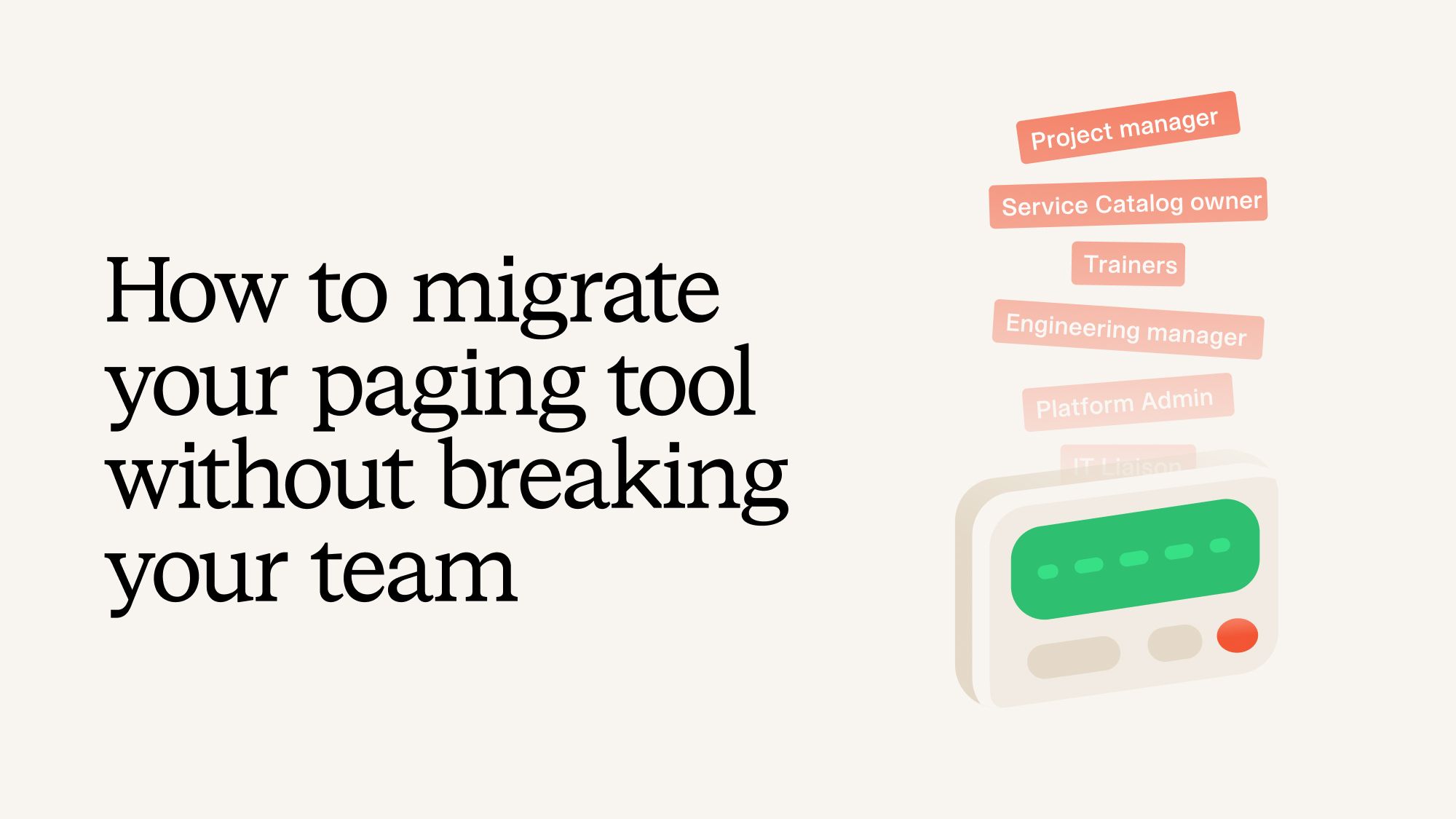
- Project manager — keeps things on track and protects technical team focus. Common mistake: treating this as a part-time responsibility.
- Service catalog expert — handles metadata mapping and service taxonomy. Common mistake: skipping this and recreating fragmented ownership.
- IT liaison — coordinates on provisioning, SSO, and permissions. Common mistake: leaving IT out until the end, which is one of the most common causes of delays.
- 2–3 platform admins — build in the new system. Common mistake: too many admins causes architecture drift.
- Documentation owner — updates runbooks, training materials, and internal docs. Common mistake: leaving documentation until after go-live.
- Comms lead — manages stakeholder communications on cadence. Common mistake: ad-hoc updates that create confusion and noise.
Step 4: How do you build a migration timeline that works?
Migrations work in as little as three weeks or as long as five months. What matters is how you use the time you have.
If you have a short runway (3–8 weeks):
- Resist scope creep — scope tightly and do one thing well.
- Accept that some technical debt will migrate with you. Too much change at once risks a revolt from end users.
- Consider a bulk migration rather than team-by-team. Rip off the Band-Aid and use post-go-live time for cleanup.
- Gamify the rollout. Getting hundreds of engineers to download an app is what takes longest. Give people a real reason to do it early — carrot first, deadline as the stick.
- Build post-migration phases: cleanup and scaling → introduce new features → introduce new processes.
If you have a long runway (3–6 months):
- Build for scalability, not just migration. Don't recreate what you had — build the version you should have had.
- Clean up technical debt before the migration, not during.
- Move in cohorts and learn as you go. Your third team's migration will be dramatically smoother than your first.
- Front-load the improvements that relieve the biggest pain points for on-call engineers. Early wins create excitement and momentum.
- Track and celebrate progress along the way to maintain momentum over a longer project arc.
No matter your timeline, always build in at least 4 weeks of parallel running. Engineers need to build trust in the new platform. Give them the autonomy to unplug the old system themselves — by deleting their own escalation policies when they're ready — rather than when you flip a switch.
What surprises should you plan for during a paging migration?
After every migration, something surfaces that nobody accounted for. A critical Slack bot built on a proprietary API. A weekly leadership report that pulls data in an unexpected way. A team with a schedule so custom it doesn't map to anything standard.
It happens every time. The inventory helps, but it won't catch everything. This is exactly why the parallel running period is so crucial — it's the buffer in your timeline built specifically for this.
Set this expectation with stakeholders early: there will be unknowns. That's not a failure of planning. That's migration. The teams that handle surprises best are the ones who've built enough trust — in the new platform, in the project team, and in the process — to navigate them without losing momentum.
Why does service catalog matter for a paging migration?
One of the most consistently underinvested areas in migrations — regardless of what tool teams are moving from or to — is service ownership and relationship mapping.
Without a service catalog, even a basic one, teams perpetuate the same fragmented model they had before. Everyone builds their own monitors, alert rules, and escalation policies. There's no central source of truth for who owns what, and routing decisions remain dependent on whoever happens to know the answer.
You don't need a dedicated catalog product to start. Begin with a spreadsheet:
- What are the services or components you care about when something breaks?
- Who owns each one, and how do you reach them?
- How do they roll up into teams, products, or business units?
- What is their underlying infrastructure?
- How do those things connect to your VIP customers?
That foundation — even a basic one — changes what's possible with routing, context, and automated workflows downstream.
Where do you start if a migration is coming up?
There's only one thing you need to do today: start your inventory.
Pull your current schedules, escalation policies, and teams. Find out who owns what. Begin the ranking exercise. The shape of the project will become clear once you can see everything laid out — and you'll spend the rest of the migration making decisions with clarity rather than reacting to surprises.
Migrating your paging system will never be a small project. But it's also one of the few moments where the disruption is happening either way. The question is whether you use it to end up exactly where you are now, just on different software — or whether you come out with something that actually works the way your team deserves.
P.S. We recently held a webinar on migration, featuring two team leaders who recently made the move from Opsgenie. Watch it here.
Eryn Carman is a Strategic Customer Success Manager at incident.io. She has spent the last three years helping engineering teams plan and execute migrations from legacy on-call systems, working with companies ranging from a few hundred to tens of thousands of users.

Eryn Carman
Strategic Customer Success Manager
See related articles

Introducing Investigations, powered by Nexus.
Today we're launching Investigations: agentic root cause analysis that starts the moment you're paged, figures out what broke and why, and works with your team through to resolution. Here's what we built, what's powering it, and why it took some time to get right.

August 5, 2026

Fact-checking PagerDuty's Opsgenie alternatives comparison table
PagerDuty published a new comparison table about incident.io. Once again, it describes a product we don't recognize. So once again, we're correcting the record, row by row, with receipts.

July 28, 2026

Your genie is vanishing: introducing the Opsgenie rescue program
Today, we're launching the Opsgenie Rescue Program to make that landing soft: simplified migration and free overlap so you never pay two vendors at once.
July 9, 2026
So good, you’ll break things on purpose
Ready for modern incident management? Book a call with one of our experts today.

We’d love to talk to you about
- All-in-one incident management
- Our unmatched speed of deployment
- Why we’re loved by users and easily adopted
- How we work for the whole organization



