Agentic SDLC incident response checklist
TL;DR: AI-shipped code incidents generally split into two failure modes: a bad commit an agent authored, and an autonomous action an agent executed. Start preserving evidence (agent context, prompts, model versions, tool calls) alongside stabilization, and aim to finish in the first 10 minutes. This agentic SDLC incident response checklist gives you detection, triage, ownership, communication, and post-mortem steps. incident.io's GitHub integration lets you attach a GitHub pull request to an incident, and the channel gets notified when that PR changes, so the PR stays in front of responders.
Feature-flag rollbacks are typically faster than a git revert through CI, but neither recovers the agent context you need for the post-mortem. Reconstructing what the agent did, why it did it, and which other systems it touched requires captured context.
Runbooks written for human-authored changes often don't capture agent context, and AI agents change the failure mode from "a bug someone introduced" to "an action something executed," so the triage path changes with it. We recommend starting forensic capture alongside stabilization and aiming to finish it within a 10-minute window, because evidence captured early lets your post-mortem rest on recorded data instead of recollection.
Signs your incident response requires structure
Informal coordination works when the team is small enough that everyone shares context automatically. In that setup, a Slack thread and a quick revert are often enough. That gets harder once AI agents ship code to production without a human reviewing every line. The failure mode shifts from "a bug a person introduced" to "an action an agent took," and informal process rarely has a mechanism to capture what the agent was thinking when it acted.
Team size alone does not determine when you need structure. The trigger is agent autonomy: once agents execute changes autonomously, propose fixes that bypass review, or chain actions across systems, your runbook needs a mechanism to capture agent context before it disappears. As agents ship more production changes, the response runbook has to capture evidence a human didn't create.
If your failure modes include autonomous action, the checklist below replaces ad hoc Slack threads with a repeatable process.
When to trigger AI incident workflows
We recommend triggering this checklist when any of these conditions are true:
- Commit authorship or pull request metadata shows an AI agent authored a change that deployed within the incident's blast radius
- An agent appears to have executed a destructive command (
DROP TABLE,rm -rf, a volume deletion) without explicit human approval - An automated workflow may have fired a production change without a person reviewing the diff first
- Deployment logs suggest AI-generated code reached production faster than your normal review cycle allows
- An alert appears to have fired because of an agent's action, not because of a threshold a human set
If none of these apply, use your standard incident process. This checklist exists for the specific case where an AI agent's context, not just its output, is part of the evidence you need to preserve.
Handling AI-driven outages
AI incidents split into two types, and the distinction matters because triage and rollback differ for each.
AI-shipped code bug: An agent wrote code, a human merged it (possibly with minimal review), and the code broke production. This is a bad commit. The fix is a standard revert, but the post-mortem needs to answer why the review process didn't catch it.
AI-agent-executed action: An agent took an autonomous action (deleted a volume, modified a config, called an API) that broke production. This often isn't a commit, it's an action with no code artifact to revert. The fix is restoring state, and the post-mortem needs to reconstruct the agent's decision chain.
For a bad commit, the triage priority is typically to revert and verify. For an autonomous action, such as deleting infrastructure to resolve a dependency conflict, git revert won't bring anything back. The priority is to stop the agent and capture its context at the same time, then restore state.
Verify and categorize AI-driven disruptions
Before anyone proposes a fix, confirm the incident is AI-related and categorize it. Keep this step quick, because it prevents the team from reverting the wrong commit or blaming an agent for a human's mistake.
Capture agent context and commits
Check which commits in the deployment window came from an AI agent. Look for commit authorship metadata (some tools tag AI-authored commits with a bot account or a specific author string), pull request metadata indicating AI generation, and agent execution logs showing the code generation timestamp.
Capture these fields from your deployment and agent logs:
- Model version and configuration (which model generated the code or made the decision)
- Prompt or instruction context (what you asked the agent to do)
- Tool calls executed (which APIs, commands, or file operations the agent invoked, with timestamps)
- Deployment timestamp (when the agent's change reached production)
- Approval workflow status (whether a human reviewed the change before it shipped)
Start capturing the agent's context as soon as the incident opens, and target completion within ten minutes. Logs rotate, agents can be re-run with different prompts, and context windows clear, so evidence disappears fast during any incident, and AI incidents are no exception. incident.io's GitHub integration lets you attach GitHub pull requests to an incident, and when you drop a PR link in the incident channel, the channel gets notified about changes to that PR. That keeps the PR in front of responders, so you can check what changed and whether an agent authored it.
Pinpoint system and customer impact
Define the blast radius: which services, customers, and data the incident affects. For AI incidents, the blast radius can grow larger than expected because an agent can touch multiple systems in a single run.
Use your service catalog to map the agent's changes to affected services. Document which customers are impacted and whether any data was modified, deleted, or exposed.
Audit automated alert triggers
Check whether the agent's action triggered the alert that fired or a legitimate monitoring rule did. An agent might have modified a threshold, disabled an alert, or created a new alert that fired incorrectly. Trace the alert source by reviewing the alert rule's recent modification history and checking whether the alert fired because of a metric the agent's action caused.
Structured metadata helps here. incident.io's service catalog links alerts to services and teams using key-value pairs, so you can filter by metadata fields and route based on service ownership instead of guessing.
Rapid triage for agentic system outages
Triage assigns severity, ownership, and coordination structure. Keep triage brief: the goal is a working incident channel with a clear lead before anyone starts on a fix.
Triage rules for AI code failures
Use P0/P1/P2/P3 severity notation. For AI incidents:
- P0: Data loss, security breach, or customer-facing outage an agent's destructive action caused
- P1: Agent executed a destructive command (database drop, volume deletion) or a bad commit causes a production outage
- P2: Bad commit that can be reverted without data loss, or an agent action that degraded performance but didn't cause an outage
- P3: Failed pipeline, blocked deploy, or agent-authored code that failed tests before reaching production
Under these rules, an agent-executed DROP TABLE that causes data loss is a P0, and one that doesn't is a P1. Treat a bad commit that broke a non-critical API endpoint as a P2, and a failed CI build as a P3. Assign severity based on customer impact, not on how interesting the technical problem is.
Define the incident lead role
The incident lead coordinates, communicates, and makes decisions. They don't necessarily fix the problem. In Slack, assign the lead with /incident lead @user. The lead's job during an AI incident is to make sure someone captures the agent's context before anyone reverts anything.
incident.io's role system includes a built-in Incident Lead role, plus custom roles you can define per incident type. The lead runs the checklist, delegates tasks, and keeps stakeholders informed.
Set up dedicated incident channels
Create a dedicated Slack channel for the incident. Manual channel creation can cost time while people work out naming conventions and invite lists. incident.io auto-creates channels from alerts, pulling in on-call responders and notifying service owners without anyone leaving Slack.
The channel becomes the single source of truth: timeline, decisions, agent context, and status updates all live there. When Favor adopted incident.io Response and On-call, incident setup dropped from 20-30 minutes to seconds, and MTTR fell by 37%. The channel is where the checklist runs, so prioritize creating it fast over naming it perfectly.
Quick stabilization steps for AI incidents
Stop the bleeding before root cause analysis. Agent context can disappear quickly, so start forensic capture at the same time as stabilization. Assign one responder to preserve evidence (prompts, model versions, tool calls) while another stops the agent, so neither step waits on the other. Aim to finish capture before the ten-minute mark.
First 10 Minutes Checklist:
| Step | What to capture | Why it matters |
|---|---|---|
| State preservation | System state, active agent processes, in-flight requests | An agent may keep running until you stop it, and it might take more destructive actions |
| Prompt capture | Exact prompt, instruction set, context window contents | You can't reproduce the agent's decision without knowing what it was asked to do |
| Model versioning | Model name, version, configuration, temperature settings | Different model versions produce different outputs from the same prompt |
| Tool-use audit | Every tool call, API request, command executed, with timestamps | This is the agent's action log, and you need it to reconstruct what happened |
How to safely revert AI commits
Follow this sequence to revert an AI-authored commit without making things worse:
- Identify the commit: Check git logs for the commit hash, author, and timestamp. Confirm it's the cause by correlating the deploy time with the incident start time.
- Assess destructiveness: Scan the diff for destructive operations (DROP TABLE, rm -rf, DELETE statements). If any exist, require human approval before proceeding with the revert, because reverting a migration that dropped a table can recreate the table's schema, but not the data that was in it.
- Create a rollback branch: Branch from current HEAD, revert the merge commit or the PR range using
git revert, and note the decision in your incident timeline. - Test after reverting: Run your test suite against the rollback branch before deploying. Git revert creates a new commit instead of rewriting history, so it's safe for shared repositories.
- Deploy and monitor: Ship the revert, watch your metrics, and confirm the system stabilizes before declaring the incident mitigated.
Human-in-the-loop verification is non-negotiable for destructive commands.
Disable agentic automation triggers
Disable the webhook or scheduled job that invokes the agent and pause any auto-deploy workflows the agent controls. Keep monitoring and alerting active so you can verify the system stabilizes after the revert. The goal is to stop the agent from taking more actions while you fix what it already did.
If the agent runs on a schedule (hourly, on commit, on alert), disable that schedule until you've confirmed the root cause and updated the agent's guardrails.
Communicate status to key stakeholders
Tell customers and the team what's happening. Use these templates:
Internal (Slack):
"P1 incident: AI agent executed [action] at [time], causing [impact]. Revert in progress, ETA [time]. Incident lead: @[user]. Next update in 15 minutes."
External (status page):
"We're investigating an issue affecting [service]. A change deployed earlier today caused [customer-facing symptom]. We're rolling back now and expect service restored within [timeframe]. Next update in 30 minutes."
Keep updates factual and time-bound. Don't speculate about root cause until you've completed the investigation.
Establish an incident timeline
Start the timeline immediately. The incident activity log records role assignments, severity changes, and status updates automatically, and responders can pin Slack messages to add them to the timeline, so no one has to be the designated note-taker.
A complete timeline should answer: when did the agent act, when did the alert fire, when did someone notice, when did the revert start, and when did the system stabilize. Without a timeline, the post-mortem reconstructs the incident from memory, and memory can be unreliable about timestamps.
Pinpointing root causes in AI code
Stabilization buys you time to understand why the agent acted the way it did. Root cause analysis for AI incidents focuses on the agent's context, not just the code it produced.
Audit agent logic and context
Review the agent's code output for logic errors (the agent reasoned incorrectly, including calling functions that don't exist) and context failures (the agent made the right decision given incomplete information). Check the prompt, context window, and tool inputs the agent received. A bad prompt or missing context can be the root cause.
If the agent didn't know about a recent schema migration, it might have written code for the old schema. The root cause isn't "the AI is dumb" it's "the AI didn't have the context it needed." That can be a process fix rather than a model fix.
Distinguish logic failures from context failures
Distinguish between a logic failure and a context failure, because each needs a different fix:
Logic failure: The agent receives the right inputs but reasons incorrectly. Fix: better prompts, few-shot examples, or a different model.
Context failure: The agent generally reasons correctly given its inputs, but the inputs themselves are incomplete or wrong. Fix: better context injection, retrieval-augmented generation (RAG) over your codebase, or explicit constraints in the prompt.
Ensure safe AI incident resolution
Before declaring the incident resolved, verify the fix is safe:
- A human reviewed and approved any AI-proposed fix before it shipped
- A rollback plan exists and has been tested
- Monitoring and alerts are restored and functioning
- The agent's guardrails have been updated to prevent recurrence
Investigations, incident.io's AI SRE product and a paid add-on, not included in any plan, that requires Response and is available on Pro and Enterprise only, drafts fix PRs for a human to review and merge. It analyzes telemetry, code changes, and past incidents to surface likely root causes in minutes, and a person approves and merges the fix.
Establishing clear response workflows
Make the response repeatable so the next AI incident is faster. This section covers three parts you can agree on ahead of time: status updates, communication drafts, and escalation criteria.
Synchronize team status during incidents
Keep the team aligned with status updates in the incident channel, not scattered across DMs. Use the /incident status command in Slack to update the incident's current state. Post updates like "Investigating," "Identified," "Monitoring," or "Resolved" so everyone in the channel sees the same status. incident.io's shortcuts cheatsheet lists the full set of /inc commands for managing status, severity, and roles without leaving Slack.
Status updates should answer: what do we know, what are we doing, and when is the next update. Post them on a schedule so stakeholders know when to expect information. We recommend internal updates every 15 minutes for a P1 and every 30 minutes for a P2, and external status page updates every 30 minutes.
Use ready-made incident communication drafts
Initial internal update:
"P1 incident declared. AI agent [action] caused [impact] starting at [time]. Incident lead: @[user]. Revert in progress. Next update in 15 minutes."
Resolution internal update:
"Incident resolved at [time]. Root cause: [brief description]. Revert deployed and verified. Post-mortem scheduled for [date/time]."
External status page update:
"We've identified the issue and deployed a fix. [Service] is recovering and we expect full restoration within [timeframe]. We'll post a final update once we've confirmed stability."
Keep them short, factual, and time-bound. incident.io's status page workflows can auto-publish updates to your status page when you change the incident status in Slack, so you're not copy-pasting between tools.
Escalate AI-shipped incidents early
Escalate when:
- The incident is a P1, and the blast radius is expanding
- The root cause is still unknown after a set investigation window (30 minutes is a reasonable starting point)
- The revert didn't fix the problem
- The agent is still running, and you can't stop it
- Customer impact is severe enough to warrant executive notification
Escalation means pulling in more senior engineers, notifying leadership, or engaging your cloud provider's support if the agent touched infrastructure your team doesn't fully control. Don't wait until the incident is a multi-hour outage to escalate.
Documenting and preventing AI-driven system failures
Capture what happened during the incident so the post-mortem starts from evidence. Documentation isn't a post-incident activity, it's a during-incident activity that cuts the reconstruction work afterward. This section also covers the guardrails and checks that make the next incident less likely.
Track agent behavior during incidents
Log these fields during the incident:
- Agent identifier and version
- Exact prompt or instruction set
- Model name and version
- Tool calls executed, with arguments and timestamps
- Approval workflow status (was human review required, and did it happen?)
- Deployment metadata (commit hash, deploy timestamp, deploy method)
- Blast radius (services, customers, data affected)
incident.io's timeline capture records severity changes, status updates, role assignments, and pinned Slack messages as they happen, so the post-mortem drafts from the captured timeline rather than from recollection. Pin the agent fields above to the channel as you gather them, and they land in the same chronological record without manual note-taking.
Configure AI agent guardrails
Set up pre-incident guardrails that make the next incident less likely:
- Permission scoping: Define what the agent can touch before it runs. Use a deny-first evaluation pattern where anything not explicitly permitted is blocked.
- Human-in-the-loop for destructive commands: Require explicit approval for
DROP TABLE,rm -rfvolume deletions, and any operation that modifies production data. - Tool and API scoping: Prevent agents from executing unauthorized actions by scoping their API permissions to read-only where possible.
- Rate limiting: Cap the number of actions an agent can take per hour, so a runaway agent can't execute a long run of destructive commands before anyone notices.
Treat guardrails as a containment field: the agent operates only within the specific context you've authorized, and everything outside that context requires human approval. Allow agents to propose destructive actions, but require a human to approve before execution. This preserves agent utility while containing blast radius.
Define safety checks for AI code
Add these checks to your SDLC:
- Required human review for any AI-authored code that touches production data, infrastructure, or security controls
- Automated tests for AI-authored code, including integration tests that run against a staging environment
- Test rollback plans before you deploy, so reverting an AI commit is a known-safe operation
- Approval gates in CI/CD that block AI-authored PRs until a human reviews the diff
- AI code review for structural checks (bugs, null checks, convention violations), so human reviewers can focus on design decisions and business logic
Standardize AI incident post-mortems
Run a post-mortem for every P1 and P2 AI incident. Focus on the agent's context, not just the code:
- What prompt did the agent receive, and was it specific enough?
- What context did the agent have, and what was missing?
- Which guardrails failed or were bypassed?
- Where would human review have caught the error before it shipped?
incident.io auto-drafts post-mortems from the captured timeline, so a human edits and refines a draft instead of starting from a blank page.
Book a demo of incident.io to see GitHub PR change notifications land in an incident channel, and to see auto-drafted post-mortems built from captured timelines.
Key terms glossary
Agentic SDLC: A software development lifecycle where AI agents autonomously author code, execute changes, and interact with production systems. Unlike traditional SDLC, agentic SDLC includes failure modes where an agent's context, not just its output, is part of the incident evidence.
AI-shipped code: Code authored by an AI agent and merged into production, either with or without human review. AI-shipped code incidents require checking commit authorship metadata and agent execution logs to identify which changes came from an agent.
Blast radius: The services, customers, and data affected by an incident. For AI incidents, the blast radius can grow larger than expected because an agent can touch multiple systems in a single run.
FAQs

See related articles
Introducing Investigations, powered by Nexus.
Today we're launching Investigations: agentic root cause analysis that starts the moment you're paged, figures out what broke and why, and works with your team through to resolution. Here's what we built, what's powering it, and why it took some time to get right.

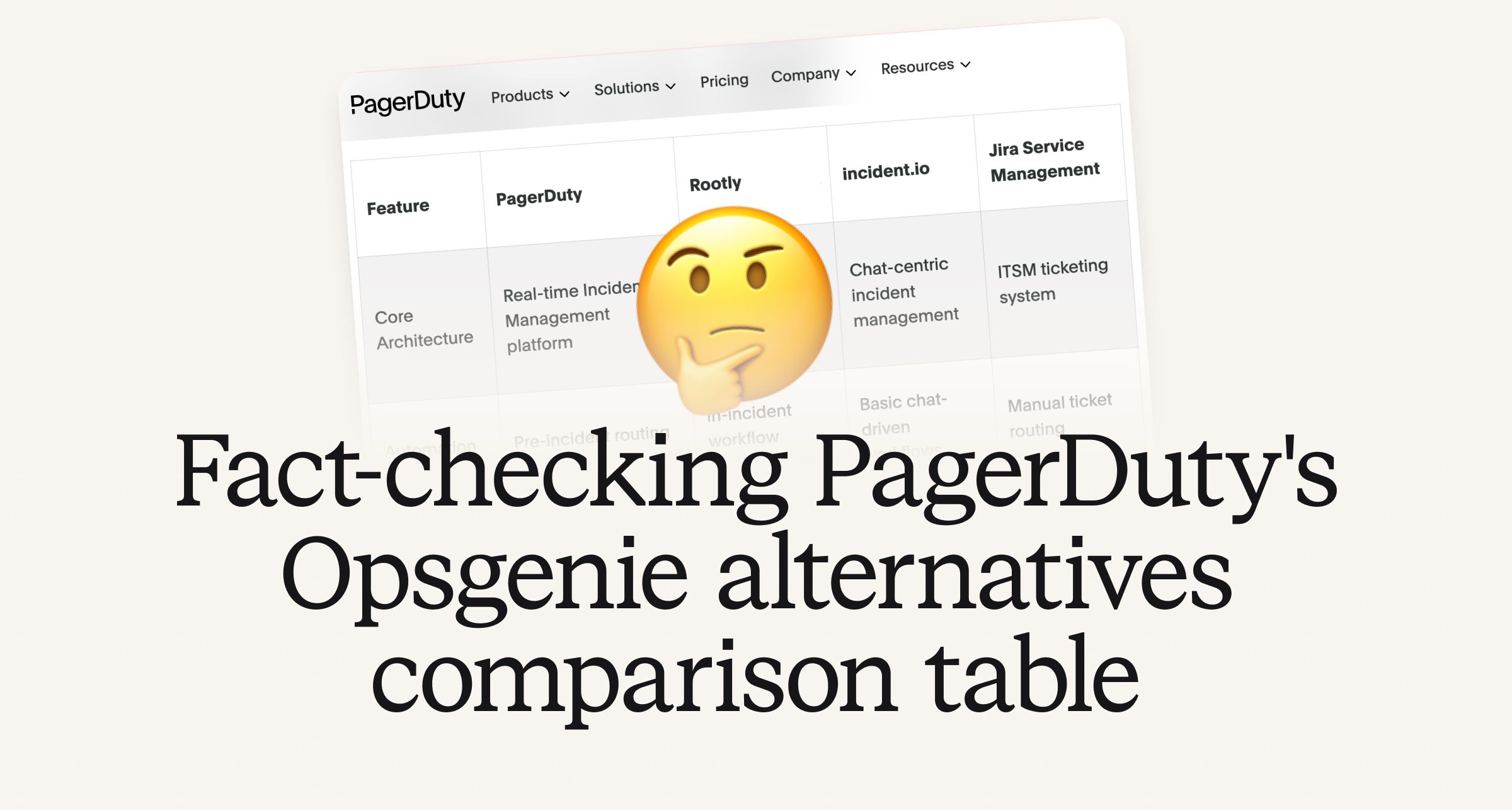
Fact-checking PagerDuty's Opsgenie alternatives comparison table
PagerDuty published a new comparison table about incident.io. Once again, it describes a product we don't recognize. So once again, we're correcting the record, row by row, with receipts.

Your genie is vanishing: introducing the Opsgenie rescue program
Today, we're launching the Opsgenie Rescue Program to make that landing soft: simplified migration and free overlap so you never pay two vendors at once.
So good, you’ll break things on purpose
Ready for modern incident management? Book a call with one of our experts today.
We’d love to talk to you about
- All-in-one incident management
- Our unmatched speed of deployment
- Why we’re loved by users and easily adopted
- How we work for the whole organization