Join us live: How incident.io builds skills for its own agents
How to debug AI-generated code during an incident
November 11, 2026 — 18 min read
TL;DR: Debug AI-generated code in this order: confirm the AI agent shipped the change, map the failure to one of 8 common patterns, reconstruct the agent's decision trace from its session logs, isolate the exact diff, then roll back or fix forward. Pin the agent's session log excerpts and diffs in the incident channel while you debug, so timeline capture picks them up and incident.io drafts the post-mortem from that timeline instead of you rebuilding it from memory.
When AI agents ship breaking changes to production, the standard debugging runbook often falls short. Traditional debugging starts from the author's reasoning. With AI-generated code, that reasoning is spread across the prompt, the context the agent had, and its training patterns. The output can look correct but fail under production conditions.
Here's a step-by-step workflow for debugging AI-generated code during an active incident, with the commands, criteria, and decision points you need to choose between rollback and fix-forward.
Confirm the AI agent shipped the breaking change
The first step is confirming an AI agent actually shipped the change. AI-assisted commits often look identical to human commits in deployment history. The author field might show a human who reviewed and merged the AI's output, not the agent that wrote it.
Audit AI agent deployment logs
Start with your CI/CD pipeline and deployment logs. Look for commits where the author field shows a bot account, commit messages with AI tool signatures, or co-author trailers listing AI assistants. Check your AI coding tool's session history for the exact timestamp and files touched.
AI coding tools such as Claude Code, GitHub Copilot, and Cursor keep session history that typically shows the prompts, the files the agent touched, and the changes it made. Retention varies by tool. Claude Code, for example, deletes session snapshots by default about 30 days after the session's last saved one, so pull what you need early. These logs are your first source of truth for confirming AI involvement.
Confirm AI ownership of the change
Once you suspect AI involvement, confirm it by checking three sources:
- Git blame and commit metadata: Look for co-author tags, bot accounts, or AI tool signatures in the commit trailer.
- AI tool session logs: Cross-reference the commit timestamp with the AI tool's session history to find the exact session that generated the change.
- PR description and review comments: AI-generated PRs can include detailed descriptions written by the agent itself.
If you confirm AI ownership, tag the incident accordingly. This changes your debugging approach from "what was the human thinking" to "what pattern did the agent follow."
Map the extent of AI code errors
This article groups AI-generated code failures into 8 common patterns: hallucinated APIs, security vulnerabilities that pass functional tests, performance anti-patterns at scale, error handling covering only happy paths, missing edge cases, outdated library usage from old training data, data model mismatches, and missing context dependencies for deployment environments.
Some of these have published evidence: a USENIX Security 2025 study found at least 5.2% of packages suggested by commercial models did not exist, and an ICSE 2025 study examined how LLMs use deprecated APIs. Treat the full list as a working framework, not an industry taxonomy.
Map your incident to one or more of these patterns. Knowing the pattern tells you where to look and what to test. Hallucinated APIs often cause import or runtime errors, performance anti-patterns surface under load, and missing edge cases appear when inputs fall outside the cases the code handles.
| Dimension | AI-agent incident | Standard software bug |
|---|---|---|
| Decision-making | Shaped by the prompt, the agent's context, and training patterns | Human intent, deliberate design |
| Failure pattern | Generated probabilistically, grouped into 8 common patterns | Usually a logic error or oversight |
| Author metadata | Bot account or human reviewer | Known human author |
| Debugging approach | Reconstruct agent decision trace | Understand human intent and context |
Reconstruct the agent's decision trace
Once you've confirmed AI ownership, reconstruct what the agent was trying to do. The sequence of actions it took, the context it had, and the reasoning it applied all become your debugging map.
Extract the agent's decision trace
AI coding tools maintain session logs showing the agent's decision process. For Claude Code, use the /rewind command (also /checkpoint or /undo) to restore your code and conversation to any point in history. You can undo just the code, just the conversation, or both.
For GitHub Copilot and Cursor, check the tool's chat or agent history, and its docs for what it keeps. Look for the prompt that triggered the change, the files the agent modified, and any intermediate reasoning it logged.
Trace the AI agent's history
The agent's history includes the original task, the context it had access to (codebase files, documentation, previous conversations), and the sequence of edits it made. Together, these show you what the agent knew and what it didn't. Gaps in its context window, such as missing production concurrency constraints or downstream dependencies, can explain why a change that looks correct still breaks production.
Uncover the agent's underlying task
The agent's task description is the closest thing to intent you'll find. Look for the original prompt, ticket reference, or user request that triggered the agent's work. If the task description is missing or vague, check the conversation history for clarifying questions or user feedback.
Pinpoint the exact diff causing the failure
With the agent's decision trace reconstructed, isolate the specific code change that broke production. Traditional debugging techniques apply here, but with a focus on AI failure patterns such as subtle logic errors and performance anti-patterns.
Use diffs to isolate broken logic
Run a diff between the last known good state and the current broken state, focusing on files the AI agent modified. AI-generated code can include subtle logic errors that pass unit tests but fail under production load. CodeRabbit's analysis of 470 open-source pull requests found that logic and correctness issues were 75% more common in AI-co-authored PRs, and excessive I/O operations were about 8x more common. Look for code that works in isolation but creates N+1 queries, memory leaks, or race conditions when deployed.
Audit AI agent call chains
If the agent made multiple interdependent changes, audit the call chain to understand how they interact. The failure might not be in any single change, but in how the changes interact. Use your observability tools to trace the execution path from the failing endpoint back through the call chain, looking for unexpected behavior at the boundaries between the agent's changes and the rest of the system.
Reproduce or instrument the failure
Reproduce the failure in a local environment or staging build. AI-generated code often behaves differently in production due to scale, concurrency, or data volume. If you can't reproduce locally, add logging or instrumentation to the production code to capture the failure state, the specific inputs, intermediate values, and outputs that trigger the failure.
Decide whether to roll back or patch forward
With the root cause isolated, decide whether to roll back the AI's changes or patch forward based on blast radius, time pressure, and whether the AI's logic is recoverable.
Know when to roll back
Abandon the AI's changes and roll back when:
- Blast radius is large: The change affects multiple services or critical user paths.
- Time pressure is high: You need to restore service immediately.
- The AI's logic is not recoverable: The agent's approach is fundamentally wrong, and patching would require a rewrite.
If the bug came from a recent deploy, roll back first and fix afterward, unless the change includes irreversible operations such as database migrations.
Know when to patch forward
Patch forward when:
- The defect is narrow and understood: You know exactly what's wrong and how to fix it.
- Rollback is incompatible: The change includes database migrations, schema updates, or other irreversible operations.
- The AI's approach is sound: The agent's logic is correct, but it missed an edge case or production constraint.
Run a partial rollback
If the AI agent shipped multiple interdependent changes, you might need a partial rollback. Identify which changes are safe to revert and which must stay. Use feature flags or configuration toggles to disable specific parts of the AI's changes without a full rollback, giving you time to patch forward while reducing blast radius.
Compare rollback and fix-forward options
| Criteria | Feature flag disable | Rollback | Fix-forward |
|---|---|---|---|
| Blast radius | Large, needs instant containment | Large | Narrow |
| Time pressure | Critical | High | Low to moderate |
| AI logic recoverability | Partly recoverable, patch while disabled | Not recoverable | Recoverable |
| Interdependent changes | Multiple, flag isolates part | Multiple, revert together | Single, isolated |
Execute the rollback or hotfix
Roll back the AI code change
Roll back with git and your normal deploy pipeline, whichever AI tool wrote the change. Claude Code's /rewind only restores files in a local session, and its docs say checkpoints are not a replacement for version control, so it can't undo code that's already in production.
Identify the commit SHAs from your earlier triage, then run git revert <commit-sha> for each one. If the changes are interdependent, revert them in reverse order.
Patch AI code in production
If you're patching forward, write the fix yourself or re-prompt the AI agent with the missing context: concurrency limits, data volumes, performance requirements, and deployment environment details the agent didn't have in its original session. Test the patch in staging first.
Check an AI-generated patch for the same failure patterns as the original change, and validate it under production-like conditions before deploying.
Monitor the affected services
After rolling back or patching, monitor the affected services closely. AI-generated code can have latent failure modes that don't appear immediately. Watch for error rates and latency, resource usage (memory leaks, CPU spikes, connection pool exhaustion), and downstream dependencies.
Set up alerts for the specific failure pattern you identified. If the pattern recurs, you'll catch it before it becomes a full incident.
Capture evidence for the post-mortem
While you're debugging, capture everything. The agent's decision trace, the diffs, the failure pattern, and your resolution steps all become forensic evidence for the post-mortem.
Capture AI code changes in the timeline
Our timeline capture builds the timeline automatically from severity and status changes and from pinned Slack messages. Responders can add role changes, actions, and other detected events from the incident activity log. Once you turn it on, Scribe transcribes Google Meet and Zoom incident calls and flags key decisions in real time.
Pin diffs and log excerpts in the incident channel as you find them, and timeline capture adds them to the timeline. You don't have to retype them or remember what you tried, so you can focus on debugging instead of note-taking.
Document what the agent didn't know
Capture the agent's original task, the context it had, and the reasoning it applied. Google's SRE Book says a blameless postmortem should "focus on identifying the contributing causes of the incident without indicting any individual or team." For AI-caused incidents, apply this same principle to the agent: analyze the gaps in the agent's context or training, not blame for using the tool.
Document what the agent didn't know: production constraints, scale requirements, or downstream dependencies. These gaps are what you'll fix in the guardrails step.
Draft the post-mortem from the timeline
Our timeline editor lets you view and search all activity tracked during the incident, including role changes, actions, and GitHub PRs. On resolution, we draft a complete post-mortem from the captured timeline in seconds, pulling from the incident's timeline, Slack threads, PRs, and custom fields. You edit and refine the draft instead of reconstructing the incident from memory after it's over.
Harden AI guardrails against repeat errors
Once the incident is resolved, prevent the next one. The goal is not to eliminate AI-generated code but to catch failure patterns before they reach production.
Identify and fix unvalidated AI inputs
Review the agent's original task and context. Common gaps include:
- Production constraints (concurrency limits, data volumes, performance SLAs)
- Deployment environment details (infrastructure configuration, service dependencies)
- Business logic edge cases (boundary conditions, regulatory constraints)
Add these to the agent's context or prompt template.
Refine pre-merge AI safety checks
Add automated checks for the AI failure patterns you can test before merge, starting with three of the 8. Validate that all imported libraries exist and are current. Check for common security vulnerabilities: SQL injection, XSS, insecure deserialization. Run performance tests under production-like load to catch N+1 queries, memory leaks, and race conditions before they reach production.
Modify AI logic to prevent regressions
If the agent's approach was fundamentally wrong, update its prompt to prevent similar mistakes. Disabling AI agents entirely is a valid short-term response, but the better long-term fix is guardrails and runbooks. Agents produce better results when they have the right context and constraints.
Develop standard AI debugging runbooks
Create a runbook for debugging AI-generated code covering the steps from this article. Document the decision matrix, the 8 failure patterns to check, and the commands for your specific AI tools. Our AI governance documentation covers how to configure AI features, control data handling, and manage permissions across your incident.io workspace.
How incident.io helps
Debugging AI-generated code means pulling evidence from session logs, Slack threads, and deploy history. incident.io keeps it in one place: alerts auto-create the incident channel, page on-call, and start the timeline, so the diffs and log excerpts you pin are already there when you write the post-mortem. Favor reduced MTTR by 37% by automating incident coordination in Slack with incident.io.
Investigations is a paid add-on, not included in any plan, that requires Response and is available on Pro and Enterprise only. It handles the first 80% of incident response by analyzing telemetry, deployments, code changes, and past incidents to surface likely root causes and draft fix PRs. A human reviews and merges every PR, and Investigations never acts on production systems on its own.
Book a demo of incident.io to see timeline capture and Investigations at work during an active incident.
Key terms glossary
Decision trace: The sequence of actions an AI agent took, the context it had, and the reasoning it applied. You reconstruct the decision trace right after confirming the agent shipped the change.
Timeline capture: Our automatic capture of severity and status changes and pinned Slack messages during an incident, plus role changes, actions, and PRs that responders add from the activity log. Reduces manual note-taking and gives the post-mortem draft a record to work from.
Investigations: Our product (paid add-on, not included in any plan, requires Response, available on Pro and Enterprise only) that triages alerts, analyzes root cause, and drafts fix PRs. Handles the first 80% of incident response. It never acts on production systems without human review.
Scribe: Our real-time call transcription feature. Once you turn it on, it captures decisions and context during incident calls via Google Meet or Zoom.
Rollback: Reverting code to a previous known-good state. Use when blast radius is large, time pressure is high, or the AI's logic is not recoverable.
Fix-forward: Patching the broken code in place. Use when the defect is narrow and understood, rollback is incompatible, or the AI's approach is sound.
Blameless post-mortem: A post-incident review that focuses on identifying contributing causes without blaming individuals. For AI-caused incidents, this means analyzing gaps in the agent's context or training.
Guardrails: Pre-merge checks, validation rules, and constraints that prevent AI-generated code from shipping with known failure patterns.
FAQs

Tom Wentworth
Chief Marketing Officer
See related articles
Introducing Investigations, powered by Nexus.
Today we're launching Investigations: agentic root cause analysis that starts the moment you're paged, figures out what broke and why, and works with your team through to resolution. Here's what we built, what's powering it, and why it took some time to get right.

August 5, 2026
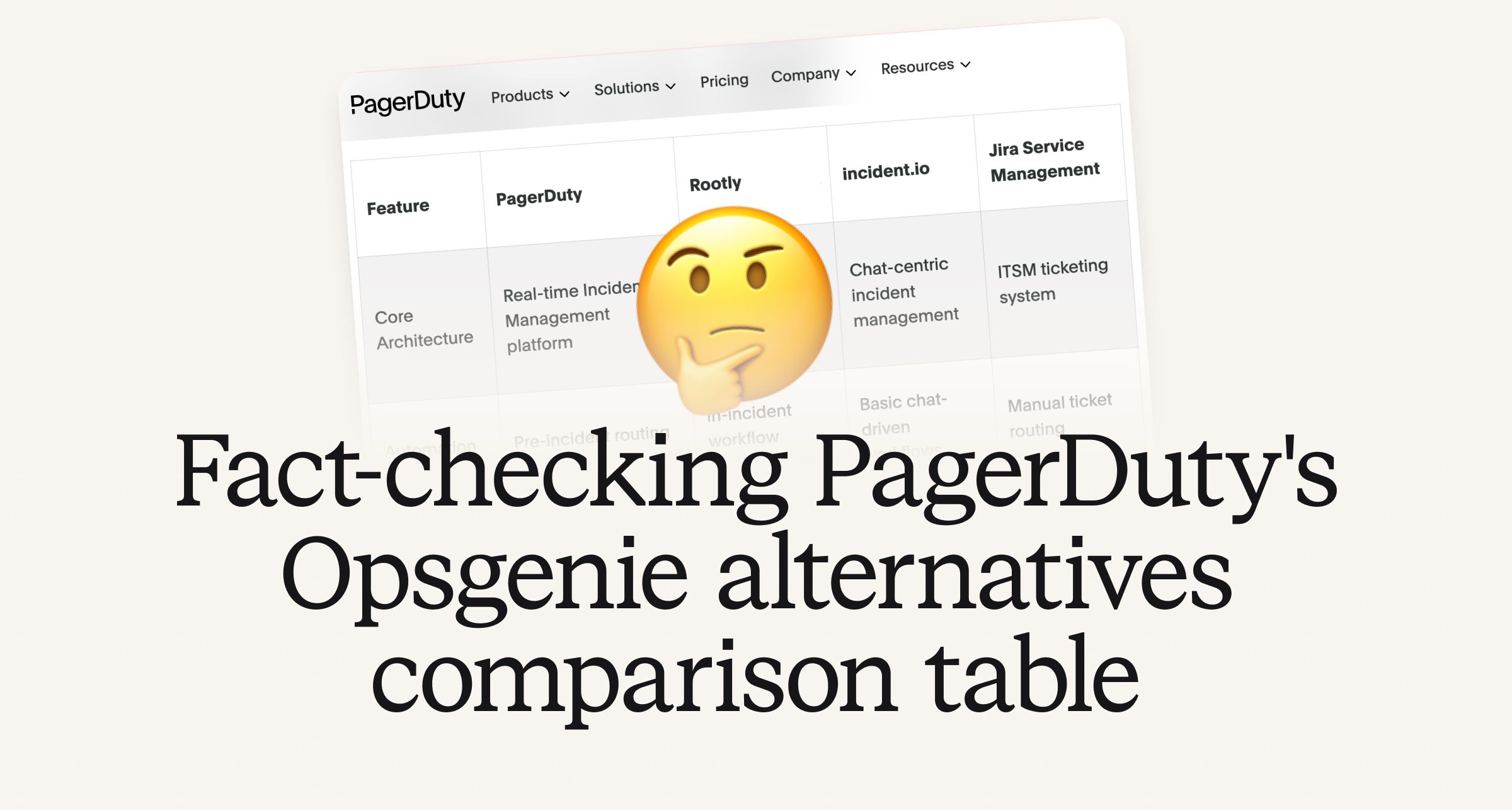
Fact-checking PagerDuty's Opsgenie alternatives comparison table
PagerDuty published a new comparison table about incident.io. Once again, it describes a product we don't recognize. So once again, we're correcting the record, row by row, with receipts.

July 28, 2026
Your genie is vanishing: introducing the Opsgenie rescue program
Today, we're launching the Opsgenie Rescue Program to make that landing soft: simplified migration and free overlap so you never pay two vendors at once.
July 9, 2026
So good, you’ll break things on purpose
Ready for modern incident management? Book a call with one of our experts today.
We’d love to talk to you about
- All-in-one incident management
- Our unmatched speed of deployment
- Why we’re loved by users and easily adopted
- How we work for the whole organization