Investigations

Resolve incidents while you sleep

Investigations shortens time to resolution by automating investigation, root cause analysis, and a fix, all before you’ve even opened your laptop.

Your new on-call teammate that never burns out

Investigations helps you spot issues, surface root causes, and take action to help resolve them.

Investigate the issue
Find root cause
Work with Investigations
Resolve incidents for you
Investigate the issue

Investigations will triage your alerts, analyse root cause then recommend whether you should act now or if you can defer until later.


Faster resolution. Fewer fire drills.

No need to stall the whole team. Investigations scans thousands of resources, finds what's broken, shares the context, and recommends next steps, so fewer people get pulled in, and resolution comes faster.

Resolve incidents 5x faster

Resolve issues before anyone notices. Investigations kicks off the moment alerts fire, surfacing root causes instantly.

Eliminate alert fatigue

Investigations filters the noise and adds context, so engineers only get paged when it matters, for critical support.

Keep builders building

Handles the first 80% of incident response, so your engineers can keep building without losing speed.


We're running in production with real customers. Here's what they're telling us.

The 'Code it up' button opening a PR? Perfect. Exactly what I needed.
This investigation was very very strong. Thanks 🙏
It pointed me to a SQL query I reused from a past incident. Saved me a ton of time.
Root cause was bang on. Summarizing recent GitHub changes is a huge time saver.
Spot-on root cause. Took me right to the command I needed to fix it.
Wow. it pointed me in the right direction immediately. That was cool.
Super useful. Found the right PR, explained the logic, and made the issue clear.
I would’ve spent an hour digging. this nailed it.
Honestly, I didn’t think it would be right. But it was. Scary accurate.
Instantly surfaced a deployment that looked suspicious. And it was.
Saved me a back-and-forth with three teams. Just gave me the answer.
It called out a bad config from last week that everyone had missed.
This is the kind of help I wish I had in every incident.
Feels like having a staff engineer sitting in the channel with you.
I didn't even know that PR existed. It surfaced it in one shot.
Summarized our incident call so clearly I pasted it into the postmortem without editing.
It flagged the exact dashboard I needed before I even asked.

The right details, from all the noise

Investigations pulls data from alerts, telemetry, code changes, and past incidents to cut through the noise, pinpoint the problem, and get you to resolution – fast, and without the usual chaos.

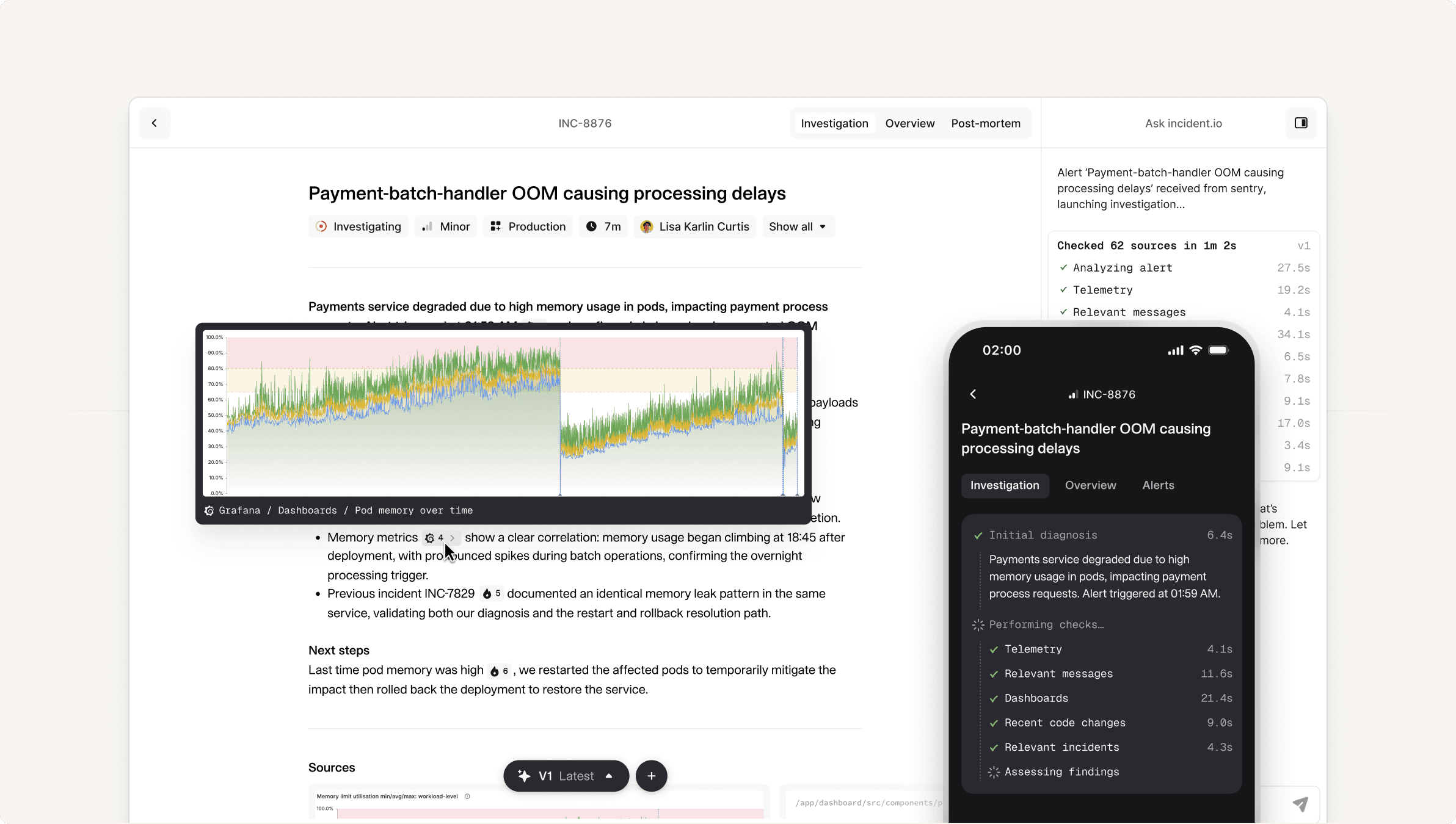
Investigations sourcesInvestigations screen

The only AI with the full picture

Integrated with the full platform, Investigations pulls context from alerts, code, and past responses, like knowing Lisa rolled back a deploy and brought in the database team to fix it.
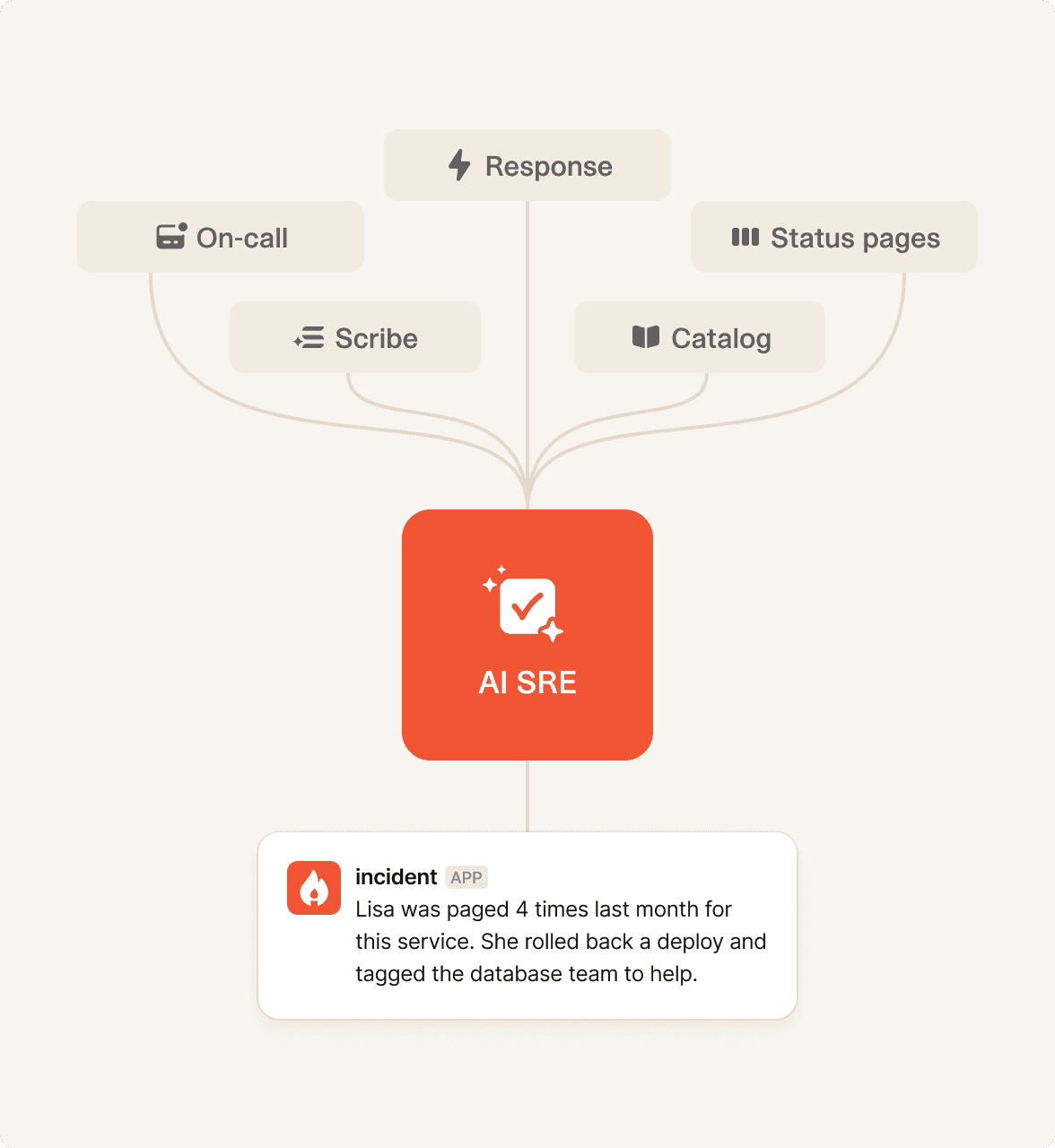
The <span class="text-ai-gradient">only AI</span> with
the full picture

Let AI do the heavy lifting

From failing PRs to fix suggestions, Investigations does the heavy lifting, so your team stays focused and your systems recover faster, even while you sleep.
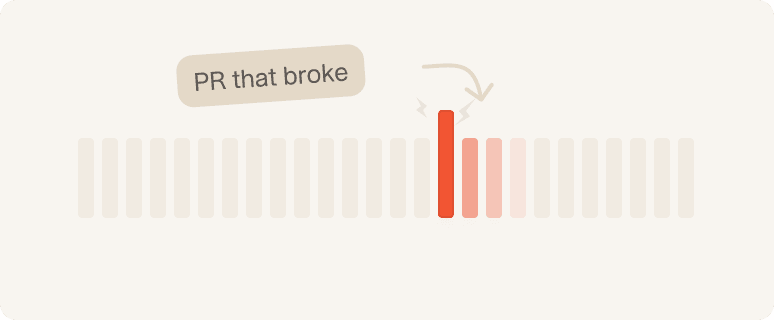
Pinpoint the breaking change

Pinpoint the breaking change

Investigations spots the likely pull request behind the incident so you can review changes and get answers—without leaving Slack.
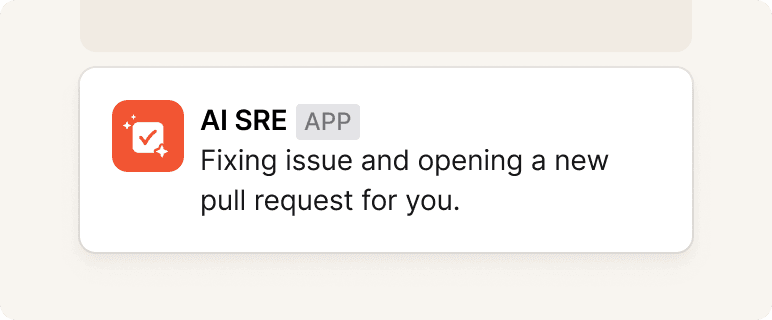
Fix bugs directly from Slack

Fix bugs directly from Slack

If the root cause is a code issue, ask incident to generate a fix and open a pull request. All within Slack, no need open your laptop.

Know what to do next

Know what to do next

Our agent doesn’t just spot issues—it suggests next steps, based on past incidents we know what command to run, and who to escalate to.
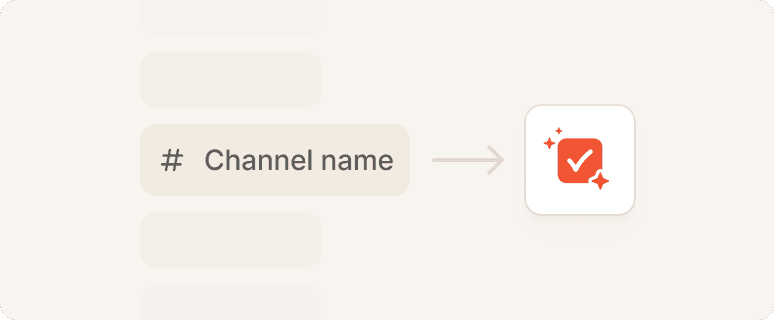
Catch relevant context from across Slack

Catch relevant context from across Slack

The agent scans public channels for related discussions and pulls it into the incident so you’re never flying blind.
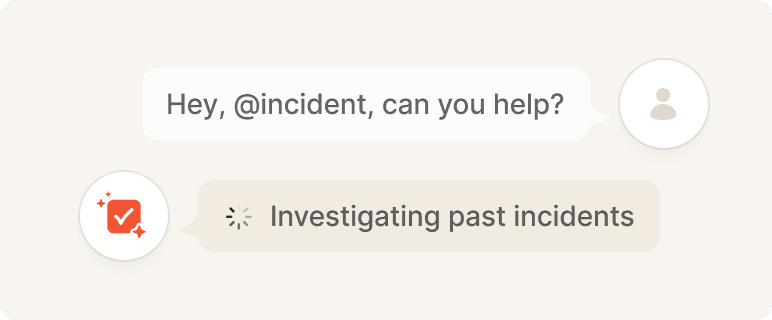
Answer questions about the codebase

Answer questions about the codebase

Need to know how something works? Just ask incident. It searches through thousands of resources to give clear, relevant answers.
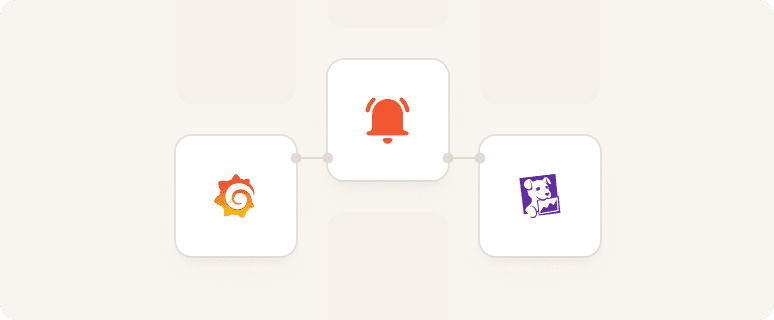
Search dashboards and logs from Slack

Search dashboards and logs from Slack

Investigations pulls metrics from Grafana, Datadog, or alerts, explains them, and suggests what they mean, right in the thread.


Faster, smarter postmortems

Investigations does all the grunt work too. Quickly drafts a postmortem, including timeline, contributing factors, and follow-ups included.



Built for teams where downtime isn't an option

Read all customer stories
Netflix customer story

With incident.io, Netflix has the incident management platform—and partner—it's always needed

See how Netflix uses incident.io
Etsy customer story

How incident.io’s pace of development helped Etsy turn incident response into a superpower

See how Etsy uses incident.io
Skyscanner customer story

How incident.io helped Skyscanner regain confidence in its incident response processes

See how Skyscanner uses incident.io
Vanta customer story

With incident.io, Vanta has reduced hours spent on manual processes

See how Vanta uses incident.io
Fin customer story

How Fin migrated from PagerDuty and Atlassian Status Page to incident.io in a matter of weeks

See how Fin uses incident.io
WorkOS customer story

How incident.io gave WorkOS the confidence to declare more incidents

See how WorkOS uses incident.io
G2 badgeG2 badgeG2 badgeG2 badgeG2 badge

So good, you’ll break things on purpose

Ready to put AI to work on your incidents? Book a call with our team today.