Best incident management tools for AI-shipped code
TL;DR: In this comparison, incident.io is a strong fit for teams shipping AI code. It runs the full incident lifecycle in Slack and scales cost with headcount from a free tier. Investigations, a paid add-on that requires Response and is available on Pro and Enterprise, handles the first 80% of incident response. Pro costs $45/user/month with on-call ($25 base + $20 add-on), and Team costs $25/user/month with on-call on annual billing ($15 base + $10 add-on) for smaller teams. Rootly is a Slack-native peer that costs $40/user/month with on-call ($20 + $20, sold as separate modules). PagerDuty is web-first with deep alerting customization, and AIOps costs extra on Professional. For AI-shipped code, look for a tool that correlates deployments and code changes with an alert and gathers context automatically.
AI-generated code ships faster, and some of its failures slip past traditional tests, such as subtle logic errors that pass unit tests and break only under production load. It also ships more changes per deploy. Separate from that, AI features your code calls in production, such as LLM-backed calls, produce non-deterministic outputs, degrade gradually, and slip past threshold-based monitoring until users report the problem.
This article compares five incident management platforms on criteria that matter when your team ships AI code at velocity: whether the incident lifecycle runs in Slack, what AI-assisted investigations do while a human reviews every fix, and whether per-user pricing includes on-call. It also gives you a test for how quickly you can set up your first on-call schedule.
AI code generation's effect on incident response
Traditional incident response assumes code fails deterministically: the same bug produces the same failure, logs point to a stack trace, and the root cause often traces back to a specific commit. Code written by AI agents still fails deterministically once it ships, but it adds subtle logic errors that pass tests and a higher deploy frequency, which means more changes to correlate. AI features your code calls in production, such as LLM-backed calls, add non-deterministic behavior on top of that. Either way, triage means correlating signals from recent deployments, code changes, and telemetry across the services involved.
Faster AI release cycles and review strain
Teams adopting agent-driven delivery generate code faster than humans can review it. According to Faros AI, teams with high AI adoption merge 98% more pull requests, while PR review time rises 91%. Human code review becomes the bottleneck, and that gap shrinks the window between "bad code ships" and "customers notice." Checking monitoring, source control, and deploy logs one after another by hand does not keep pace when AI agents generate code faster than the review process can validate it.
Common AI code failure modes
Code written by AI agents fails through logic errors, not syntax errors. The model generates syntactically correct code whose subtle logic errors pass unit tests but break under production load. Once shipped, that code is static and fails like any other code. The challenge is volume and subtlety: more changes per deploy and logic errors that tests don't catch.
A second class of failure comes from AI features your code calls in production, such as LLM-backed calls, not from code an AI wrote. Their behavior drifts over time, for example, after a provider updates a model version or when the inputs they see shift. Traditional alerting waits for a threshold breach, so gradual degradation goes unnoticed. Triaging these incidents requires correlation across deployment timestamps, model version changes, and shifts in input distribution.
For both classes of failure, the incident tool needs to gather telemetry, deployment history, and past incident context automatically, surface likely root causes, and draft a fix a human can review.
Incident tool criteria for AI teams
The evaluation criteria shift when your codebase includes AI-generated logic. More changes per deploy mean more alerts to sort, so automated triage (gathering context and correlating alerts, deployments, and code changes) deserves weight alongside alerting customization. At Series A, transparent per-user pricing matters more than enterprise configurability.
Manage incidents entirely within Slack
If your incident tool requires opening a web dashboard to declare an incident, assign roles, or update status, responders have to leave the channel where the team is already coordinating. Slack-native means the entire incident lifecycle happens in slash commands and channel interactions. For teams shipping AI code, incidents start with ambiguous signals, so fast collaboration without anyone leaving the chat window matters.
Expect Investigations to handle the first 80%
AI-assisted incident response is not full autonomy. The pattern to look for: the AI gathers context, analyzes telemetry and deployment history, surfaces likely root causes, and drafts a fix PR. A human reviews and merges.
incident.io's Investigations product, a paid add-on available on Pro and Enterprise that requires Response, follows this model. According to incident.io's resolve incidents page, Investigations handles the first 80% of incident response. Its guardrails: Investigations runs under Zero Data Retention agreements with AI providers and is off by default until you turn it on. For a team setting up on-call for the first time, it is a nice-to-have rather than the main reason to pick a tool.
Reduce on-call setup time
When a Series A team stands up formal on-call for the first time, time to first working setup is a key factor in choosing a tool. The baseline: you should be able to create an on-call schedule, add team members, and trigger a test page in a single setup session, not after weeks of configuration.
Check real per-user pricing for growing AI teams
You need to know the real per-user cost with on-call included, not a base price that climbs once you add the features you need. For a 15-person engineering team, the difference between $45/user/month and $25/user/month is $8,100/year versus $4,500/year. A genuinely usable free plan lets you run real incidents through the tool before committing budget.
Match your tier to your team size
| Team size | Best fit | Why it fits |
|---|---|---|
| 5-15 engineers | incident.io Basic (free forever) | Test incident response without budget commitment, then upgrade to Team ($25/user/mo with on-call, annual billing) when you hit the Basic plan's caps: 1 on-call schedule, 1 workflow, and 2 integrations |
| 15-50 engineers | incident.io Team ($25/user/mo with on-call, annual billing: $15 base + $10 on-call add-on) or FireHydrant Pro ($25/responder/mo, annual billing) | Need multiple on-call schedules and workflow automation. FireHydrant Pro includes no AI features, which are Enterprise-only |
| 50-100 engineers | incident.io Pro ($45/user/mo with on-call: $25 base + $20 on-call add-on), plus the Investigations paid add-on if you want AI-assisted triage (requires Response, available on Pro and Enterprise) | Complex orchestration across services calls for unlimited workflows, and per-seat costs become material. Investigations handles the first 80% of incident response, and it is priced separately from the $45/user/mo Pro price |
Incident platform comparison for AI-led teams
| Tool | Slack-native | AI investigations | Real cost with on-call | Best for |
|---|---|---|---|---|
| incident.io | Yes, chat-first | Yes, root cause + fix PRs (Investigations is a paid add-on that requires Response and is available on Pro and Enterprise) | Pro: $45/user/mo ($25 base + $20 on-call add-on). Team: $25/user/mo (annual billing) for smaller teams | Teams wanting Slack-native + AI, from small teams on the free Basic plan up to enterprise |
| FireHydrant | No, web-first with Slack integration | Enterprise tier only: summaries, meeting transcripts, triage, retrospectives, and follow-ups | Pro: $25/responder/mo billed annually, includes on-call scheduling; alerting billed by alert volume, SMS and voice sold separately | Teams wanting strong automation logic |
| PagerDuty | No, web-first | AI add-on on Professional, available with the PD Reliability Platform or PagerDuty Advance | Professional: $21-25/user/mo, on-call included | Teams needing deep alerting rules, with incident.io adding Slack-native coordination on top of your existing PagerDuty alerts |
| Opsgenie | Not assessed | No AI investigations | End of support April 5, 2027 | Existing customers migrating to Jira Service Management (new sales ended June 2025) |
| Rootly | Yes, chat-first | AI summaries and AI SRE (root cause analysis), with AI SRE sold separately | Incident Response: $20/user/mo + On-Call: $20/user/mo, sold as separate modules ($40/user/mo for both, AI SRE sold separately) | Teams wanting Slack-native incident response |
1. incident.io: Slack-native response
incident.io runs the entire incident lifecycle in Slack from day one. A Datadog alert fires, incident.io creates a dedicated channel, pages the on-call engineer, and starts capturing a timeline. The team runs the incident with /inc commands (/inc role, /inc severity, /inc resolve), and the platform auto-drafts a post-mortem from the captured timeline.
"Our engineers immediately preferred incident.io over PagerDuty, and adoption across the broader company quickly followed." - Mark Gorman, Technical Program Manager, Fin
Moving from ad-hoc response to structured workflows with centralized communication can cut MTTR. According to Favor's team, MTTR dropped 37%, and incident detection increased by 214% after consolidating onto incident.io's Response and On-call.
2. FireHydrant: Workflow automation
FireHydrant is a web-first incident tool with Slack integration and strong automation logic. Its workflow automation engine chains response logic across severity and service. FireHydrant's AI, on the Enterprise tier, covers summaries, meeting transcripts, triage, retrospectives, and follow-ups.
3. PagerDuty: Customizable alerting
PagerDuty is the long-established incumbent, with alerting rules that let each responder choose how they get notified. For AI teams, PagerDuty's AI features are add-ons on Professional and are available with the PD Reliability Platform or PagerDuty Advance.
4. Opsgenie: Atlassian sunset and migration
Opsgenie is sunsetting, and Atlassian stopped accepting new customers in June 2025. Existing customers can migrate to Jira Service Management, which absorbs Opsgenie's alerting and on-call features. If you're evaluating incident management for the first time, a tool with a hard end-of-life date creates a mandatory migration project you don't need.
5. Rootly: Slack-native incident response
Rootly is a Slack-native peer to incident.io, handling incident declaration, coordination, and post-mortems in Slack. Compare its AI SRE against incident.io's Investigations on your own stack before you decide.
incident.io: Slack-native response for AI-shipped code
incident.io fits teams shipping AI code because the Slack-native architecture keeps triage in the channel where the team already works instead of spreading it across tools.
incident.io's fit for agent teams
The workflow is opinionated but fast. You install the Slack app, connect monitoring tools, create an on-call schedule, and you're operational. Etsy reported incident.io shipping four requested features in the time it took another vendor to respond to its product feedback.
AI incident response in Slack
Consider a hypothetical AI-code incident: an AI agent ships a bad deploy, error rates climb, and monitoring fires an alert. Once the incident is declared, Investigations, a paid add-on that requires Response and is available on Pro and Enterprise, analyzes telemetry, deployments, code changes, and past incidents to surface likely root causes, and drafts a fix PR. The on-call engineer reviews and merges.
Cost scaling with your team size
incident.io's pricing scales with headcount, not incident volume. The Basic plan is free forever with 1 on-call schedule, 1 workflow, 1 public status page, and 2 integrations. Pro is $45/user/month with on-call ($25 base + $20 on-call add-on). Team is $25/user/month with on-call on annual billing ($15 base + $10 add-on), or $29/user/month billed monthly, for smaller teams. Investigations is a paid add-on that requires Response and is available on Pro and Enterprise, priced on top of the plan.
FireHydrant: Workflow automation for AI code teams
FireHydrant differentiates on workflow automation. If your incident response process has complex branching logic (if severity is P0 and service is payments and time is outside business hours, then escalate to these three teams and create these five Jira tickets), FireHydrant's automation engine is built for that kind of logic.
FireHydrant's handling of AI incidents
Depending on how you configure its workflows, FireHydrant can create a Slack channel, assign an incident commander based on the service catalog, page the on-call engineer, create a Jira ticket, and post a status page update when an alert fires. FireHydrant's AI, on the Enterprise tier, covers summaries, meeting transcripts, triage, retrospectives, and follow-ups. For a team with a high deploy cadence, workflows can route and page quickly. Compare its triage against incident.io's Investigations on your own stack, including whether it correlates recent deployments and code changes with an alert.
FireHydrant pricing and limits
FireHydrant's Pro plan is $25/responder/month billed annually and includes on-call scheduling, with alerting billed by alert volume and SMS and voice sold separately. The free tier supports up to 10 responders with basic features. For a 15-person team, Pro runs $4,500/year before alerting and SMS and voice charges.
PagerDuty: Alerting customization for AI teams
PagerDuty is the enterprise incumbent, with extensive alerting customization and mobile apps for notification management. If you need escalation policies that route alerts differently based on time of day, service tier, and current on-call load, PagerDuty's rules engine offers more configurability than incident.io's opinionated defaults. The trade-off: PagerDuty is web-first and has added chat controls for Slack and Teams. incident.io built the entire lifecycle inside Slack from day one.
PagerDuty AIOps for AI incidents
On Professional, PagerDuty's AIOps features (event grouping, noise reduction, probable cause) are add-ons to the base platform. Event grouping clusters related alerts into a single incident. PagerDuty's SRE Agent, Paige, surfaces context from past incidents and recommends remediation steps. It is an add-on on Professional and is available with the PD Reliability Platform or PagerDuty Advance. Compare Paige against incident.io's Investigations on your own stack, including how each correlates deployments and code changes with an alert.
PagerDuty pricing and add-ons
PagerDuty's pricing is published, and AIOps costs extra on Professional. Professional starts at $21/user/month (annual billing) or $25/user/month (monthly billing) with on-call scheduling included in the base plan. PagerDuty's PD Reliability Platform plans start at $2,800/year (Starter), with Ultimate custom-priced.
Opsgenie: Atlassian sunset planning
Opsgenie is sunsetting. Atlassian's migration page states that existing customers can continue using Opsgenie until April 2027, at which point the service reaches end-of-life.
Opsgenie tooling for AI code
Opsgenie covers alerting and on-call scheduling, with rule-based automation, rather than the full incident lifecycle. Atlassian is folding those alerting and on-call features into Jira Service Management. Opsgenie automates via rules, not AI-assisted investigation. For teams shipping AI-generated code, that means it routes the alerts your rules define, and gradual degradation that doesn't trip a rule-based alert won't page anyone.
Opsgenie pricing and plan limits
Opsgenie offered a free tier for up to 5 users with basic alerting and on-call features (closed to new signups since June 2025). Paid plans started at $9.45/user/month for Essentials, $19.95/user/month for Standard, and $31.90/user/month for Enterprise when billed annually. Those prices no longer help new buyers, because the product is sunsetting.
Rootly: Slack-native on-call and incident response
Rootly runs incident response and on-call in Slack, and it sells the two as separate modules.
Incident lifecycle automation
Rootly automates the mechanics of incident response: creating Slack channels, assigning roles, paging on-call engineers, and capturing timelines. Rootly's AI SRE analyzes code changes, telemetry, and past incidents to identify root causes. AI SRE is sold separately and requires Incident Response. Evaluate it against incident.io's Investigations using your own monitoring stack.
Rootly pricing and free tier
Rootly doesn't publish a permanent free tier, though it runs a startup discount program. Pricing starts at $20/user/month for incident response and $20/user/month for on-call, sold as separate modules. Real cost for both: $40/user/month. For a 15-person team, that's $7,200/year. Rootly's AI SRE is sold separately and isn't included in that price. Rootly offers a trial period, but without a permanent free tier, testing with real production incidents on an ongoing basis means paying, even with the startup discount.
Key criteria for AI agent response software
Starting your first on-call rotation
For a Series A team standing up formal on-call for the first time, the tool needs to get you operational in days, not weeks.
incident.io's Basic tier is free and includes 1 on-call schedule. FireHydrant's free tier supports 10 responders. PagerDuty's free tier caps at 5 users. Rootly has no free tier, though it runs a startup discount program.
Scaling beyond 15 engineers
As your team grows from 15 to 50 engineers, the incident tool needs to scale without forcing a re-platforming. incident.io's Team plan supports 2 on-call schedules, 3 workflows, unlimited integrations, and API access. Pro offers unlimited workflows, custom fields, and on-call schedules.
You don't need SAML SSO, audit logs, or SCIM provisioning to start, so skip them until customers or auditors require them. When that happens, incident.io's Pro plan includes SAML SSO and private incidents, and Enterprise adds SCIM provisioning and audit logs.
A Series A team needs a tool that works at 15 people and scales to 50 without forcing a migration. incident.io's Basic, Team, and Pro plans cover that path.
Book a demo of incident.io and see an incident coordinated in Slack, from alert through resolution to an auto-drafted post-mortem.
Key terms glossary
MTTR: Mean Time To Resolution, the average time from when an incident is detected to when it's resolved. AI-assisted incident response tools claim to reduce MTTR by automating triage and root cause analysis.
On-call rotation: A schedule that determines which engineer is responsible for responding to production incidents at any given time. Formal on-call rotations replace informal "whoever notices first" coordination as teams grow.
Post-mortem: A document written after an incident capturing what happened, why it happened, how it was resolved, and what follow-up actions prevent recurrence. incident.io auto-drafts post-mortems from captured timelines.
Slack-native workflow: An incident management architecture where the entire lifecycle (declaration, coordination, resolution, post-mortem) happens inside Slack via slash commands and channel interactions, not a web dashboard that posts updates to Slack.
AI-assisted investigations: Using AI to analyze telemetry, deployments, code changes, and past incidents to surface likely root causes and draft fixes, with a human reviewing and approving fixes before they merge. incident.io's Investigations product, a paid add-on that requires Response and is available on Pro and Enterprise, is an example.
FAQs

See related articles
Introducing Investigations, powered by Nexus.
Today we're launching Investigations: agentic root cause analysis that starts the moment you're paged, figures out what broke and why, and works with your team through to resolution. Here's what we built, what's powering it, and why it took some time to get right.

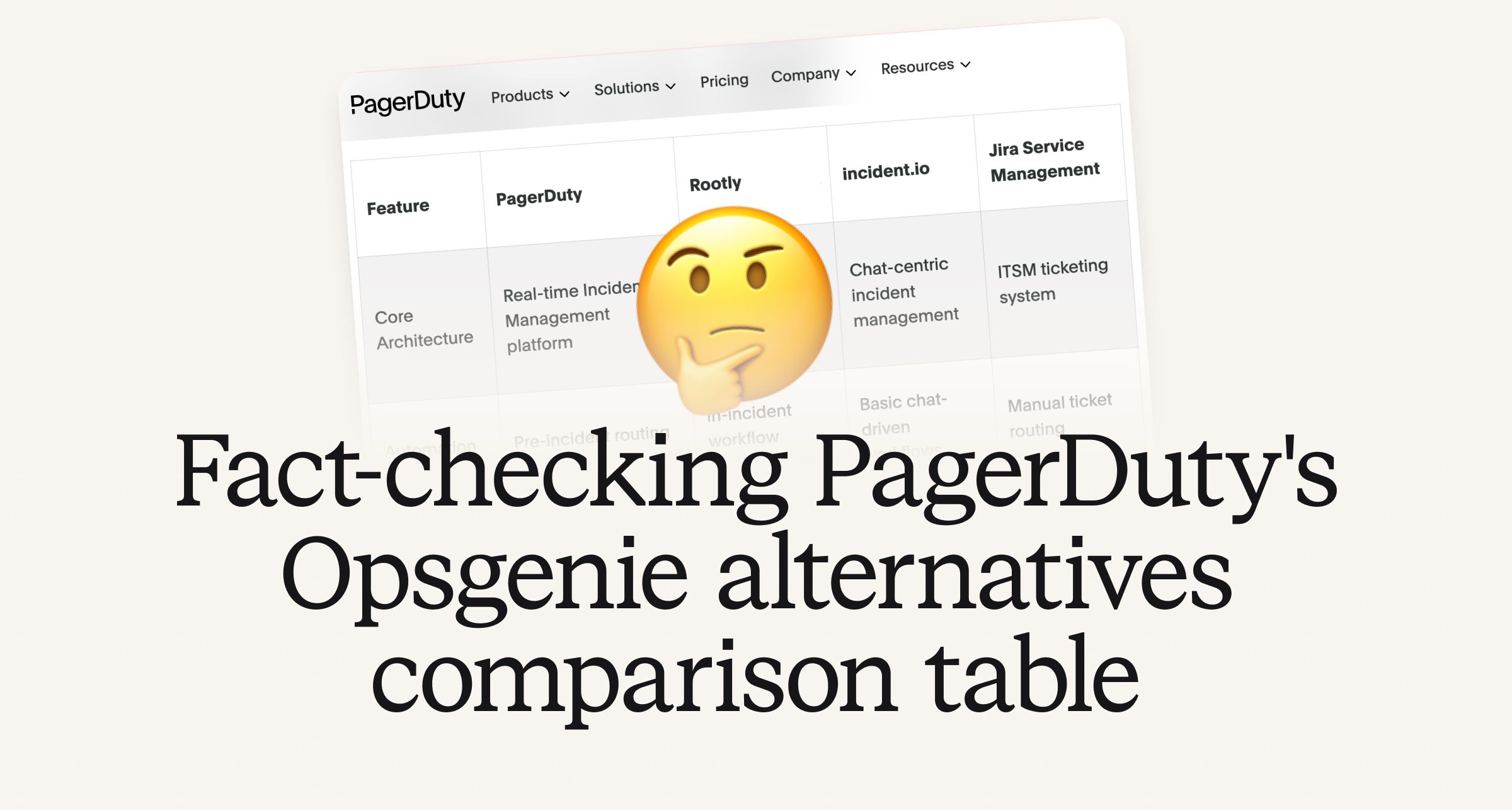
Fact-checking PagerDuty's Opsgenie alternatives comparison table
PagerDuty published a new comparison table about incident.io. Once again, it describes a product we don't recognize. So once again, we're correcting the record, row by row, with receipts.

Your genie is vanishing: introducing the Opsgenie rescue program
Today, we're launching the Opsgenie Rescue Program to make that landing soft: simplified migration and free overlap so you never pay two vendors at once.
So good, you’ll break things on purpose
Ready for modern incident management? Book a call with one of our experts today.
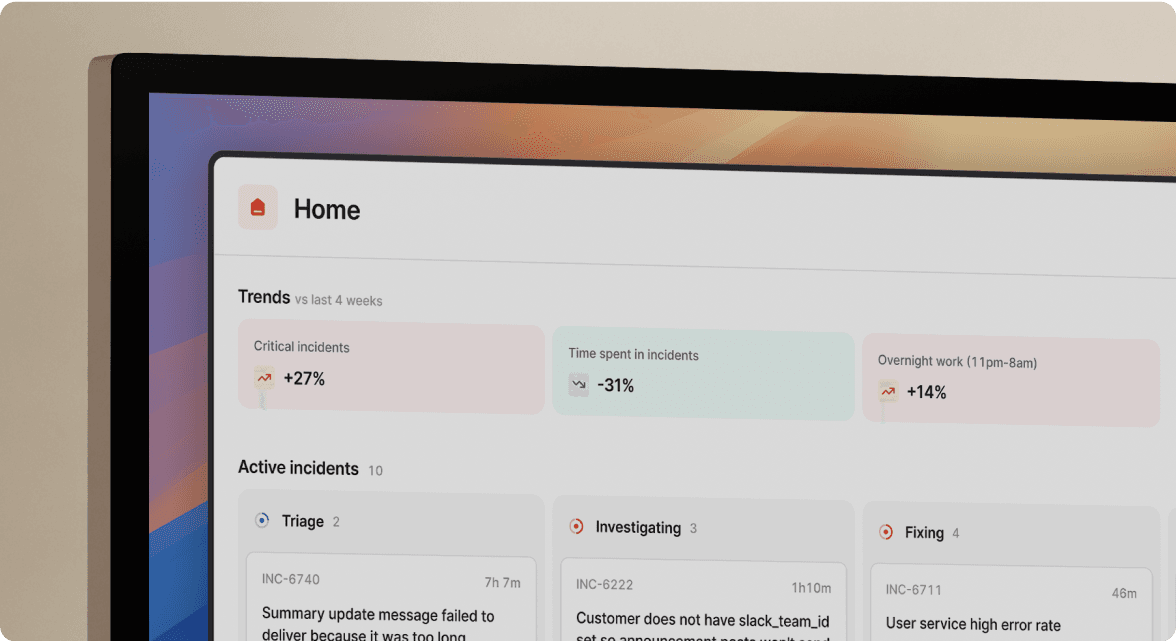
We’d love to talk to you about
- All-in-one incident management
- Our unmatched speed of deployment
- Why we’re loved by users and easily adopted
- How we work for the whole organization