Post-mortems just got a major upgrade
March 17, 2026
In December we launched our new post-mortem editor. Today we're shipping a huge set of updates: AI native features across the entire writing workflow, automated meeting note-taking with Scribe, and a bunch of improvements to how you can manage post-mortems.
Use AI to help you write, edit and redraft your post-mortem
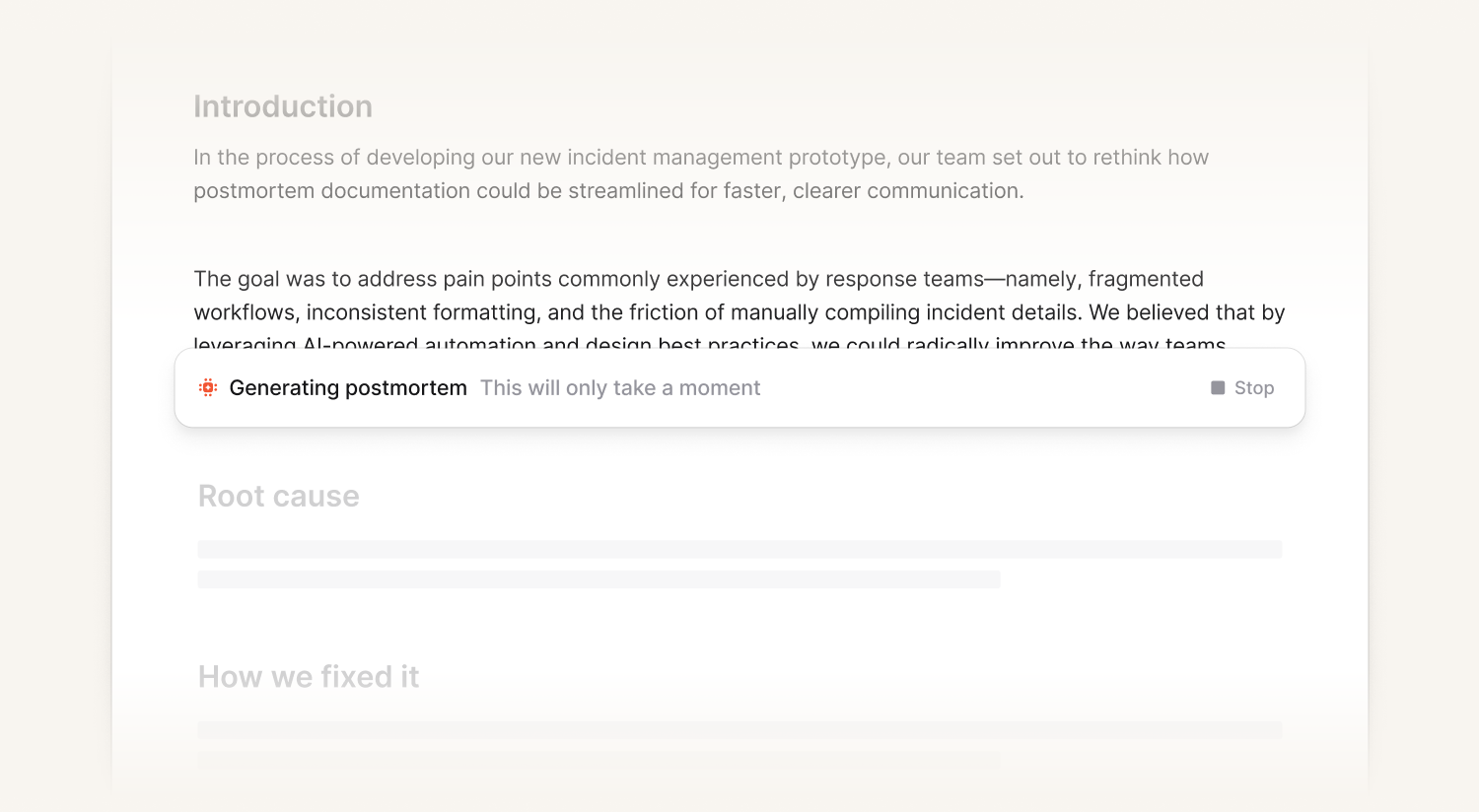
Generate your first draft
You can now generate a full post-mortem document from your incident data in seconds. We pull from your Slack or Teams channels, timeline, pull requests, custom fields, and any AI investigations to put together a first draft for you. It's not a template, it's a real write-up with specific detail from your actual incident.
Rewrite and enrich using real incident data
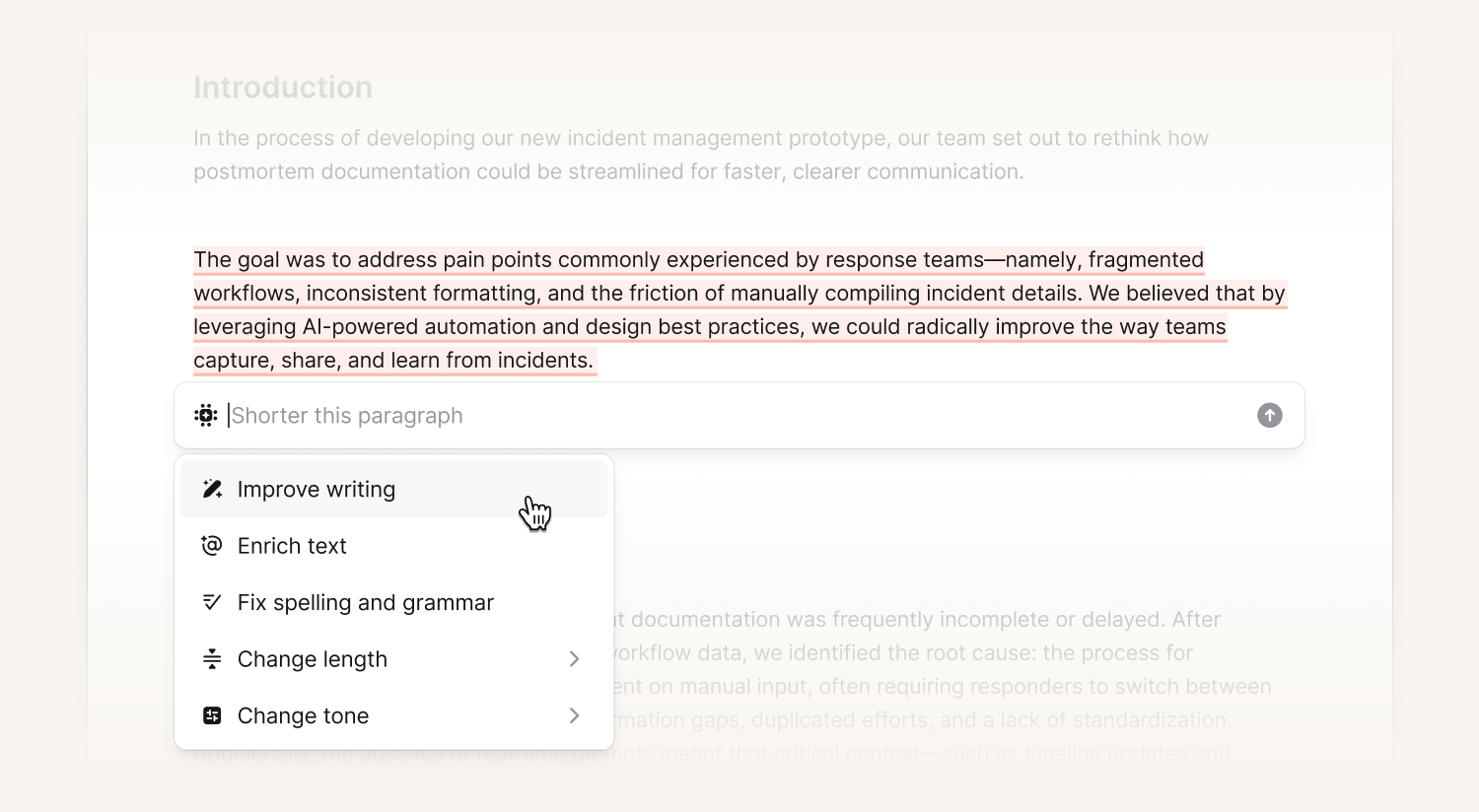
You don't need to redraft the whole document to improve it. Select any section and use AI to rework it. You can tighten the writing, pull in incident context, change the length or structure, or shift tone for a different audience.
Use it to:
- Sharpen the language or make a section more concise
- Pull in incident context that isn't in the document yet
- Change tone for a customer-facing version vs. an internal one
- Enrich with rich text elements like references and timestamps so your facts stay in sync
- Add tables of facts
What makes this powerful is that it knows everything about your incident, not just what's on the page. That means you can ask it to fill in detail from your Slack threads, timeline, PRs, or custom fields, and it'll weave it directly into your writing.
Review for detail, context, and clarity
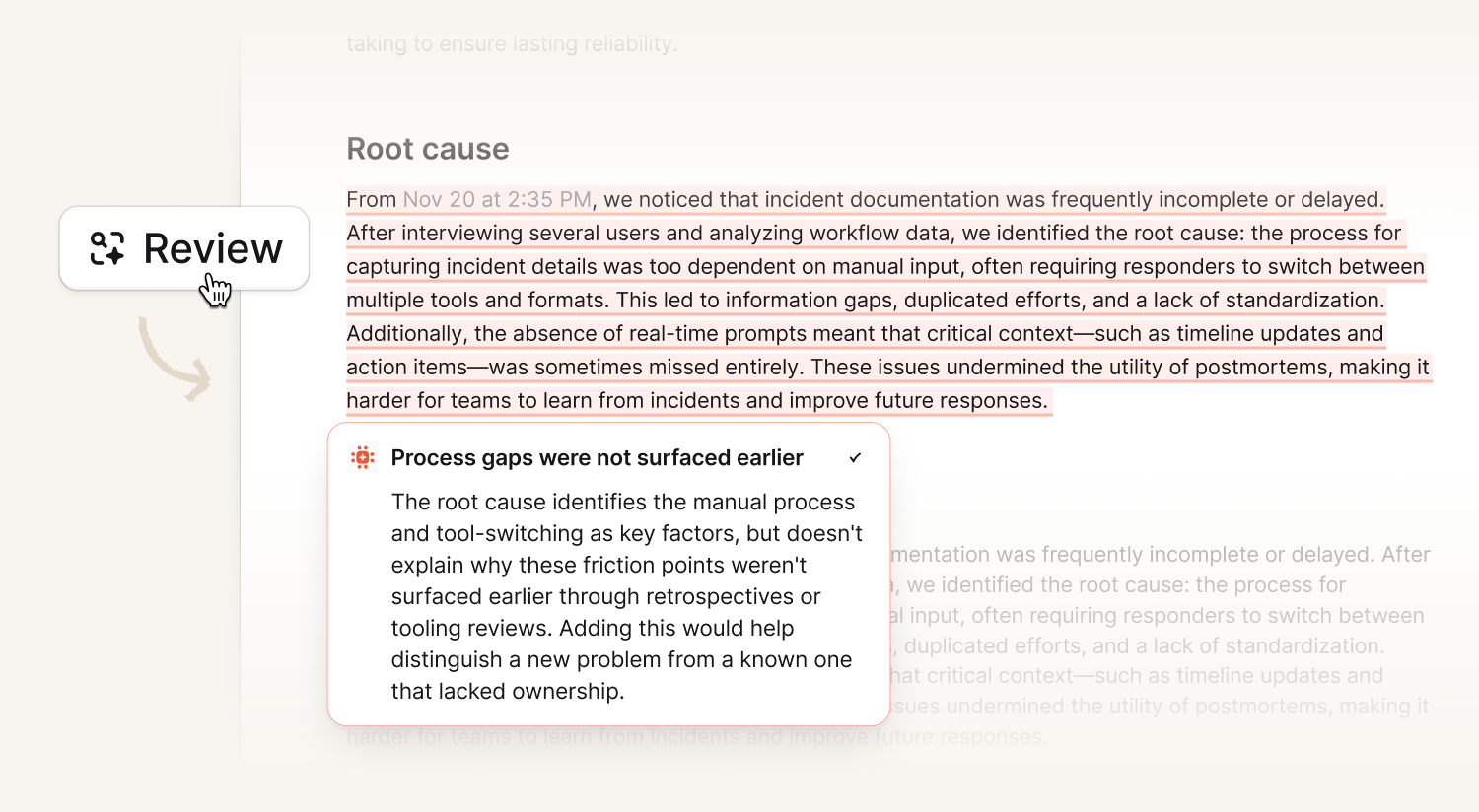
When your draft's in a good place, you can check it against the real incident data. It's like having a post-mortem expert go through your document and leave comments where things are missing or don't match what actually happened. Review comments are only visible to you, dismiss them or act on them, and run it again as many times as you need.
Chat directly with the document
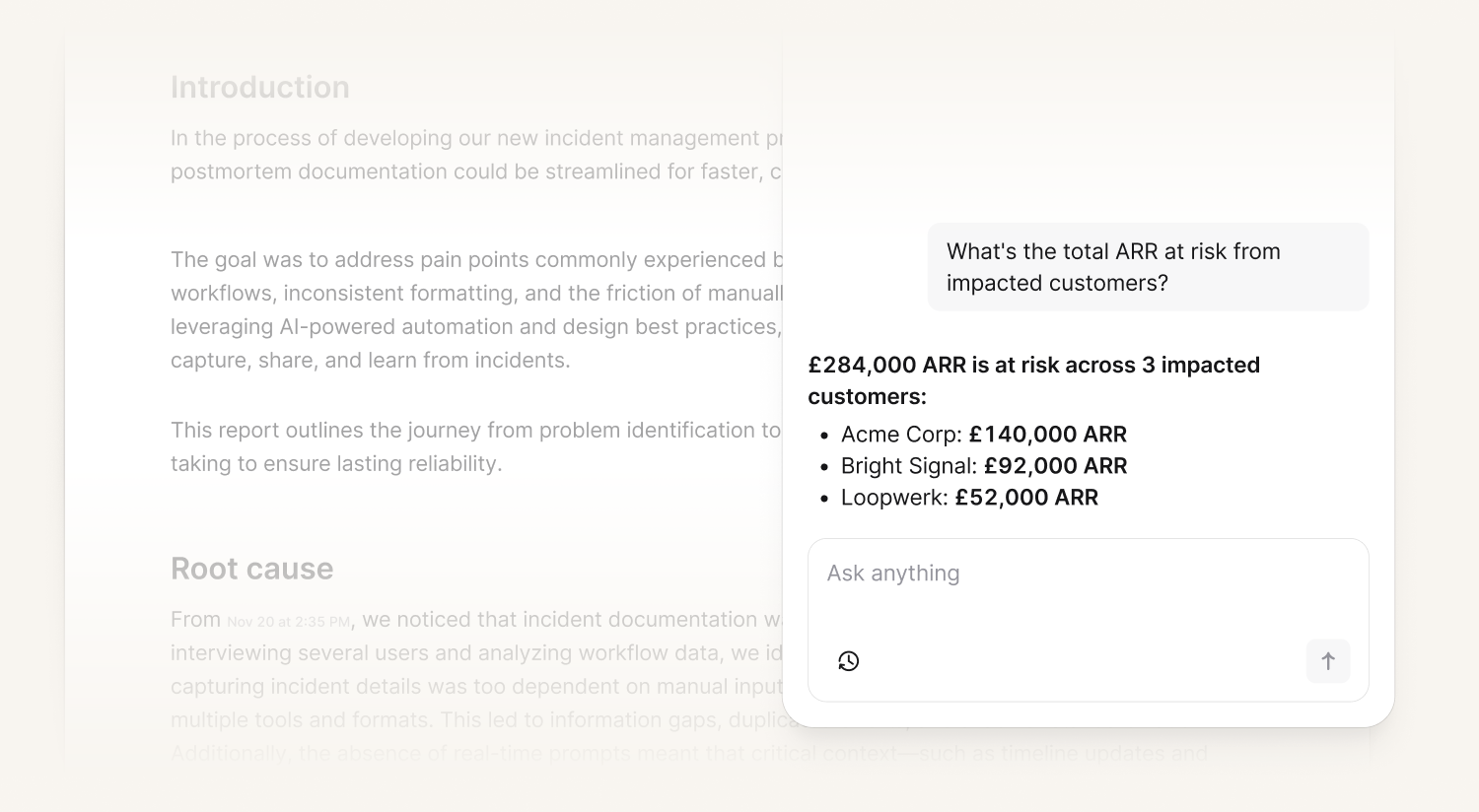
You can now ask questions about your incident without breaking your flow. Open chat from anywhere in the editor and ask us for more details on what happened, when things started, what the customer impact looked like, whatever you need while you're writing
You can also reference parts of your document directly. Ask it to explain something further, check whether a detail is right, or pull up context you haven't included yet.
Meeting Notes with Scribe
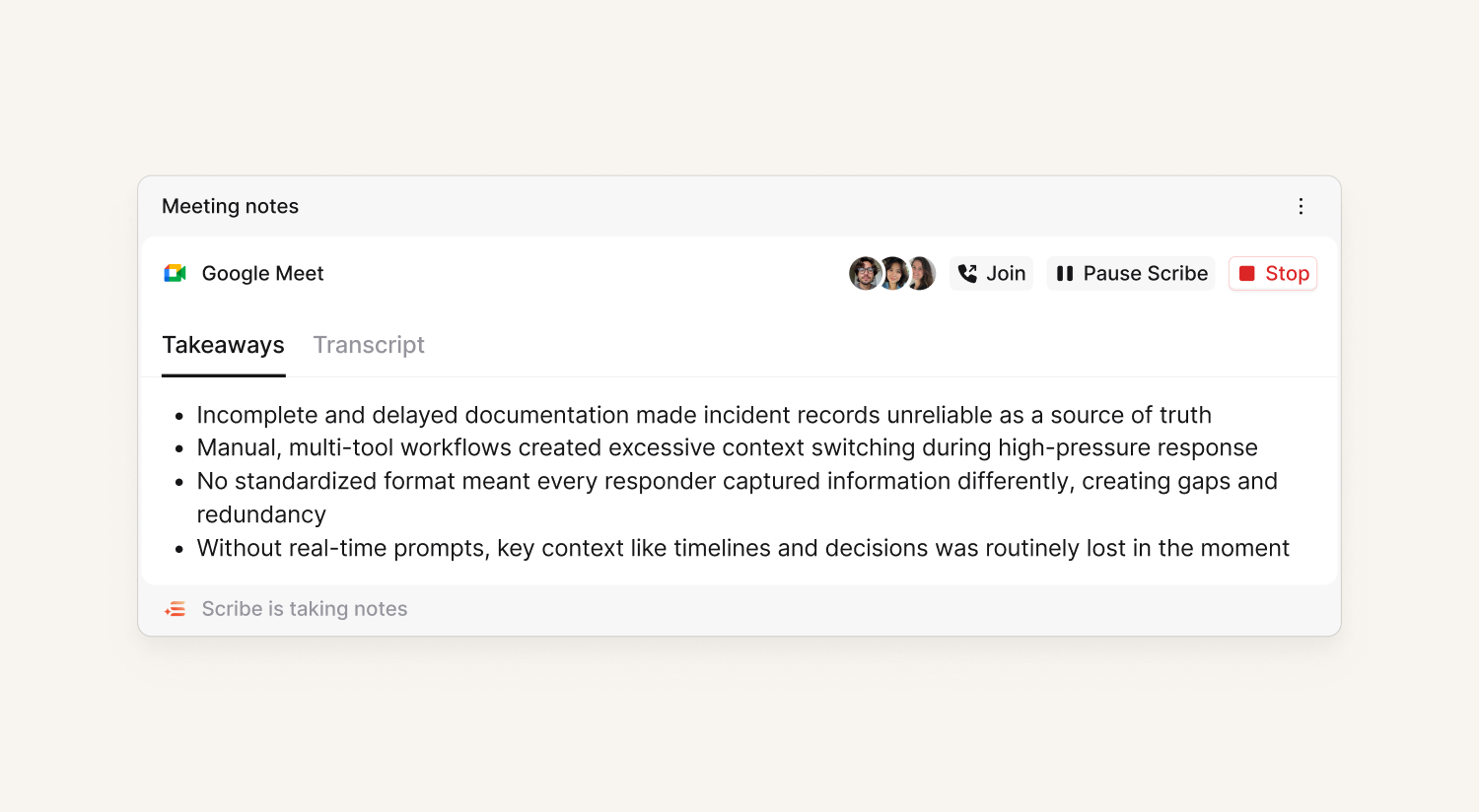
When you’re ready to sit down with your team and talk, Scribe can join and do the note-taking for you. Add it to your post-mortem document, then create a call, connect to one that's already running, or link it to a scheduled debrief.
Scribe transcribes the conversation and pulls the key takeaways directly into your post-mortem, so you can focus on the discussion instead of writing everything down.
Multiple documents per incident
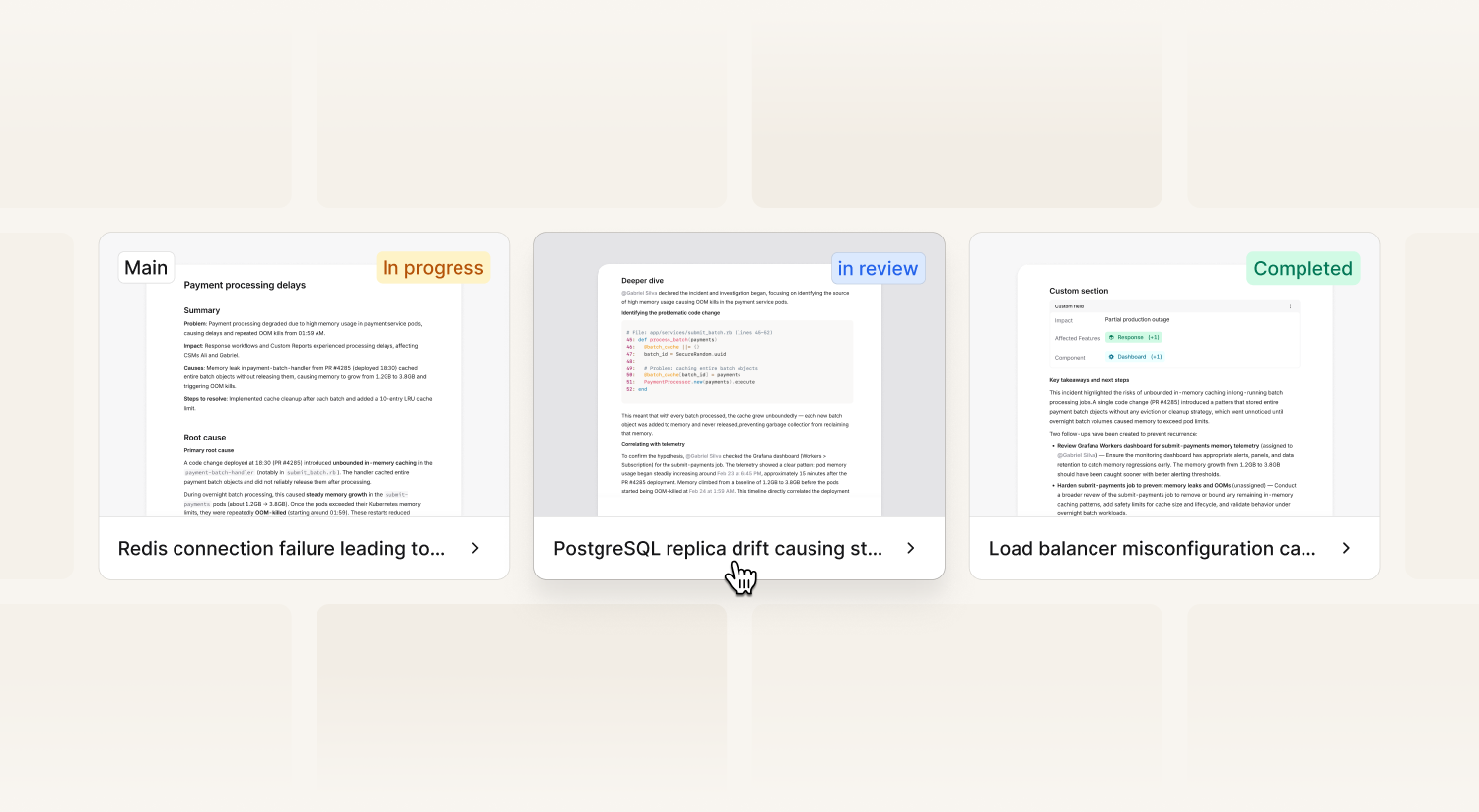
You can now create more than one post-mortem document per incident. Each document has its own title, status, and template, so you can set up different document types for different audiences.
Create an internal engineering post-mortem, a customer-facing RCA, and a non-technical summary for leadership, all tied to the same incident. Define the title and structure on the template, and your team gets the right starting point every time.
And a whole lot more
We've also shipped a bunch of improvements to how you manage and share post-mortems:
- Post-mortem dashboard with filtering document by status, severity, incident lead, and more
- Export to Google Docs, Confluence, Notion, and SharePoint
- Workflows to automatically export documents, for example on completion
- Document API for custom integrations and knowledge bases
- View analytics showing who viewed, who edited, and when
- Version history, recover old versions when needed
All our AI features and multiple documents are only available on Pro and Enterprise plans. Read more in our blog post or check out the getting started guide.
What else we’ve shipped
New
- You can now configure the time period in which the Android app will re-mute after notifying you
- You can now see "escalation acked" entries in your incident timeline
- You can now set merge strategies on alert attributes to control what happens when an alert fires again: keep the original attribute value, replace it with the latest, or collect them into a list.
- You can now view multiple schedules at once in the web dashboard - navigate to On-call -> Schedules and choose "View multiple" at the top right of the page
- Exporting follow-ups and incidents as Asana tickets can now use a single expression for the project, and you can set tags on the ticket
- Debriefs scheduled via Outlook are now displayed on the incident timeline
Improvements
- We no longer post on public Gitlab projects when a merge request is attached to an incident
- When removing a team member, you can also remove any roles they might have at the same time
- Our Android app now warns you if your testing notification sounds with headphones connected, as the sounds will play over your headphones rather than your device's speaker
- We now detect if you have a Pixel Watch app installed when configuring you notifications, as there's a setting in the Pixel Watch app which can suppress all notifications for your device
Bug fixes
- Timestamps in Microsoft Teams incident announcement posts are now correctly formatted
- People with the "manage alert sources" permission within a team can now see the secret token for alert sources owned by that team
- We've improved the error messaging you get when trying to add a notification rule where you already have an existing identical rule
- Fixed a bug where you couldn't select both dates for the "is between" filter when viewing requests on alert sources
- Fixed a bug where we were duplicating alert attribute options in filter dropdown menus
- You can now use the "Escalate via incident.io” step in workflows when there's no incident in scope
- We fixed an issue where you could not delete values in multi-value filters in some alert route filters
So good, you’ll break things on purpose
Ready for modern incident management? Book a call with one of our experts today.

We’d love to talk to you about
- All-in-one incident management
- Our unmatched speed of deployment
- Why we’re loved by users and easily adopted
- How we work for the whole organization



