Track alerts over time with alert history
November 24, 2026
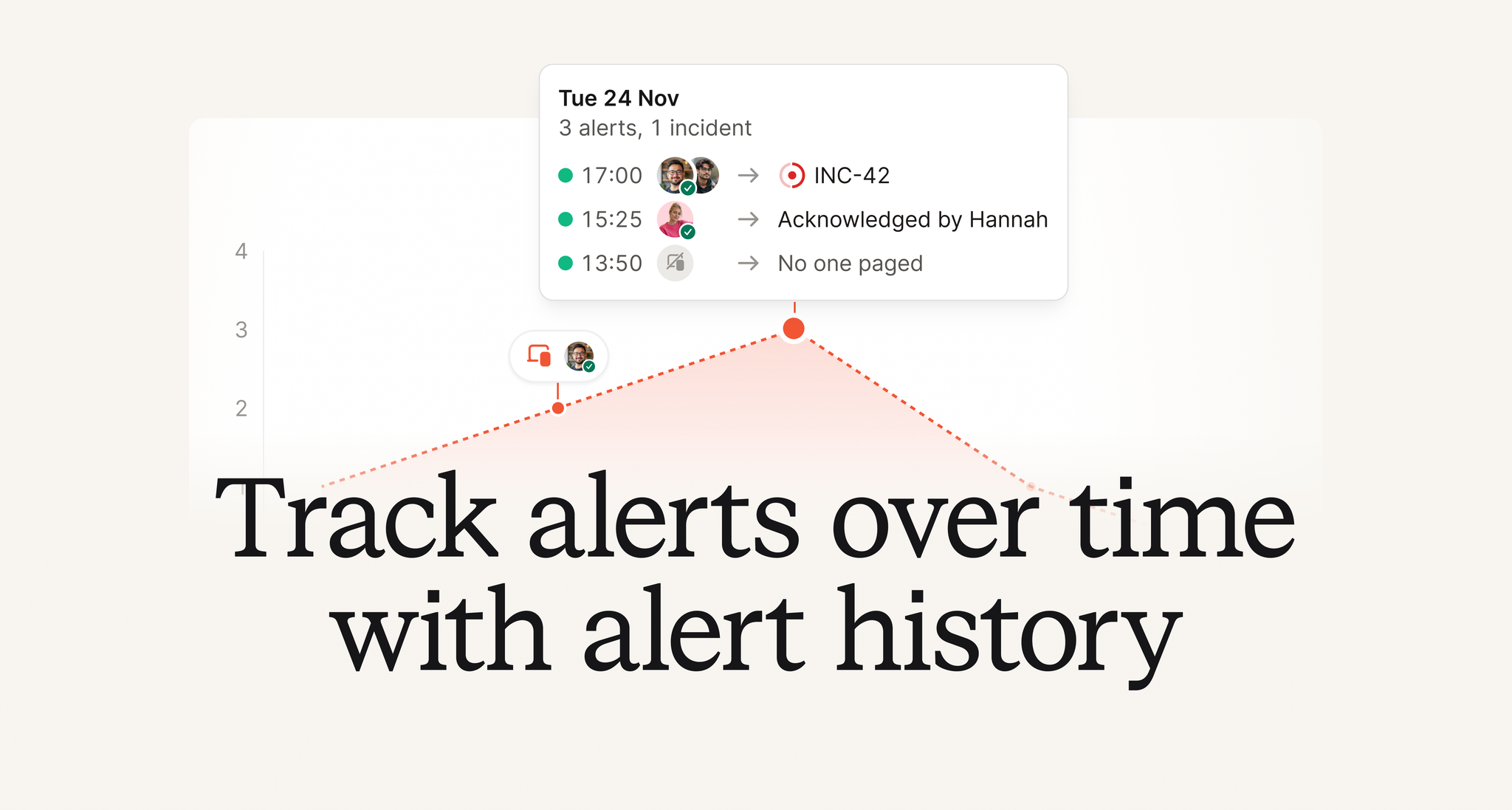
We’ve added a history view to the alert details page, bringing together everything we know about an alert’s previous activity: when it last fired, who was paged, and which incidents were created.
This makes it easy to spot useful context at a glance. For example, whether someone on your team investigated the same alert earlier this week.
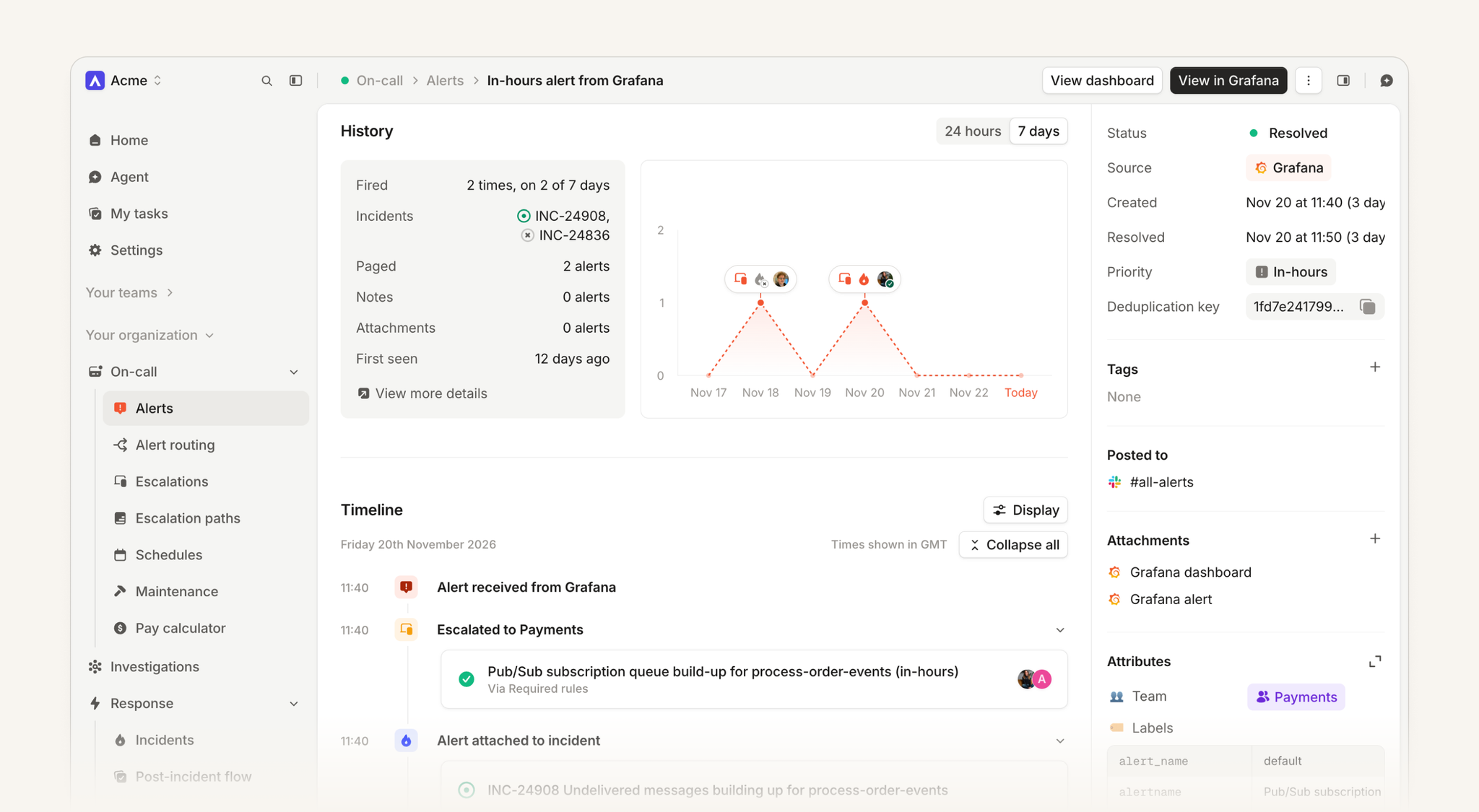
We’ve also improved how we identify when an alert is recurring. Previously, the graphs on this page showed time spent on incidents created by alerts with the same title as the one you were viewing. Because titles can vary or be reused, this approach sometimes overcounted or undercounted incidents.
We now identify recurring alerts by their IDs, usually derived from the deduplication_key sent in alert payloads. For some sources, such as Google Cloud Platform alerts, we build a stable ID from the configured alert and its conditions, since each firing has a unique incident_id.
You can also click through to explore an alert’s history in more detail, including notes your team added to recent occurrences and whether the alert has often been marked as noise.
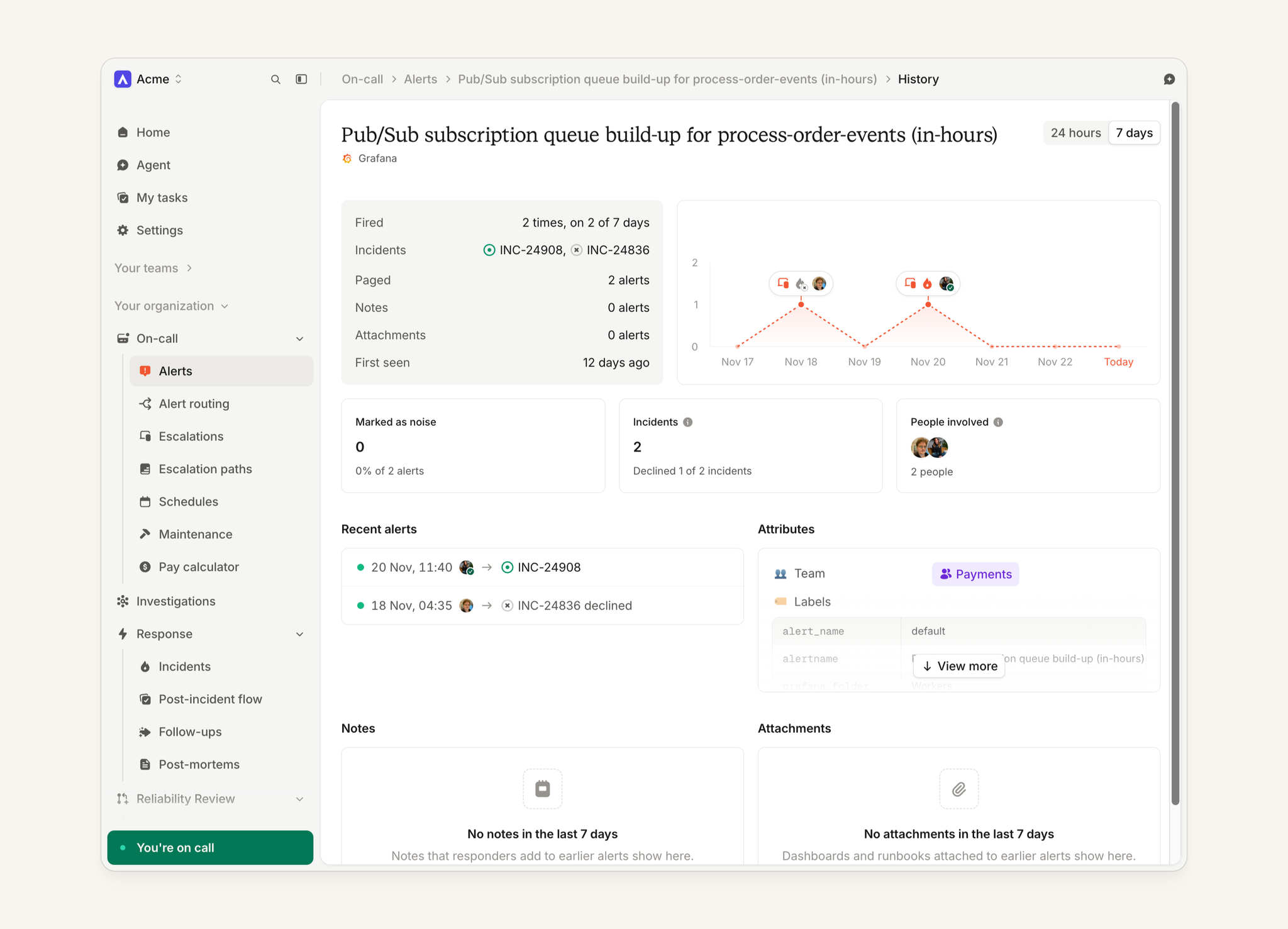
Enhance alert titles with AI
Alongside the new history view, we’ve added an option to improve alert titles with AI. When enabled, it analyzes incoming alerts with identical titles to identify notable details in their payloads. For future alerts with those titles, it uses those details and an AI-generated template to rename them—so alerts keep a consistent format instead of receiving a new AI-generated title each time.
This can be configured in your alert sources.
AI alert grouping is now generally available
AI alert grouping is now out of beta. It groups related alerts within a team, and you can turn it on at the alert route level or for individual teams using team grouping preferences.
You can also now give instructions on how to group your alerts, for example "Keep alerts from different regions apart, even when they look the same." This is in private beta, so if you'd like to try it, get in touch with your account team. There's more on it in the docs.
Investigations
A new tone for investigation updates
We've made investigation updates more human, easier to read and more engaging.
These messages now focus on the findings that matter most to responders, and lead with why a finding matters and what to do about it. The detail is still in the thread, and responders can ask the agent to expand on anything. They hold off on follow-ups until it's clear what's wrong, and are less likely to repeat things that have already been said.
They're more of a conversation too. They'll ask responders for information the investigation doesn't have, and offer to look into next steps. When someone raises an idea in the channel, they'll back it up or challenge it if they have the evidence. And when a question they asked earlier gets answered, by a responder or by the investigation, they'll say so.
We've also removed the mute button in Slack, so messages no longer wrap into a narrow wall of text. Responders can still mute them by asking @incident.
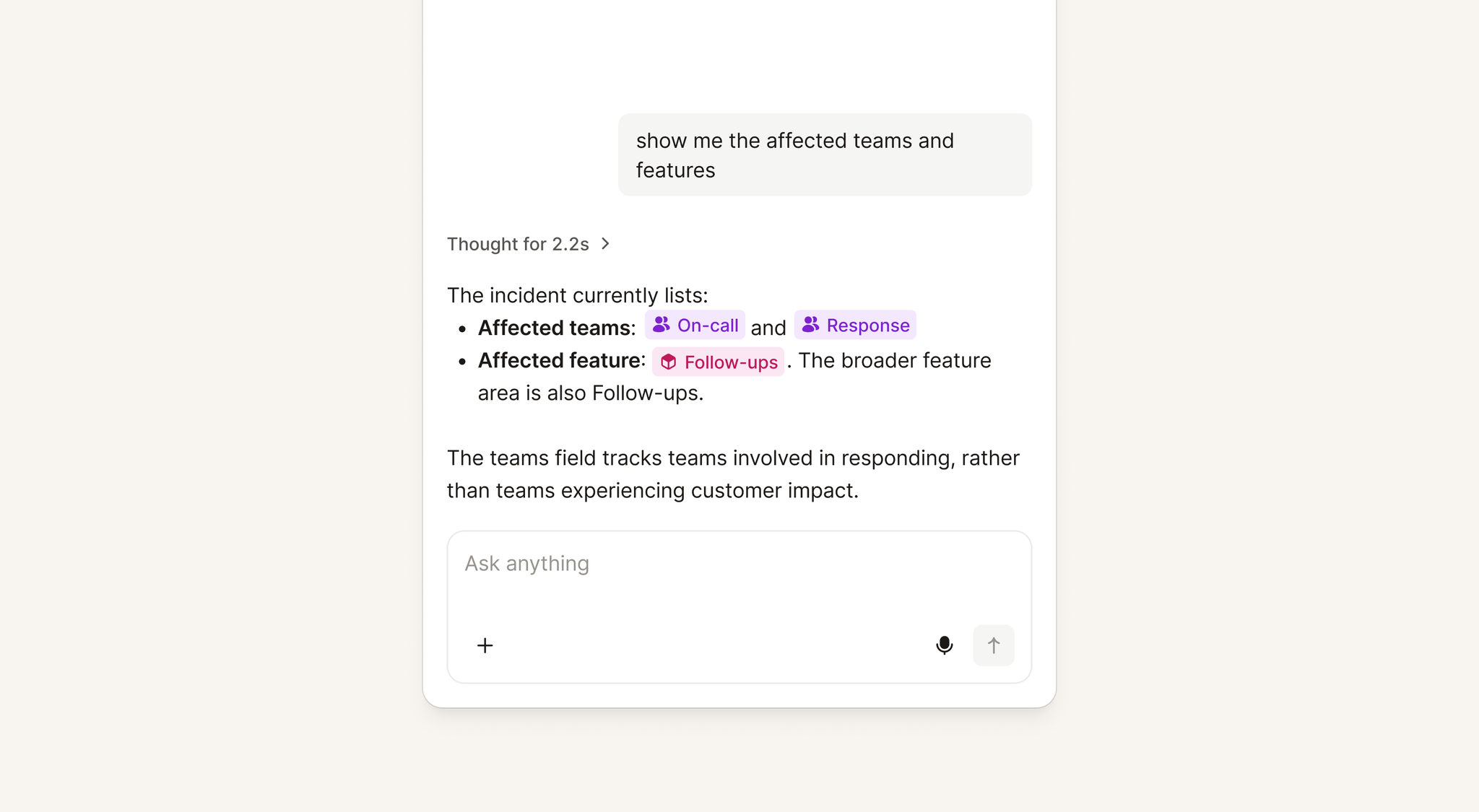
The agent can read and write rich text
Love the richness of mentions when writing incident updates or summaries, but would rather your agent did the typing? Now it can.
Ask the agent from the surface you're already working in: the dashboard, Slack, MCP or the mobile app.
Connect Devin as a code agent
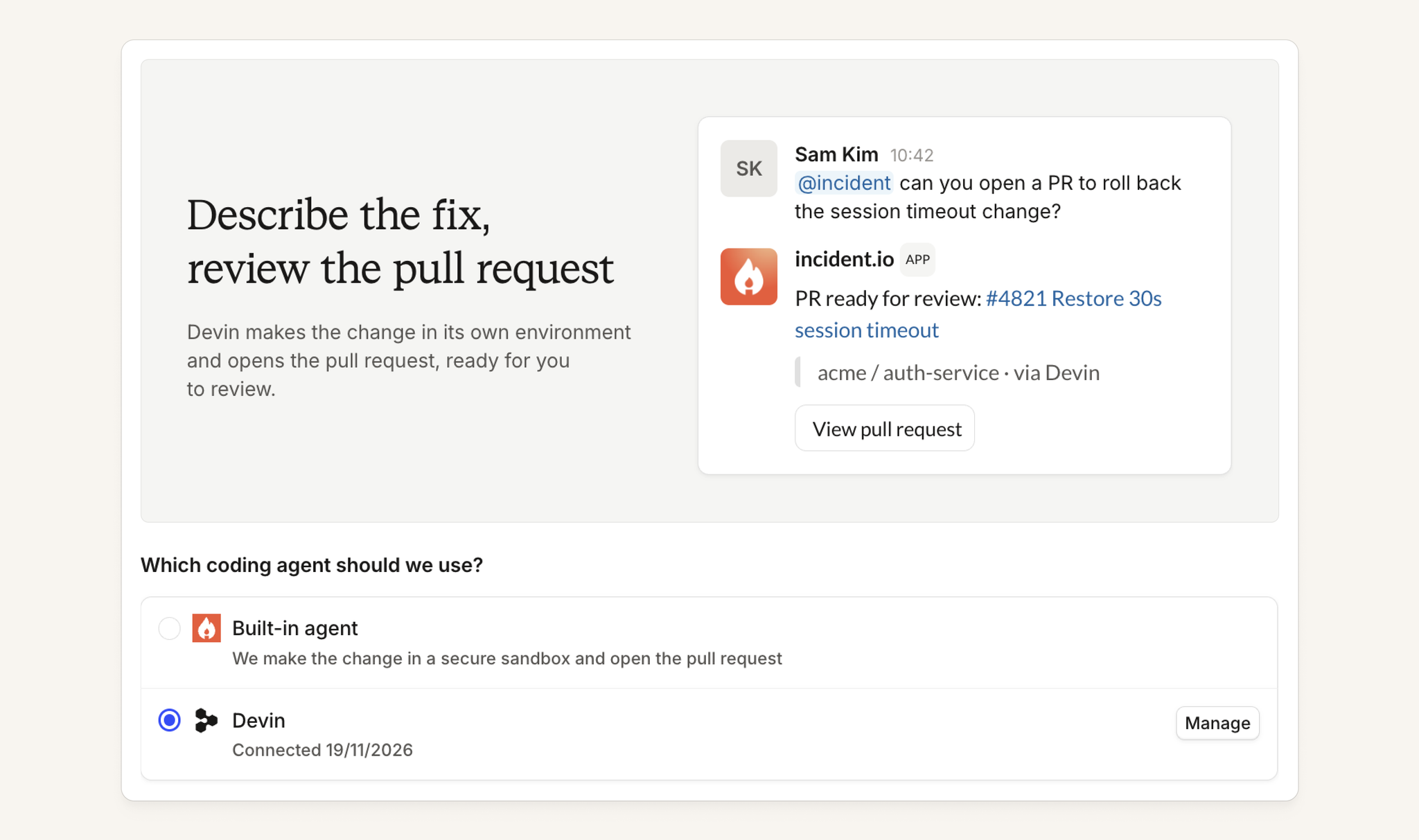
If you use Investigations, you can now connect Devin as a code agent. When you ask @incident for a code fix, we'll spin up a Devin session with all the context it needs to get fixing.
We also support Cursor, GitLab Duo and custom agents.
The agent can run manual workflows in incidents
If you already use manual workflows that, for example, make calls to external systems or page certain teams, the agent can now run them too.
Ask @incident for code changes outside incidents
You can now tag @incident anywhere in Slack, just like tagging Claude or Cursor, and we'll make a PR for you using either our built-in agent or your configured coding agent.
Platform
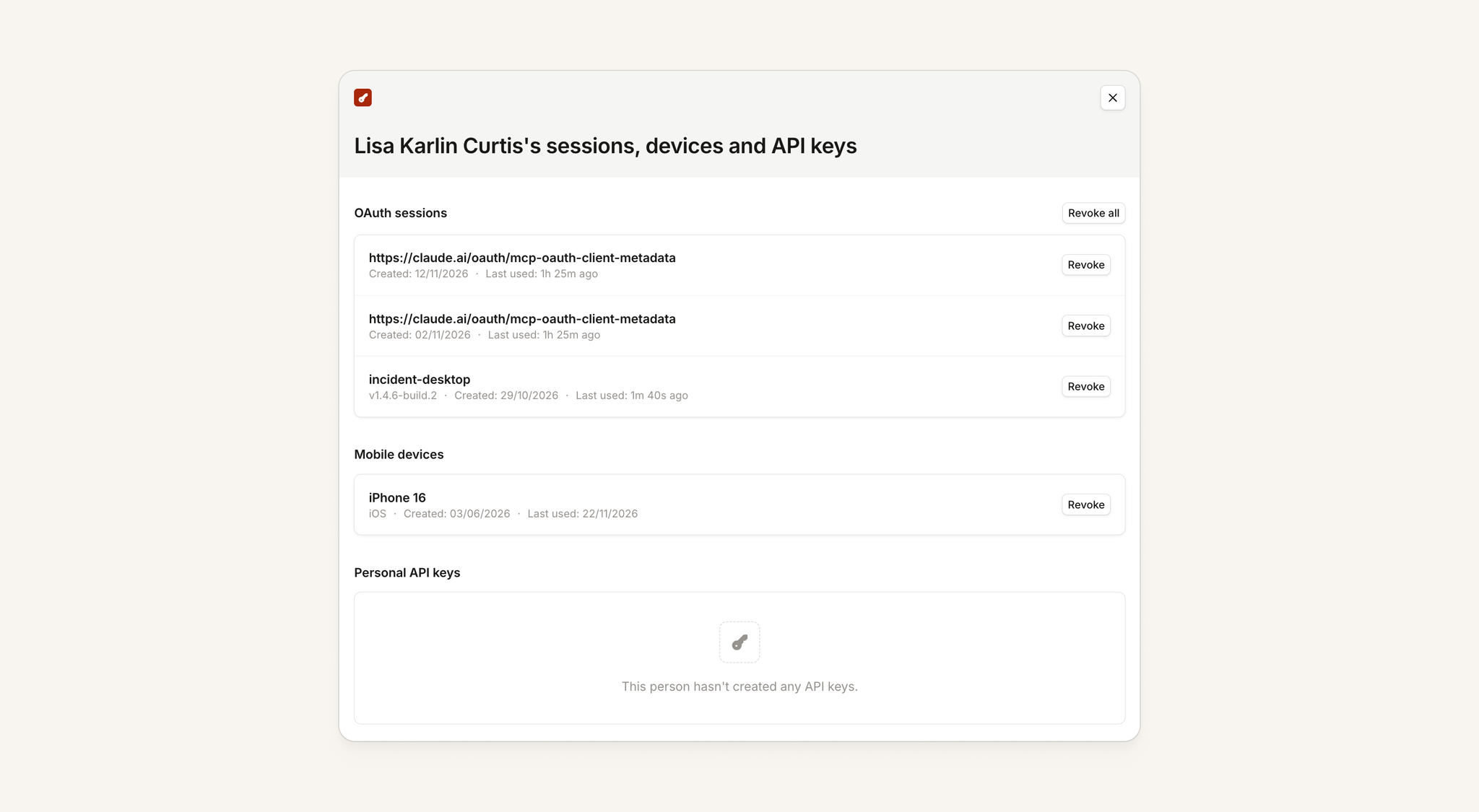
Revoke a user's sessions and API keys
There's a new API endpoint to revoke a user's active sessions. It's useful if:
- A user has had a device stolen and you want to invalidate any credentials that might be on it
- You want to urgently deactivate a user without waiting for your SCIM provider, which can take an hour or more
The endpoint doesn't revoke personal API keys, in line with similar endpoints from other software providers. See the API docs.
Admins can also now see and revoke a user's active OAuth sessions, public API keys and mobile device access in the dashboard, from the Users list. That's useful if you suspect a compromised device and want to revoke access quickly.
API keys now support an expiry
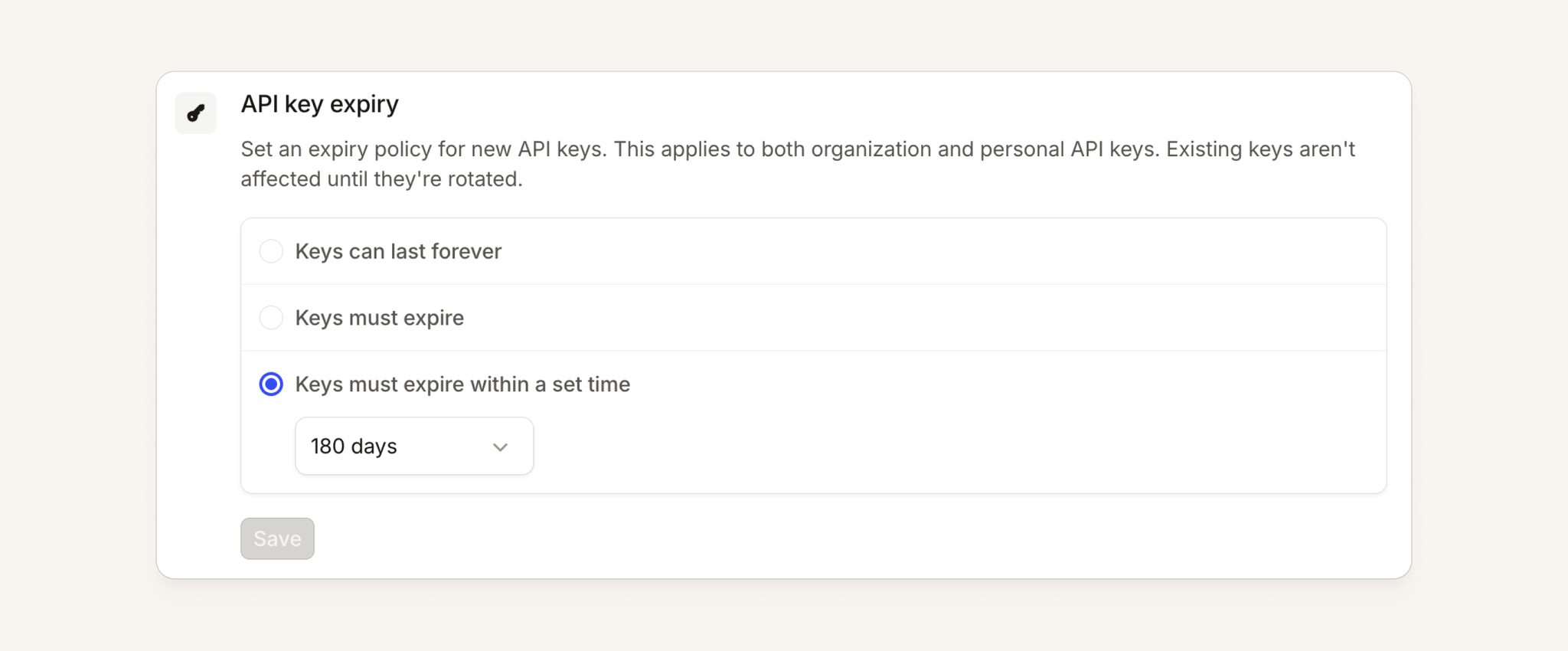
- You can now set an expiry date on an API key when you create it
- You can also set a policy across your organization that requires every API key to have an expiry, and a maximum expiry length
This applies to both org-wide and personal keys.
What else we've shipped
Improvements
- On-callIncidents created from alerts follow your summary guidance
- ResponseYou can now choose whether comments added to a linked incident ticket, such as a Jira ticket, are posted to your incident channel, using a new setting on incident ticket templates.
- ResponseThe Glossary settings page now explains that Scribe uses the terms at the top of your glossary as spelling hints when it transcribes calls, so you can put the terms it gets wrong most often first.
- The agent now gives clear answers when you ask how to turn off triage, whether shift notifications can be limited to one schedule, and what happens to alerts when you delete an alert source.
Bug fixes
- On-callFixed an issue where verifying a Yemen (+967) phone number by SMS failed with a generic error, so you can now verify numbers in countries that need an alphanumeric sender.
- On-callFixed an issue where tapping a notification to open an escalation in the iOS app after it had been closed could leave you without a Back button.
- On-callFixed an issue where calendar feeds that regenerate event IDs on every sync, like Factorial HR, caused repeated hourly vacation conflict notifications for the same time off.
- On-callFixed an issue where adding a holiday calendar feed from a slow provider showed a misleading "couldn't reach this URL" error, so you can now tell when a calendar simply took too long to respond.
- ResponseFixed an issue where On-call notification data in Insights could occasionally go stale after a phone number was archived.
- ResponseFixed an issue where incident updates weren't syncing to Jira, including severity and custom fields, when your incident ticket template mapped a Jira project picker field.
So good, you’ll break things on purpose
Ready for modern incident management? Book a call with one of our experts today.
We’d love to talk to you about
- All-in-one incident management
- Our unmatched speed of deployment
- Why we’re loved by users and easily adopted
- How we work for the whole organization