Team hierarchy
April 21, 2026
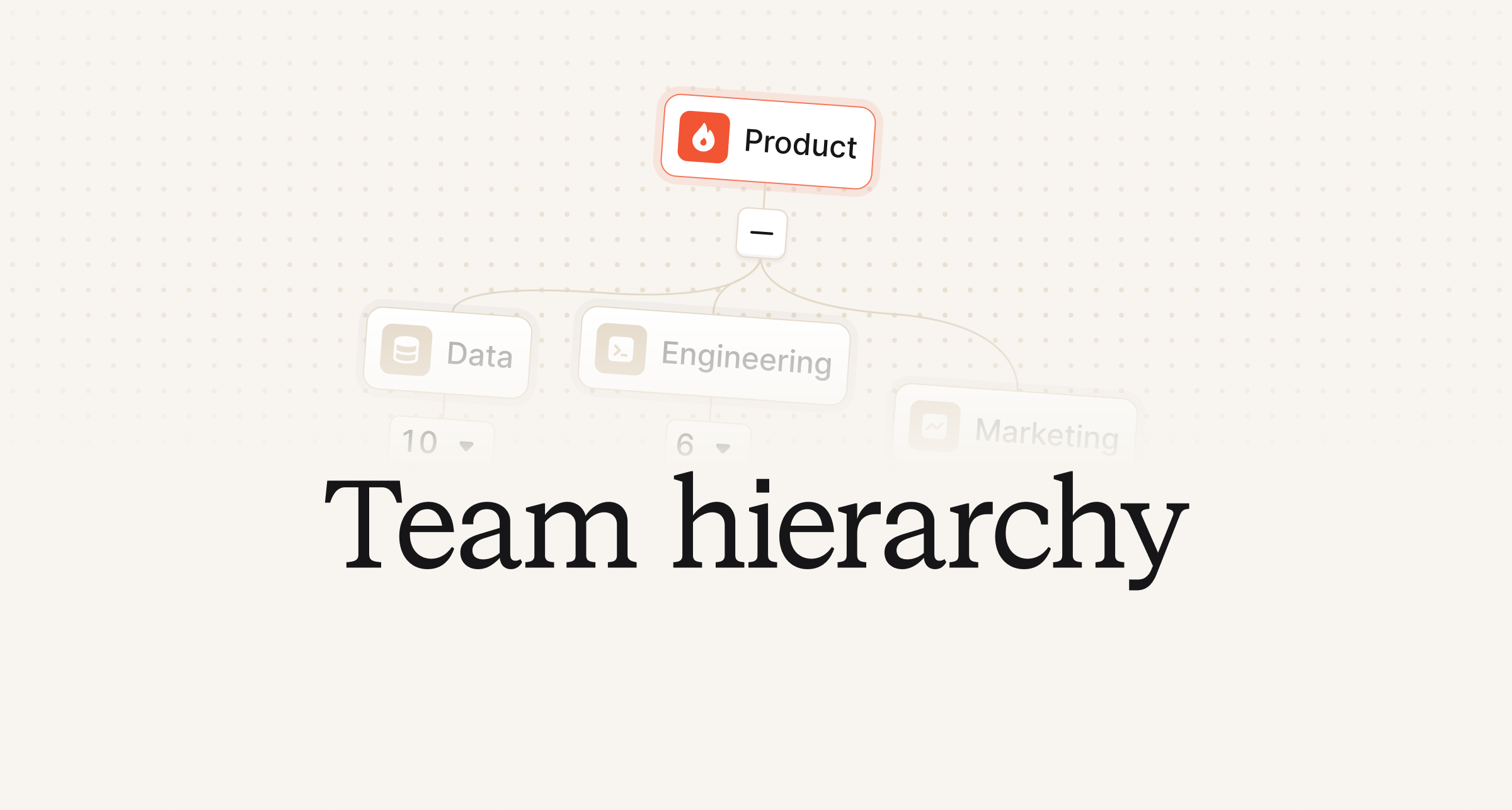
Last year we launched a new and improved teams experience, which provided a nice view of what was going on within individual teams. This included being able to see the team’s active incidents, active on-call users, outstanding cover requests and more.
Now, organizations can specify the relationships of teams and organize them hierarchically with parent teams and sub-teams. This means that the teams experience has been upgraded to be "hierarchy-aware," where the parent team pages will show content that includes sub-team content, such as incidents, schedules, members, and more. So, you no longer need to go to each individual team page if you would like to see how a group of (sub-)teams are doing - now it’s all in one place for easy viewing.
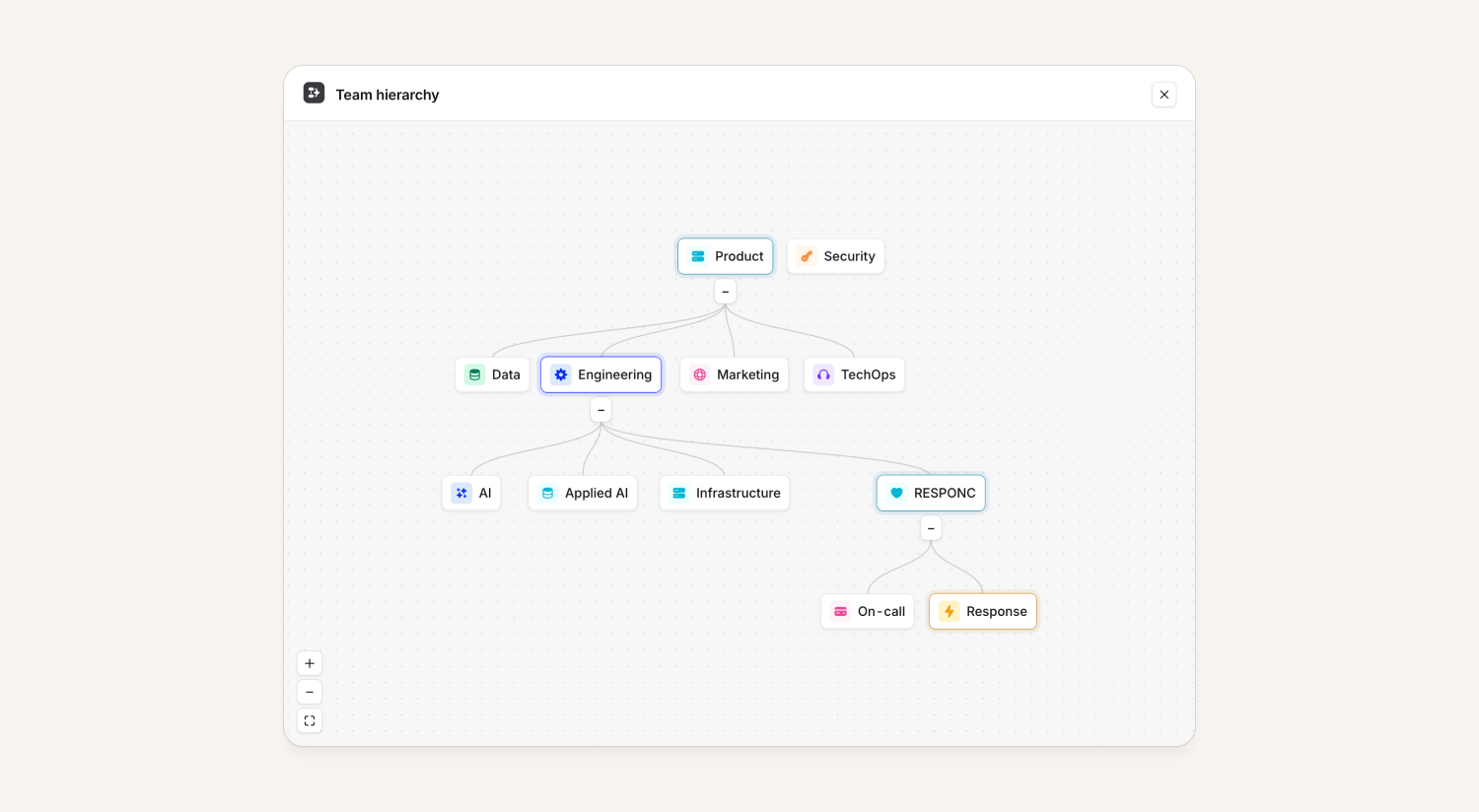
As a bonus, team roles are now inherited automatically, if you are a member of a parent team, any team roles also count for sub-teams.
You can set up your team hierarchy by heading over to Settings → Teams and leveraging our help docs here.
Automatic choice of Slack workspace on Enterprise Grid
Previously, when you were using Slack Enterprise Grid and had multiple Slack workspaces linked to your incident.io account, we’d ask you to choose the Slack workspace to use every time you create an incident. Now, we've released a feature which will allow you to automatically decide which workspaces to use! This can be something like:
- Always put incident channels in a single, fixed workspace
- Put incident channels in all connected workspaces
- Determine which workspaces to use based on some detail of the incident
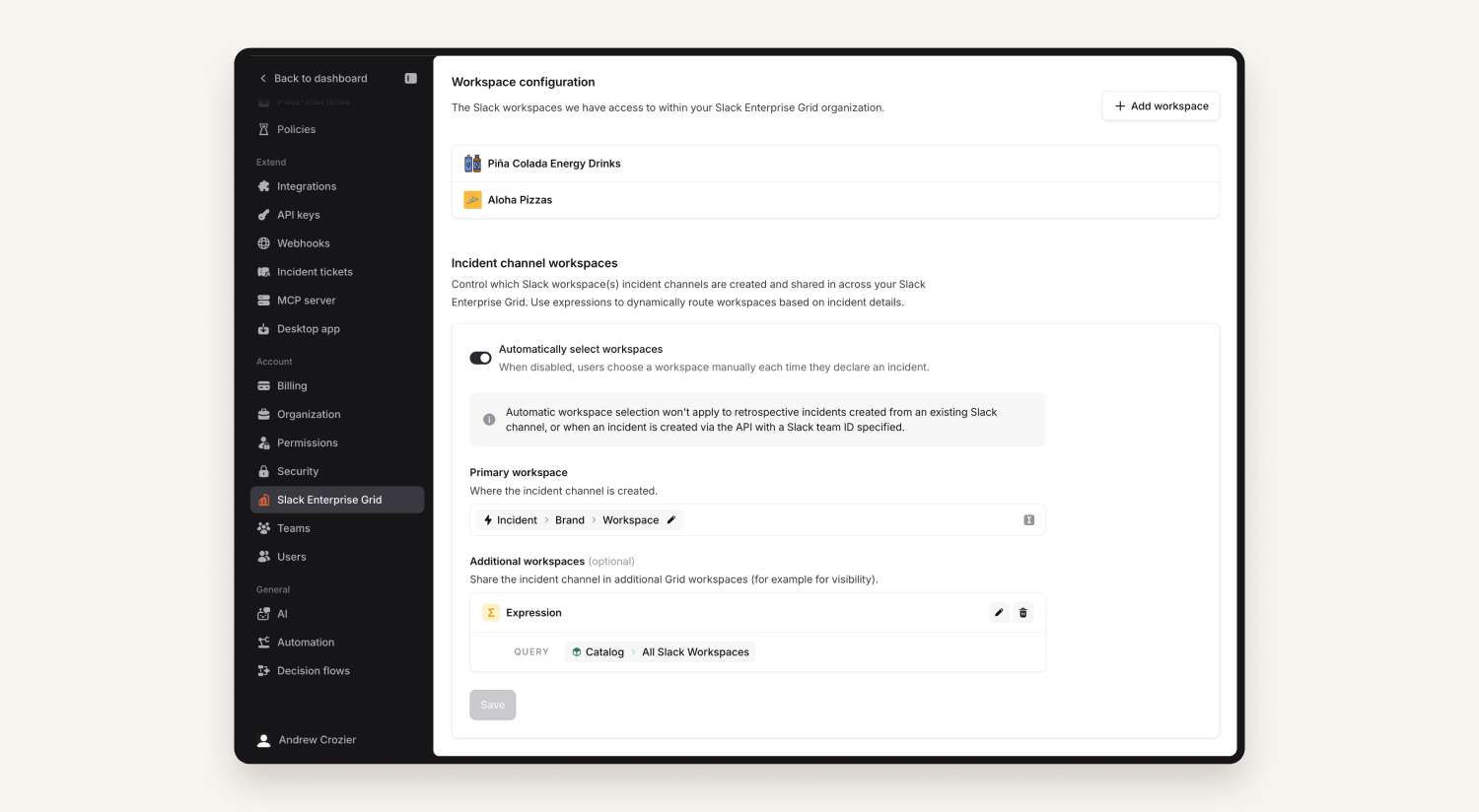
This is powered by Catalog, so organizations can model the relationship between, for example, teams and Slack workspaces, and then have the workspaces be determined from the incident's affected teams. We even update the workspaces the channel is in if the incident data changes!
Sign in to the mobile app with a QR code
Customers can now generate a QR code in the dashboard that logs them in to the mobile app automatically. This means you can sign in to our app without being signed in to Slack or Microsoft Teams. The link appears for all customers who have On-call enabled, either when you click your own name in the bottom-left, or searching for "mobile" in the cmd+k menu.
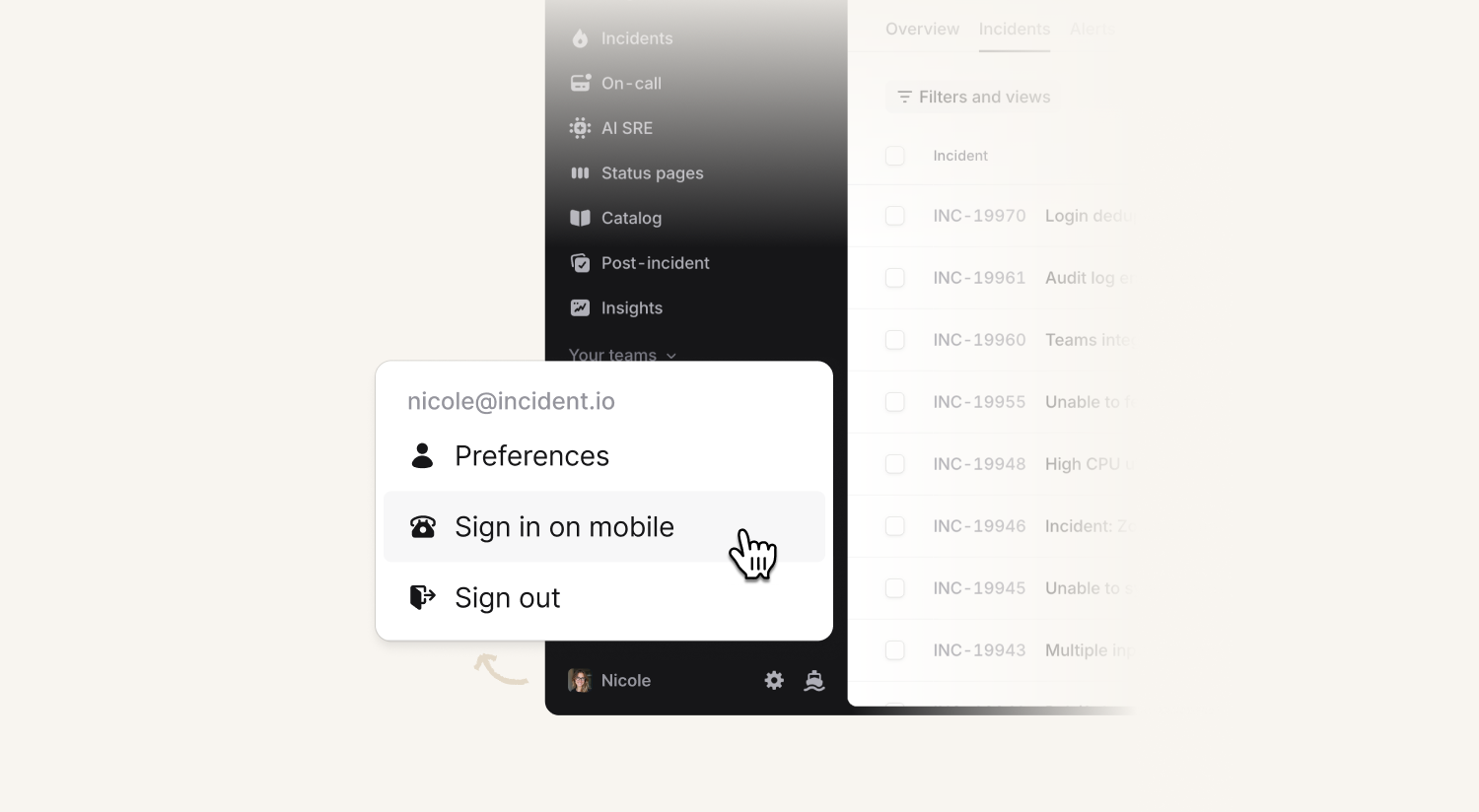
Don’t worry - for customers who have SAML enabled, the QR code sends you into your SAML provider to sign in, rather than signing you in directly.
We show a warning before generating a sign in code, telling you to be careful of 'shoulder-surfing'. Once the code has been scanned, we'll tell you the device type (e.g. Pixel 9a) and approximate location, so if it's not you, you can quickly disable the key from your preferences.
If for whatever reason you don’t want to leverage this functionality, you can disable it in Settings → Security.
Login flow with email one-time password
Customers can now leverage sign-in with email, which can be enabled in Settings → Security. This will allow users to log in by entering in their email address and verifying it’s them by entering a generated one-time password sent via email. This new login method will only work for emails attached to existing users of incident.io.
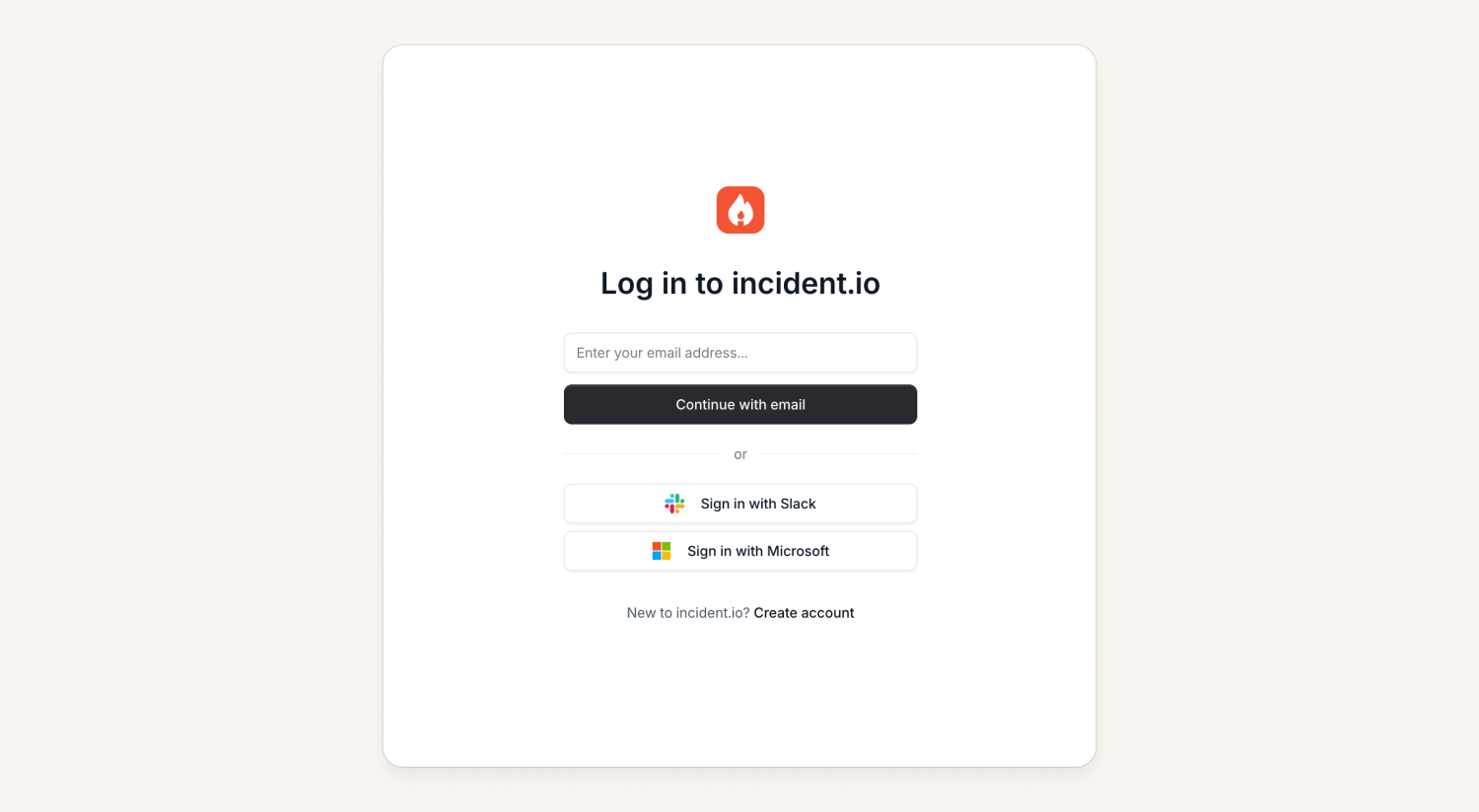
We've also improved the login page to no longer require you to remember your organization's slug when trying to login in via SAML. Simply verify your email with the code sent to you and we'll show you all the possible organizations you can log into. As another bit of delight, we'll also remember which organizations you've logged into previously to make it easier to log back in once your session expires.
This feature will not bypass SAML if that is required by your organization. Additionally, using this is not yet available on the mobile app (it’s coming soon!).
What else we’ve shipped
New
- Organizations can redact incident data for employees using the mobile app on personal devices (details here)
Improvements
- Improved SMS deliverability rates in South Africa
Bug fixes
- Fixed an issue that prevented workflows inviting large numbers of users into a group chat in Microsoft Teams
- Fixed an issue preventing custom Insights dashboards from rendering if they had fixed date ranges
- Fixed an issue where Insights date pickers would show incorrect date for east-of-UTC users
- Fixed an issue with rendering affected components on status pages on very long running incidents
- Fixed an issue with filtering the post-mortems list on the post-incident page when you have multiple documents for an incident
- Fixed a link from the dashboard to a incident write-up on customer status pages
- Fixed a misleading visual bug when selecting all/none when editing permissions, when you only have ability to edit a subset
- Fixed a bug where we were showing incorrect policy violations for incidents with multiple post-mortem documents
- Fixed an issue where we were email about 'broken' webhook configurations when they had been intentionally disabled
- Fixed an issue where we were incorrectly handling "fixVersions" with our Jira integration templates
- Fixed a bug where we were blocking some custom fields from deletion due to stale dependencies on alert routes
- Fixed an issue where path-mode attributes weren't being shown for catalog entries
So good, you’ll break things on purpose
Ready for modern incident management? Book a call with one of our experts today.

We’d love to talk to you about
- All-in-one incident management
- Our unmatched speed of deployment
- Why we’re loved by users and easily adopted
- How we work for the whole organization



