Team permissions for escalation paths and schedules
December 9, 2025
We know for large organizations it’s important to be able to delegate control over their on-call setups to individual teams without needing to give broad permissions to everyone. So, we’ve built out team-based permissions to give this additional flexibility and security!
Now, you can ensure that teams can only make adjustments to their own team’s schedules and escalation paths.
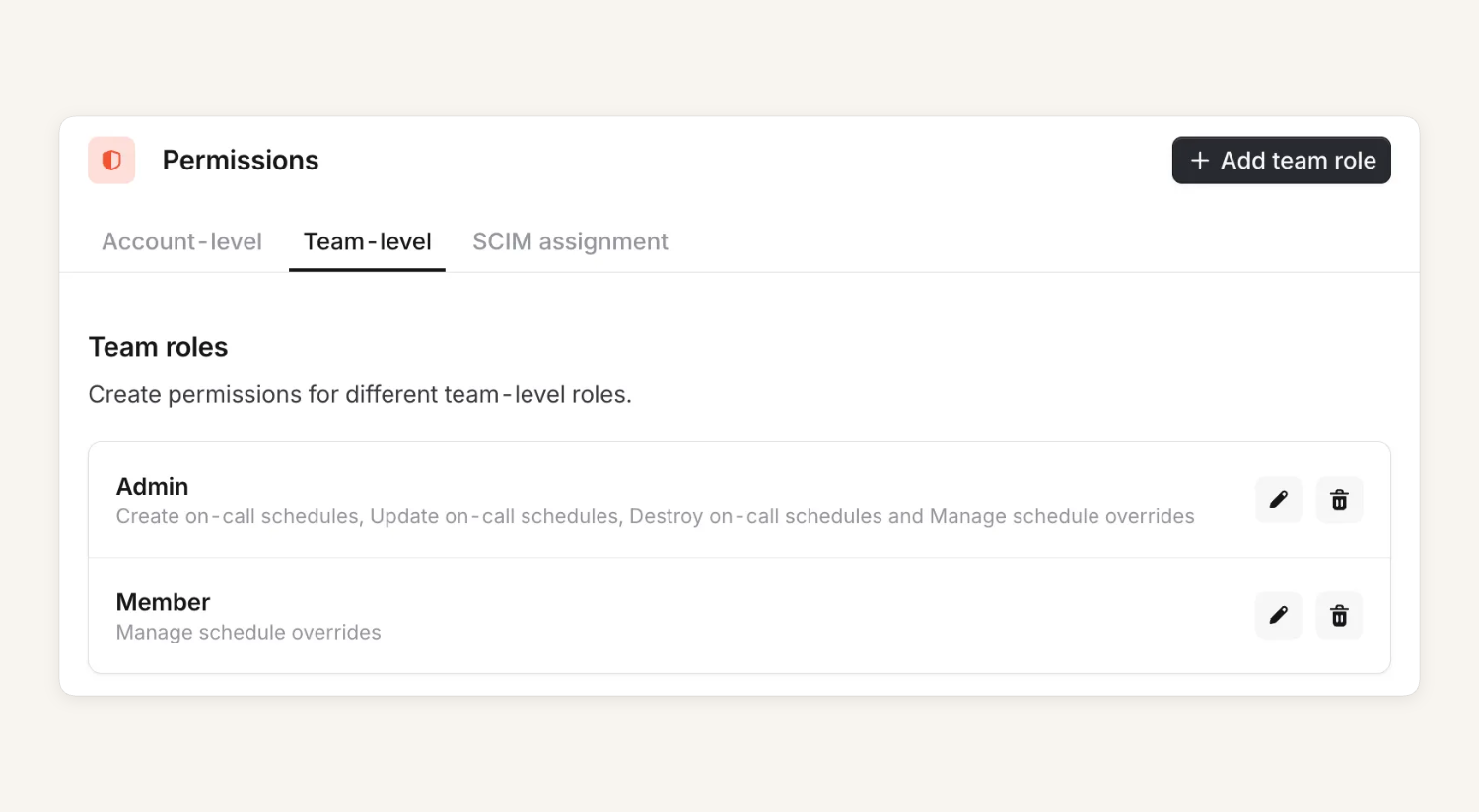
To get started, you can easily set up team roles in Settings to give people within a team different permissions. For example:
- Admin: Ability to create, edit and destroy schedules and escalation paths
- Member: Ability to create overrides or ask for cover
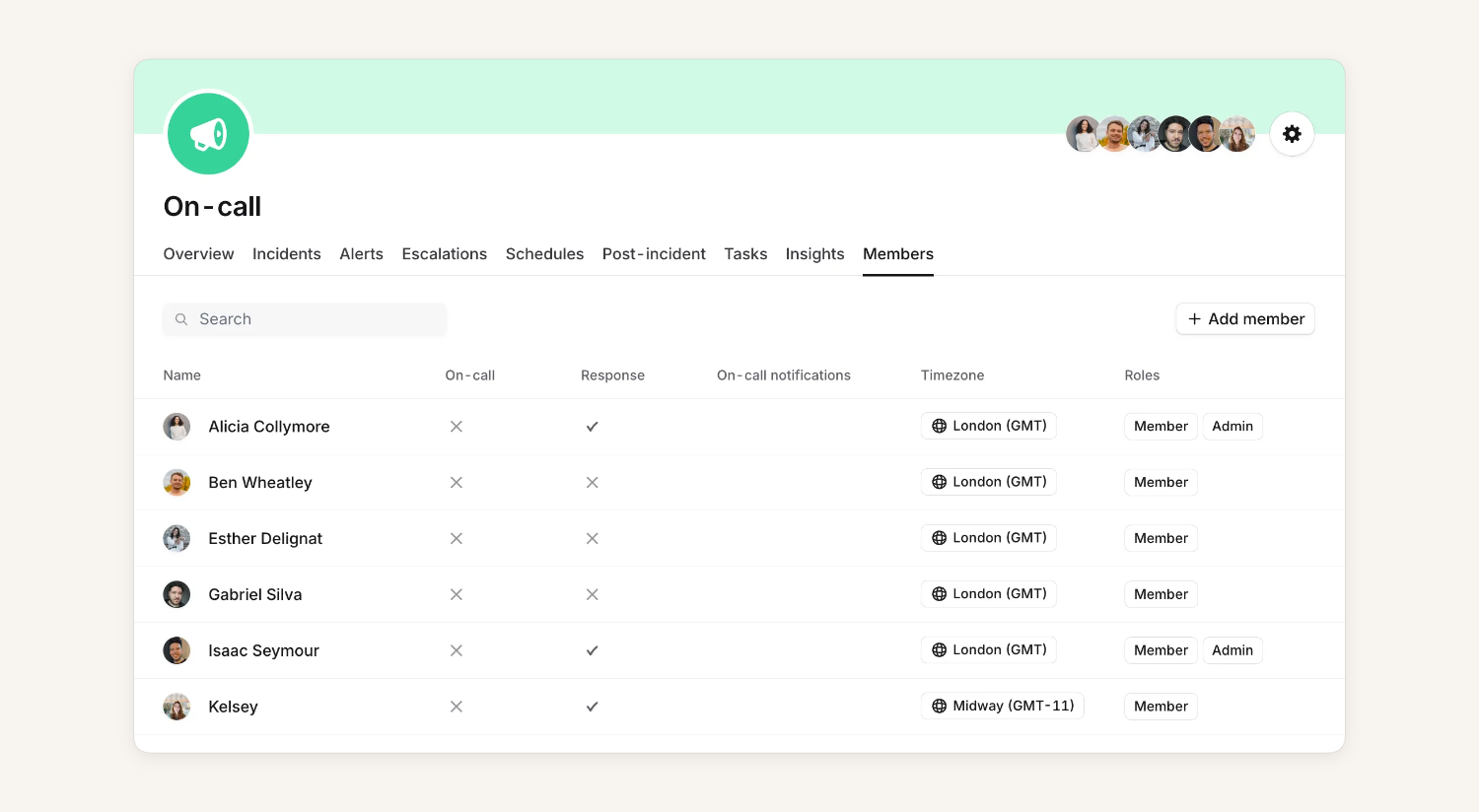
You can control which roles each person has through the team members page. Or, as teams are catalog-backed, you can control team roles through the catalog importer or Terraform.
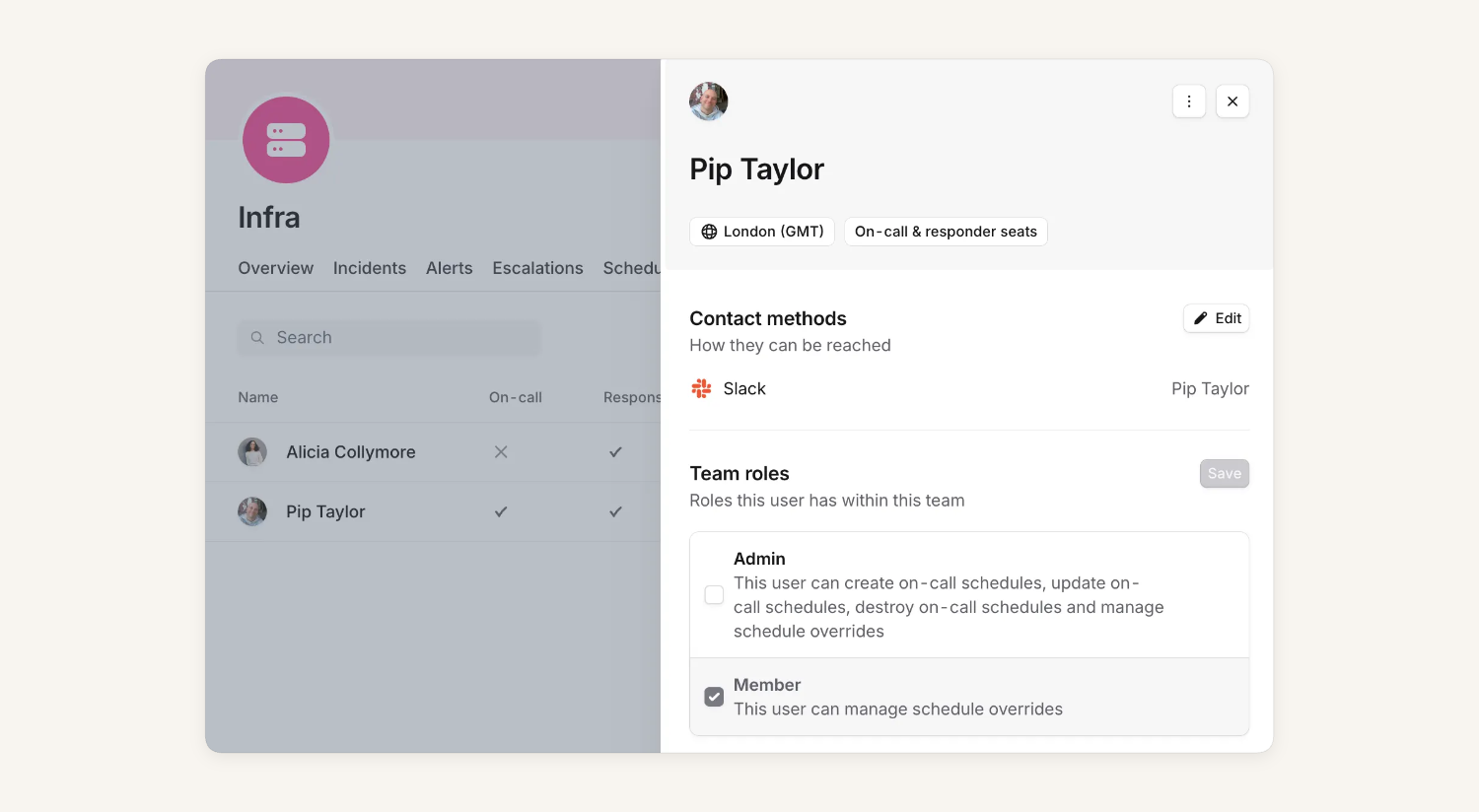
If you find out that you can’t make an edit on a schedule or escalation path - we will show you who to reach out to make adjustments.
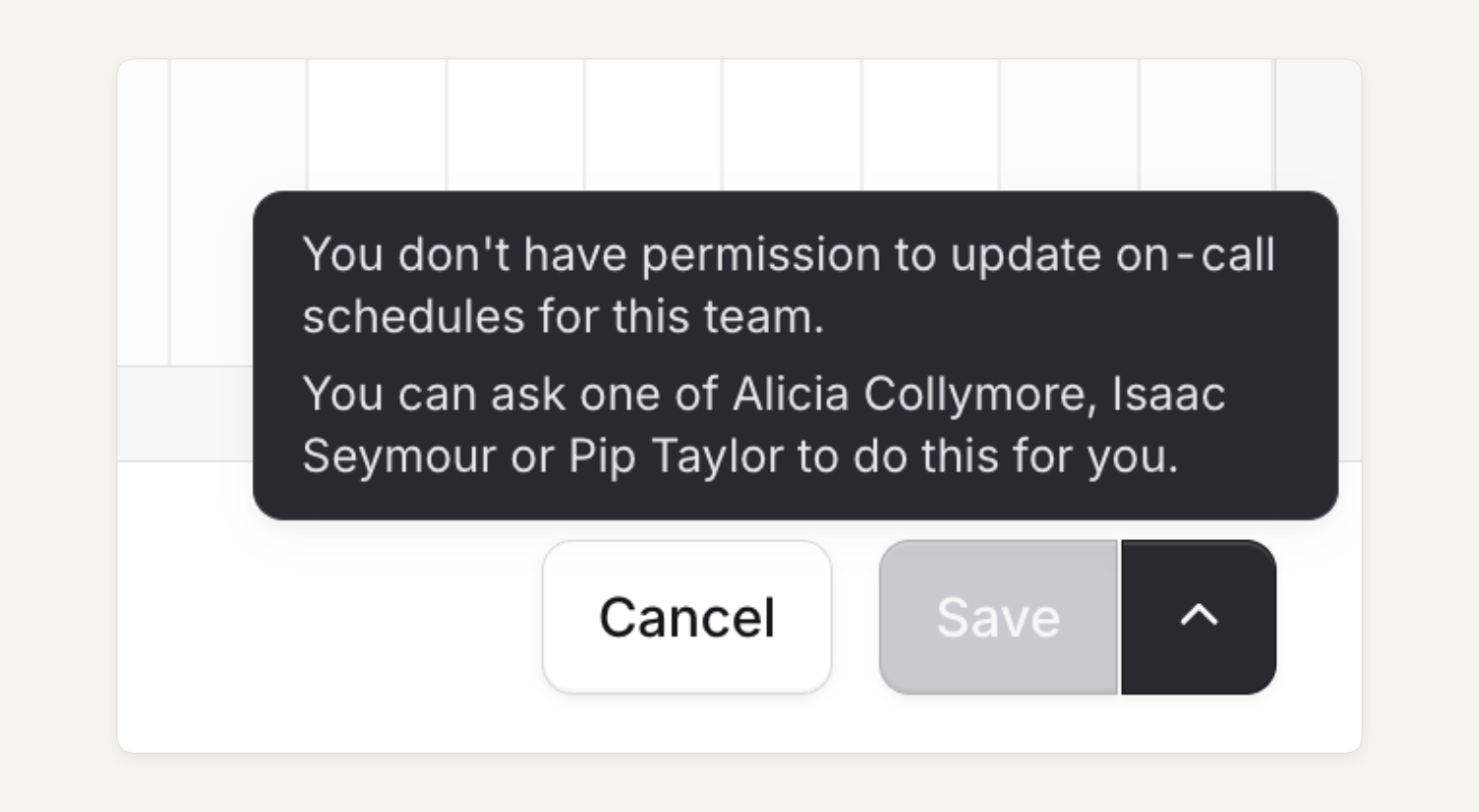
This is just the start - stay tuned for team permissions for alert sources and routes next!
Team-based permissions is available to customers on our Enterprise plan using On-call. If you’d like to see more details on how this works, please see our help docs.
What else we’ve shipped
New
- You can now include an internal status page link in incident Slack channel bookmarks
Improvements
- Escalation paths imported from PagerDuty or Opsgenie stop after the first responder acknowledges, to match
- Custom fields can now be grouped by multi-value attributes, as well as single-value ones
- Catalog importer now updates up to 100 entries at a time, using the new BulkUpdateEntries API, making large syncs much faster
- Fixed an issue where debrief invite calendar URLs were occasionally far too long
Bug fixes
- Fixed a bug where long alert names would overflow in the alerts table
- Fixed a bug which blocked terraform changes to a team catalog type
- Fixed a bug where the dashboard didn't update after editing a nudge
- Fix a bug where URLs in alert descriptions weren't correctly displayed as links in the dashboard
- Fix back button navigation in a bunch of places
- Fix sorting and filtering on Teams post-incident page
- When importing schedules from PagerDuty, restrictions that span multiple days are now applied correctly
So good, you’ll break things on purpose
Ready for modern incident management? Book a call with one of our experts today.

We’d love to talk to you about
- All-in-one incident management
- Our unmatched speed of deployment
- Why we’re loved by users and easily adopted
- How we work for the whole organization



