We've moved a few things!
August 6, 2025
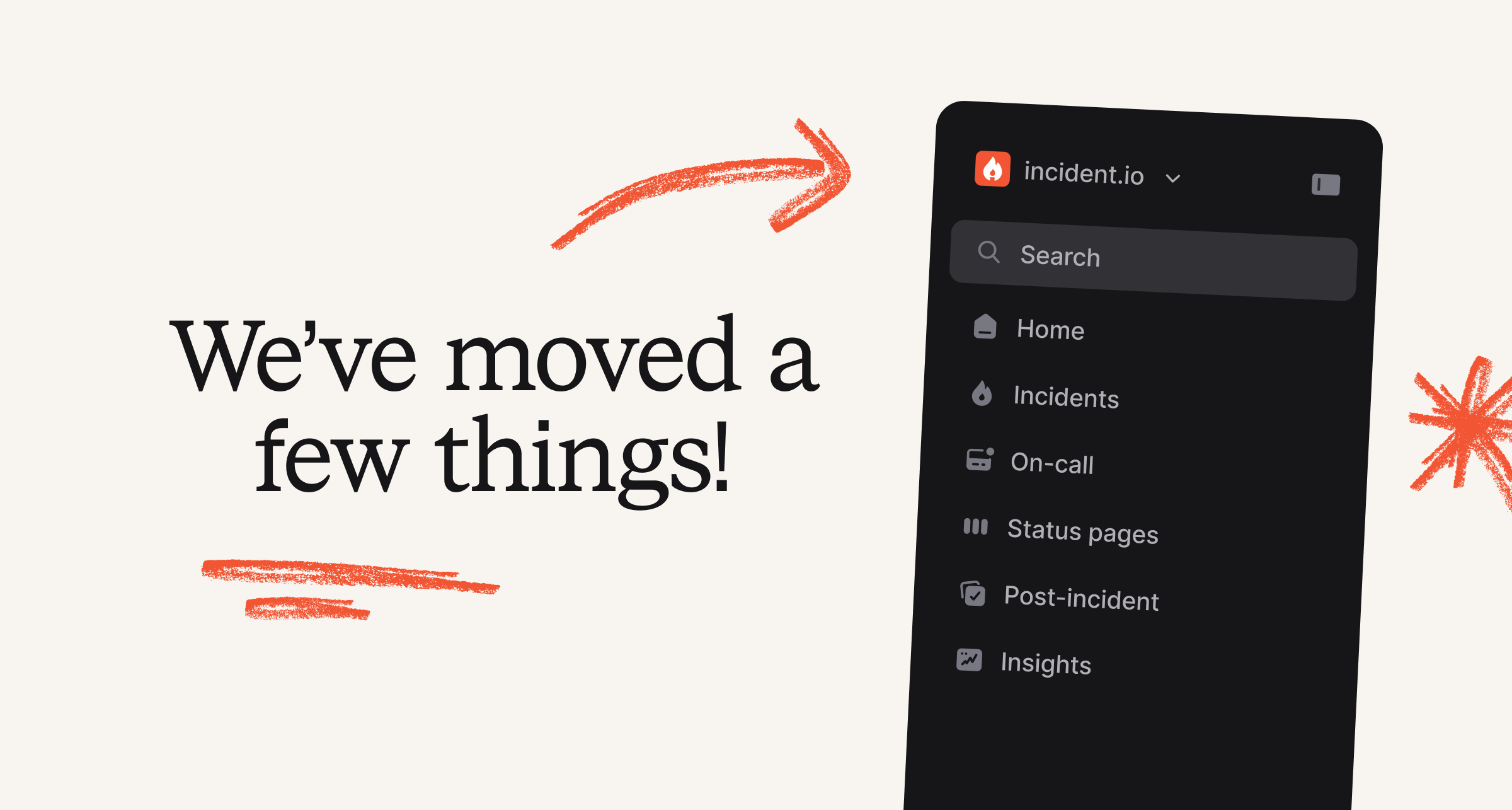
We’ve grown A LOT over the past three years, which has meant that our navigation has gotten a bit large. As part of that growth, we’ve heard it has sometimes been hard to find the right things when you need it. So, we’ve updated our main sidebar in the web dashboard to be more intuitive and user-friendly for everyone.

What has changed:
- Alerts can now be found under On-call, so it’s closer to your escalations
- You can still find Alerts under On-call, even if you are a Response-only customer
- Catalog, Workflows and Settings are now found under a new Settings experience (with more space!), which you can find by clicking on the account dropdown menu
- We’ve added a new user account section at the bottom left, where you can more easily find your user preferences
- We’ve also did a little bit of polish to make user interactions even nicer ✨

Multiple working hours in escalation paths
We'll now let you add multiple sets of working hours in your escalation paths. This makes it possible to have branches with an acknowledge deadline of "until working hours begin/end." You can combine this with repeat nodes to do things like pass an escalation on to the next team when their working hours begin!

Merge within expressions
We've added a new expression operation that allows you to merge together multiple resources of the same type.
Being able to merge in other variables to your expression allows you to simplify your configuration, such as reducing the number of derived custom fields. For example, you can merge "Reporter → Team" with "Affected services → Team" to get a list of all teams involved.

Manage on-call seats with SCIM
You can now automatically assign on-call seats to all members of selected SCIM-synced groups.
In the SCIM configuration page, there's now a section where you can select groups to automatically receive on-call seats. If a new member is added to an on-call seat assigned group they will automatically be granted a seat. When you remove a group or remove members from that group, their on-call seat will remain in place until you manually revoke it.
This doesn't impact Response seats, they will continue to be managed as they are now. If you'd like to learn more about SCIM support, check out this help article.
🚀 What else we’ve shipped
Improvements
- Maximum alert grouping window has been extended to 48 hours
- You can now view our new "Labels" attribute type with some nicer formatting in the mobile app
- We'll no longer prompt you to create an incident if you get paged through an alert route that has incident creation disabled (but you'll still have the button to declare it)
- Allow removing workflow delays
- We now show the alert priority in Slack escalation notifications
- We now show the schedule name in cover request recipient messages in Slack
Bug fixes
- Subscribing to status pages with sub pages via the Intercom widget is now fixed
- Fixed an issue where time inputs in Slack didn't get correctly marked as required
- Escalation paths managed in Terraform will now be tagged as such under 'My escalations paths" as well as the unfiltered list
- Fixed a bug which stopped you importing Catalog types without categories into Terraform
- Fixed an issue where filtering alerts wasn't working correctly if you used a certain combination of team + non-team filters
- Fixed an issue where we weren't validating correctly that an alert route's "group by" options were valid
- Fixed an issue where we would occasionally send multiple summaries and key moments for Scribe calls
- We now tell users if we're unable to communicate with Github due to an IP allowlist
- Fixed an issue with deleting alert destination channels which have expressions
So good, you’ll break things on purpose
Ready for modern incident management? Book a call with one of our experts today.

We’d love to talk to you about
- All-in-one incident management
- Our unmatched speed of deployment
- Why we’re loved by users and easily adopted
- How we work for the whole organization



