Improved alert observability
February 10, 2026
We now show all requests made against an alert source in the alert source configuration screen. This lets you easily see when a request has hit our systems but has not turned into an alert, making it clearer to understand things like:
- When we received a request for an existing deduplication key, leading to no new alert
- When we received a malformed request, such as an invalid value, leading to no new alert
- All other types of events, such as rate limited alerts, requests that lead to no update, requests that lead to resolving alerts, and more!
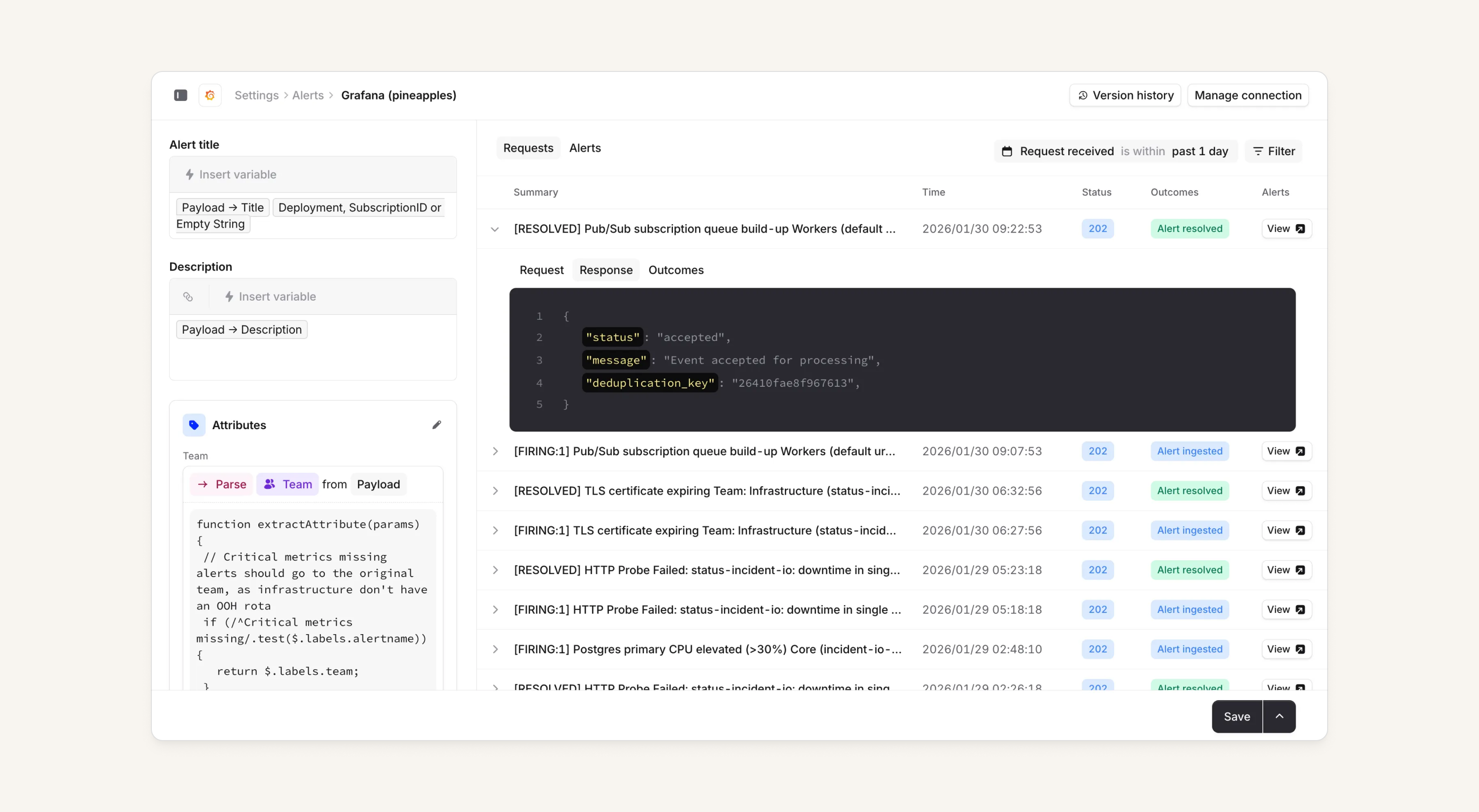
This change will allow organizations to get a clearer picture of what is going on when they're configuring their alert source. From the alert requests tab, you can also:
- Filter by deduplication key
- Filter by timestamp
- Easily navigate to any created or resolved alerts
- View the request and response body of an alert request to our system
Note that this does not apply to integration-based sources, incoming calls and email sources. We only store request data for 7 days.
New and improved login page
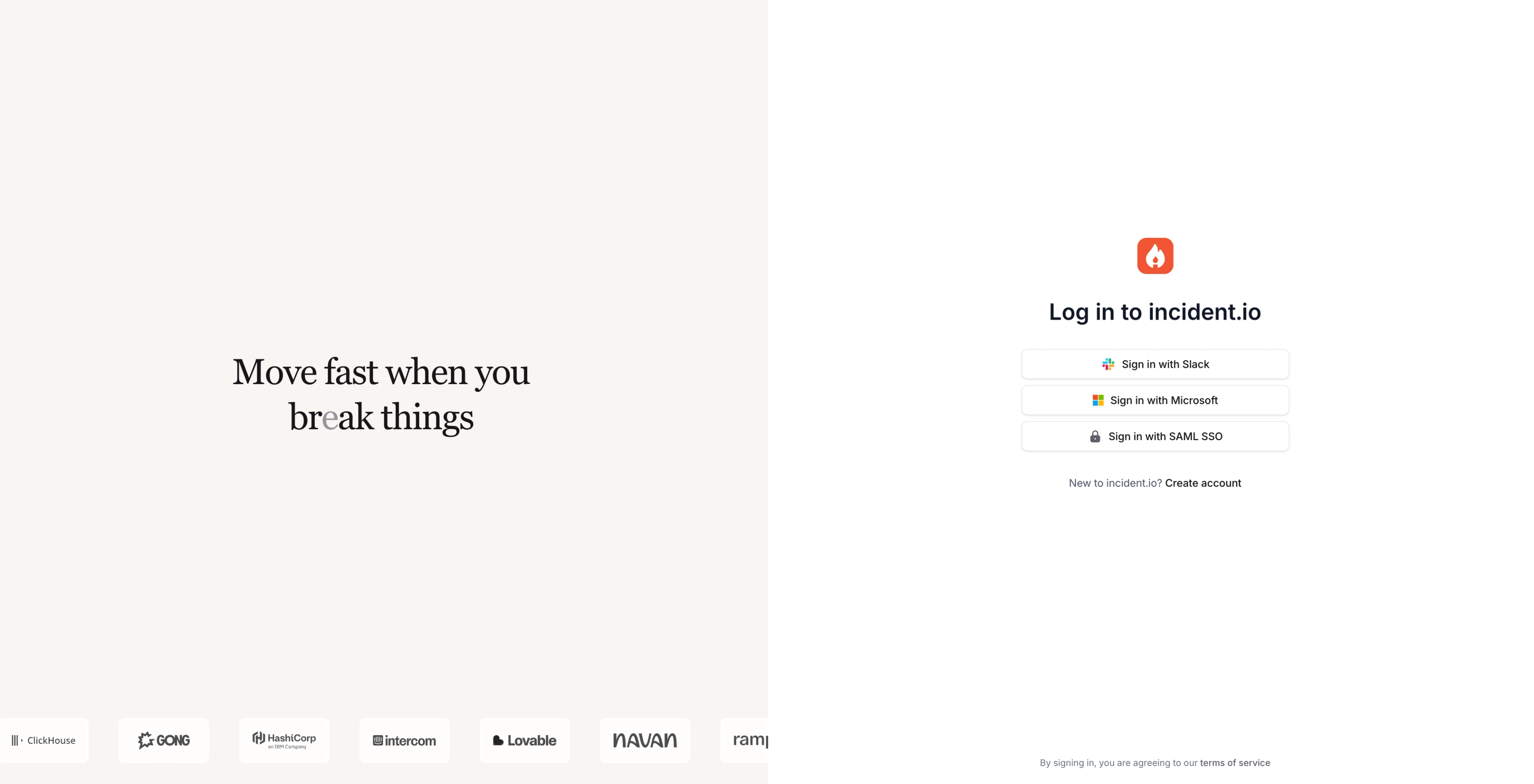
We shipped a shiny new login page which can hopefully bring a bit of delight on a normally mundane page (give a few clicks to the text on the left to see what happens 👀).
Webex integration for incident calls
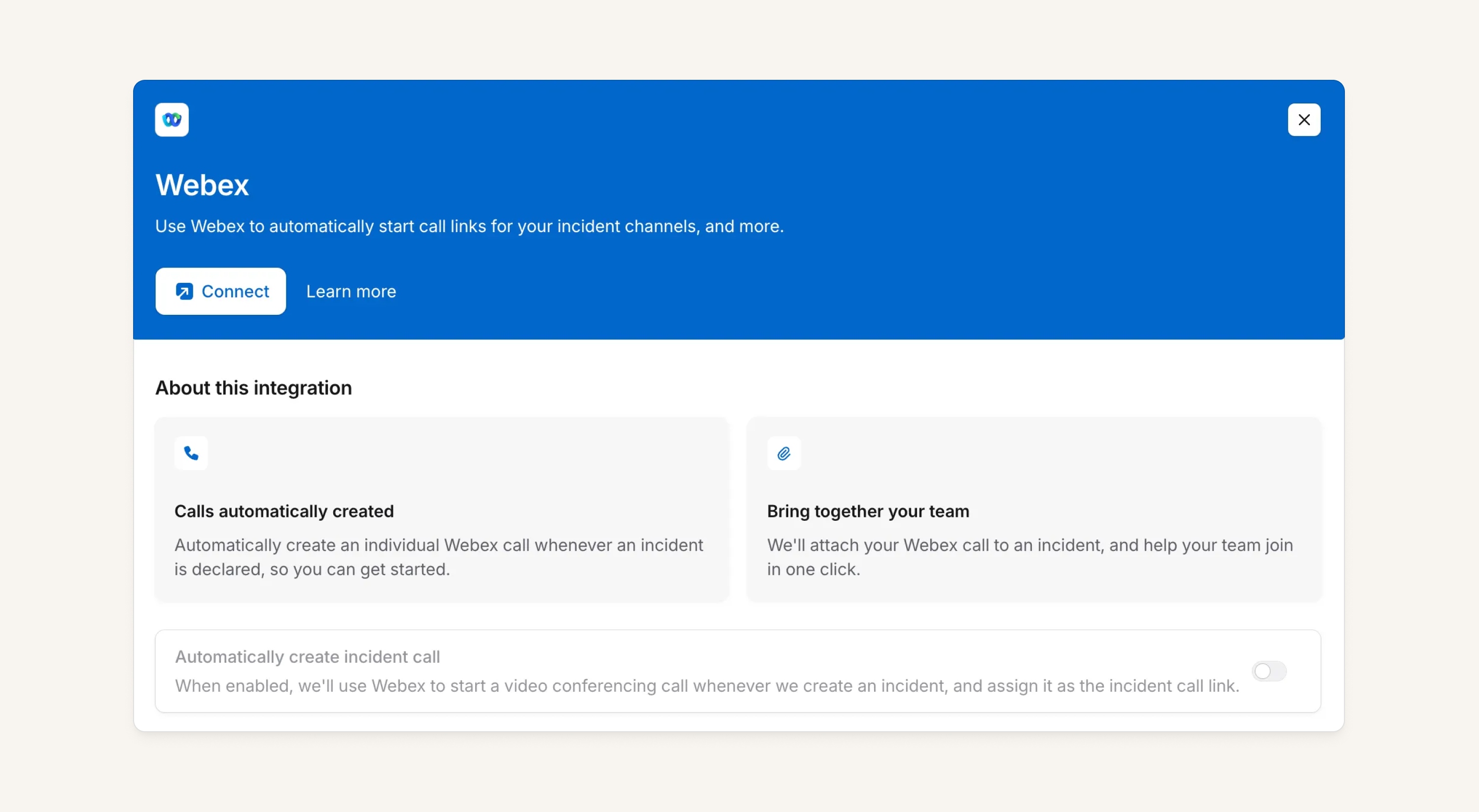
We now support Webex as a call provider for incident calls. This integration includes:
- Full support for automatic call creation
- Participant tracking
- Scribe transcription!
Variables in post-mortem templates
Post-mortem templates now render variables such as Declared At or custom fields as rich, interactive elements rather than plain text. These nodes will automatically update when you change the associated values, such as updating the Declared At timestamp.
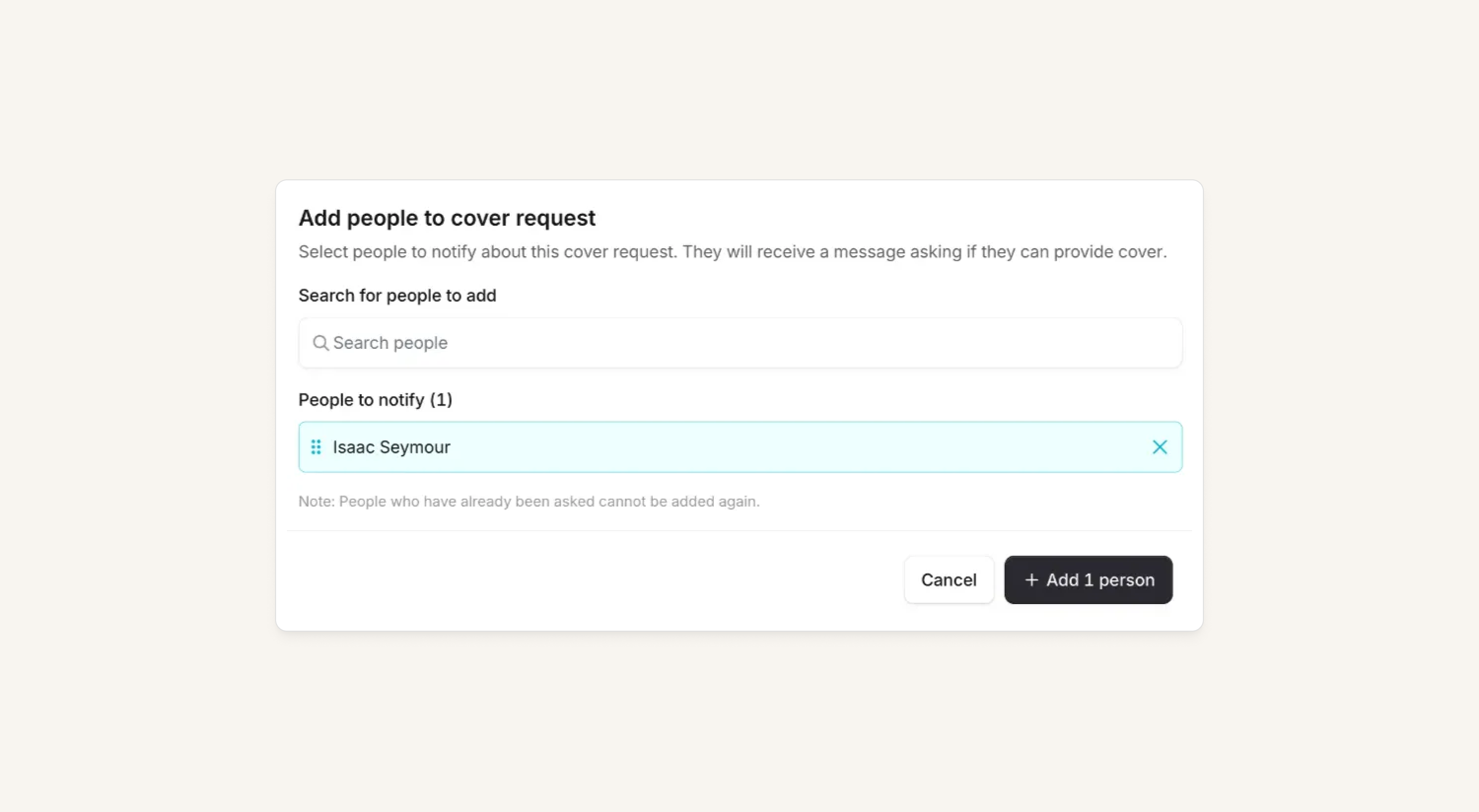
Add users to cover requests after creation
If you created a cover request and forgot that someone else might be available, you can now add those users to the request after the fact. This will be coming soon to mobile too!
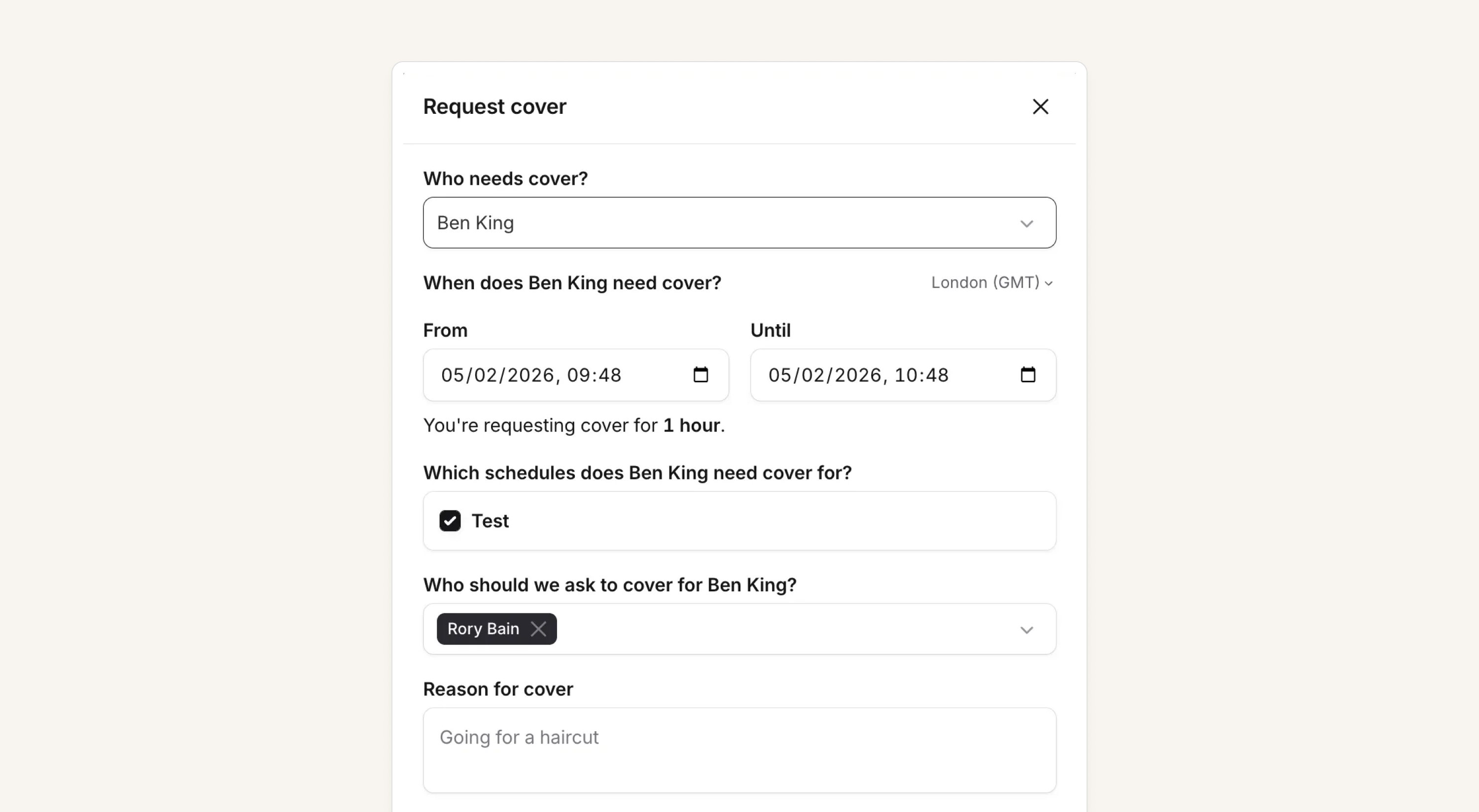
Manager-initiated cover requests
Anyone who can create schedule overrides can now initiate cover requests on behalf of team members directly from the dashboard. An example scenario where this might be helpful:
I'm on-call. I've just attempted a spin class that my fitness level had no business attending. I am now horizontal on the living room floor, questioning life choices and in no state to respond to incidents. I have, of course, forgotten to request cover—but I've managed to text my manager, something like "help. dying. can't oncall."
Previously, my manager would need to coordinate with the team, figure out who's available, and manually override the schedule himself. An unnecessary burden for a person already processing the mental image of me splayed out on a Peloton.
Now? My manager can simply submit a cover request on my behalf. The team gets notified, someone picks it up. I can recover from the cycle, my manager from the image scarred into the back of their retinas.
What else we've shipped
New
- It's now possible to interpolate variables into stream names created by workflows
- A new setting allows accounts to disable Scribe from automatically joining incident calls
- Alert request filtering now supports timestamp precision (not just date precision) so you can filter to "anything after Feb 3rd at 12:00”
Improvements
- Firing alerts will show as "Firing" in the dashboard rather than "Triggered”
- You now only get a dashboard notification about status degradation for integrations you actually use
- Improve integrations UI when Atlassian Statuspage connection broken
- The default template when creating a new escalation path is now a simple, flat path
- Improved behavior when converting actions to follow up while editing actions in Slack
Bug fixes
- We've fixed an issue where it was possible to delete custom timestamps still used in an incident ticket template
- We've fixed an issue where restricting unsetting a custom field wasn't enforced in the dashboard
- We've fixed an issue where the if/else expressions were sometimes incorrectly disabled in the workflow expression editor
- We've fixed an issue with exiting the
Edit Timelineview when in post-mortem focus mode - Fixed displayed shortcut for strikethrough in post-mortem editor
- Fixed creating Asana tasks when they include special characters
- Fixed
mute activity on ticketssetting lost when reconnecting Zendesk - Fix timestamps before 1970 breaking the Slack app
- Don't send update reminders for cancelled incidents
- Fixed Scribe when re-joining Google Meet incident calls created more than a week ago
So good, you’ll break things on purpose
Ready for modern incident management? Book a call with one of our experts today.

We’d love to talk to you about
- All-in-one incident management
- Our unmatched speed of deployment
- Why we’re loved by users and easily adopted
- How we work for the whole organization



