Enhanced On-call readiness
May 19, 2026
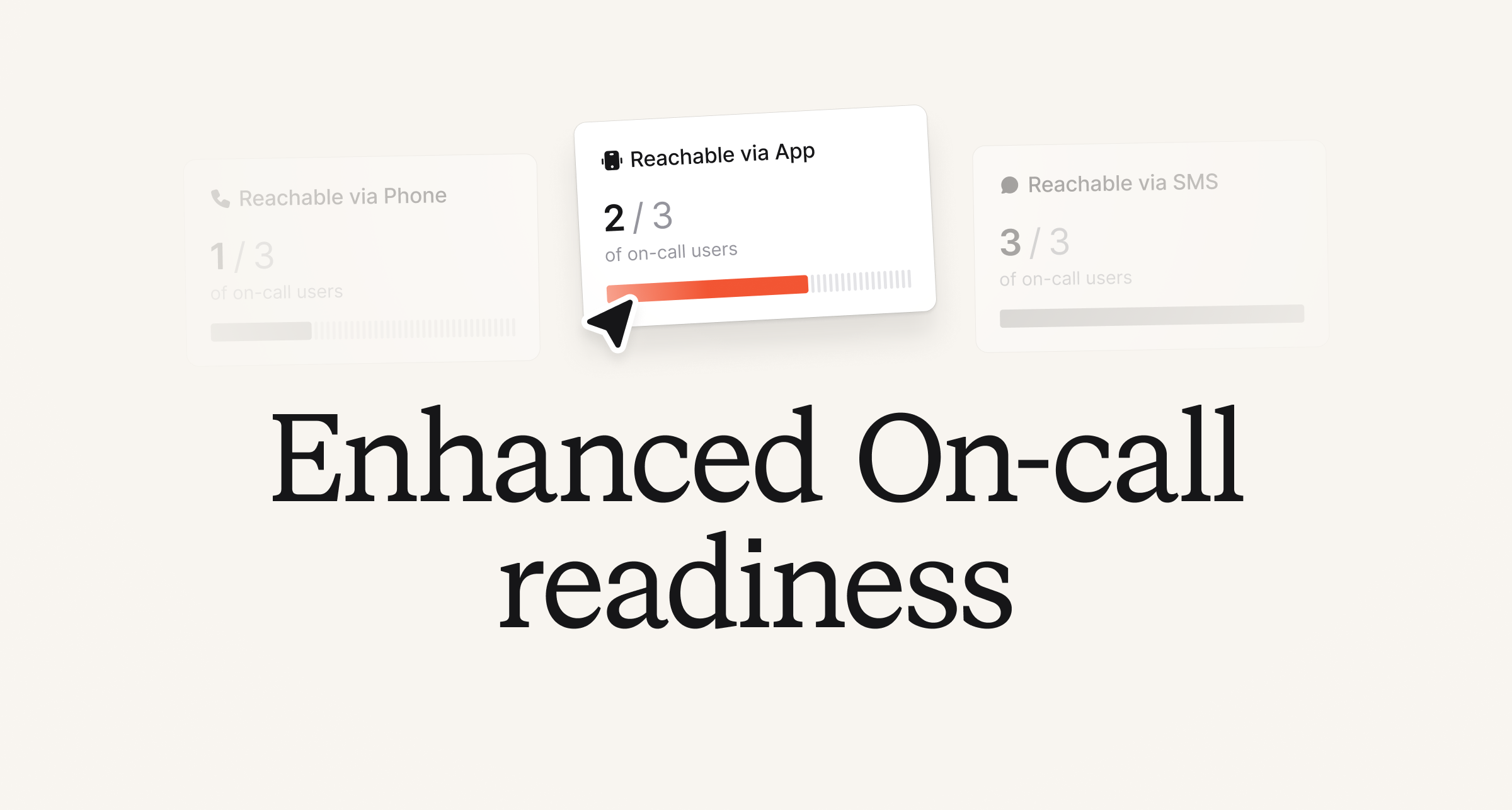
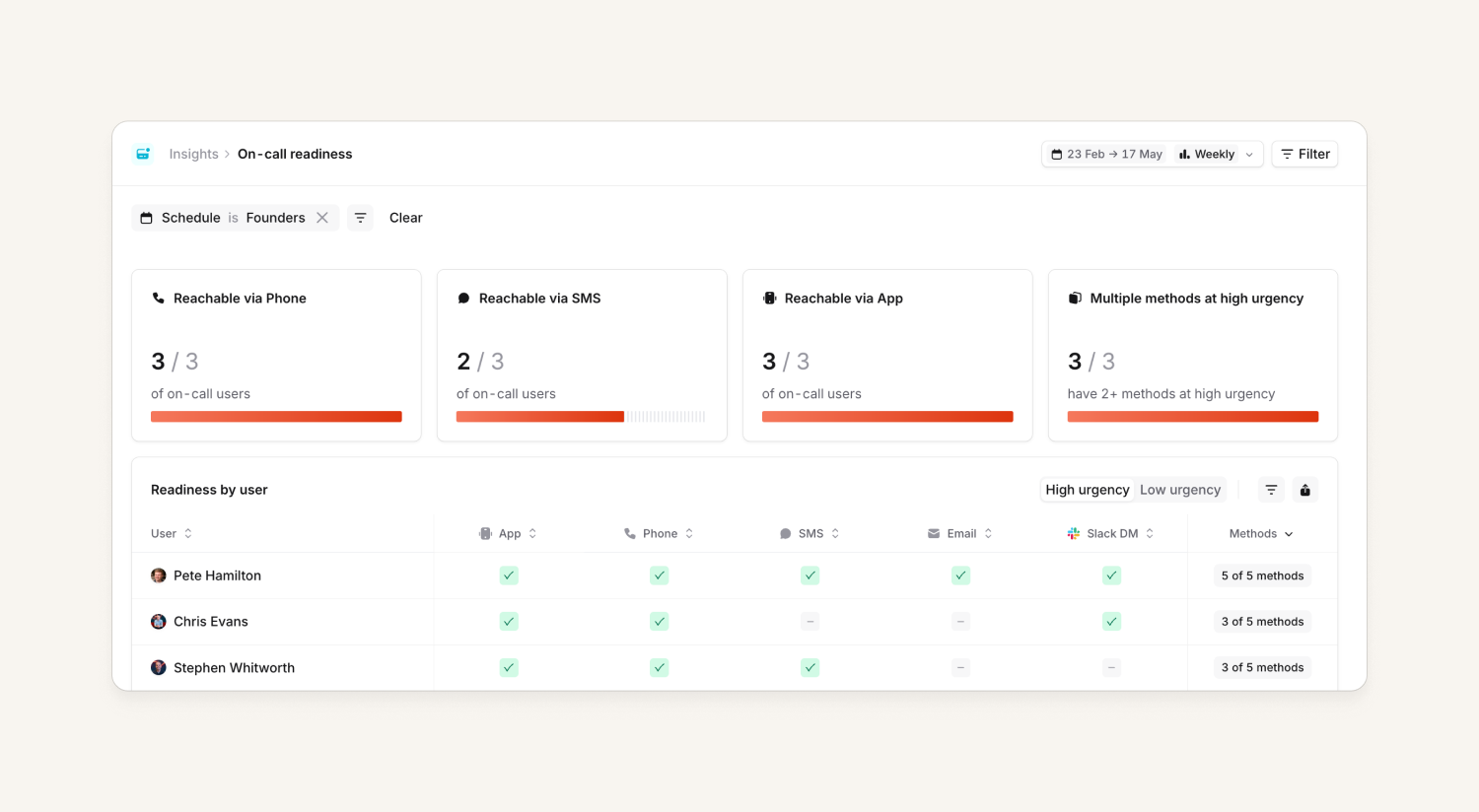
We’ve given the On-call readiness Insights dashboard a bit of an uplift. This includes goodies such as:
- Near real-time data: Previously, this data had a slight delay which made it harder to know how ready users were, especially during a migration.
- Surfaced policy violations: If your organization has notifications policies set up, we display who has violations and how many, all of which can be filtered on.
- Filter by team: In addition to the existing Schedule, Escalation Path and Urgency filters you can now filter by Team.
- View user details: Check a user’s notification settings and see exactly which policies they’re violating from the dashboard.
Plus, we’ve given everything a lick of paint!
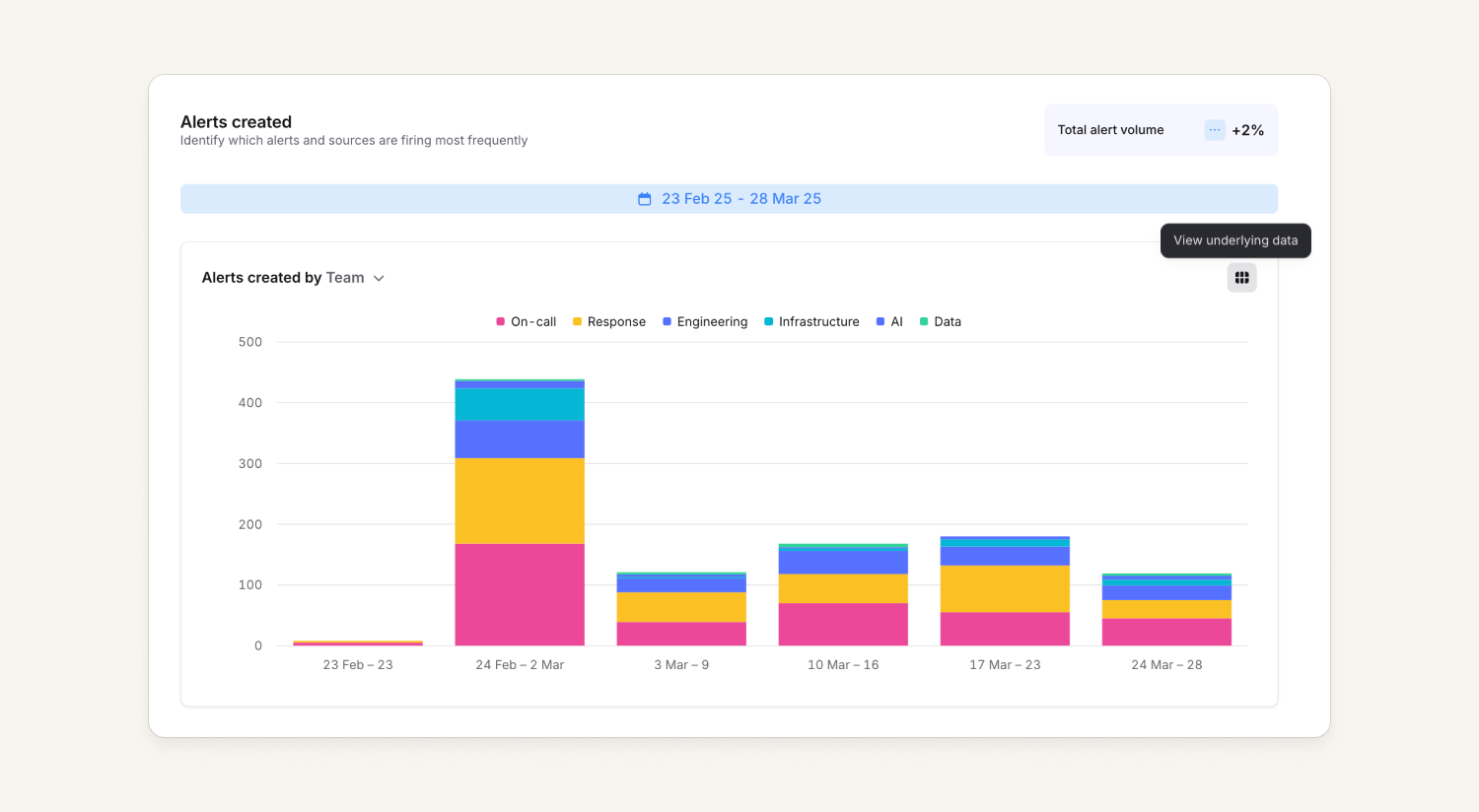
We’ve also uplifted the Alerts Insights dashboard. Charts will now mirror colors found in Catalog for more cohesion across the product. And, you can view all underlying Alerts Insights data by clicking on the icon on the top right of each chart.
Claude connector for our MCP
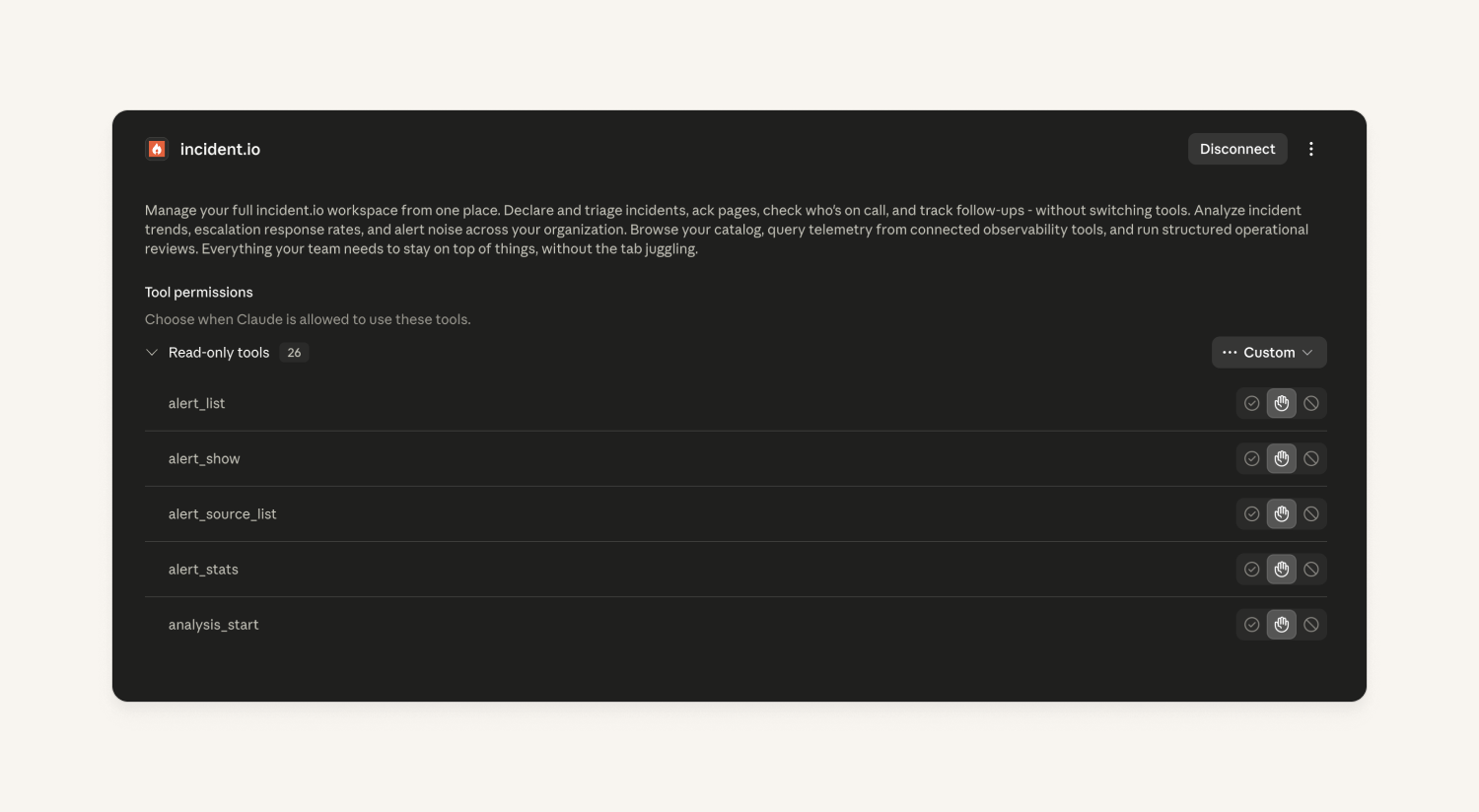
Our MCP is now available as a Claude connector, which means our MCP is now directly available as an integration in claude.ai or the Claude desktop app.
Users can click to install from the Anthropic Marketplace and have it available in their Claude setup, allowing them to do everything our MCP supports but through that interface.
On-call webhooks
Our webhook catalog has covered the Response domain for a while, allowing customers to hook into incident and post-incident events. We've now extended it to include On-call with:
- Alert lifecycle:
alert_created(pre-existing) andalert_resolvedso you can get notified when alerts close, not just when they're created - Escalation lifecycle:
escalation_createdandescalation_status_updatedcovering escalation creation and status changes like acknowledgements, snoozes, and expiry - Schedule shift changes:
shift_changefires whenever the on-call user changes on a schedule
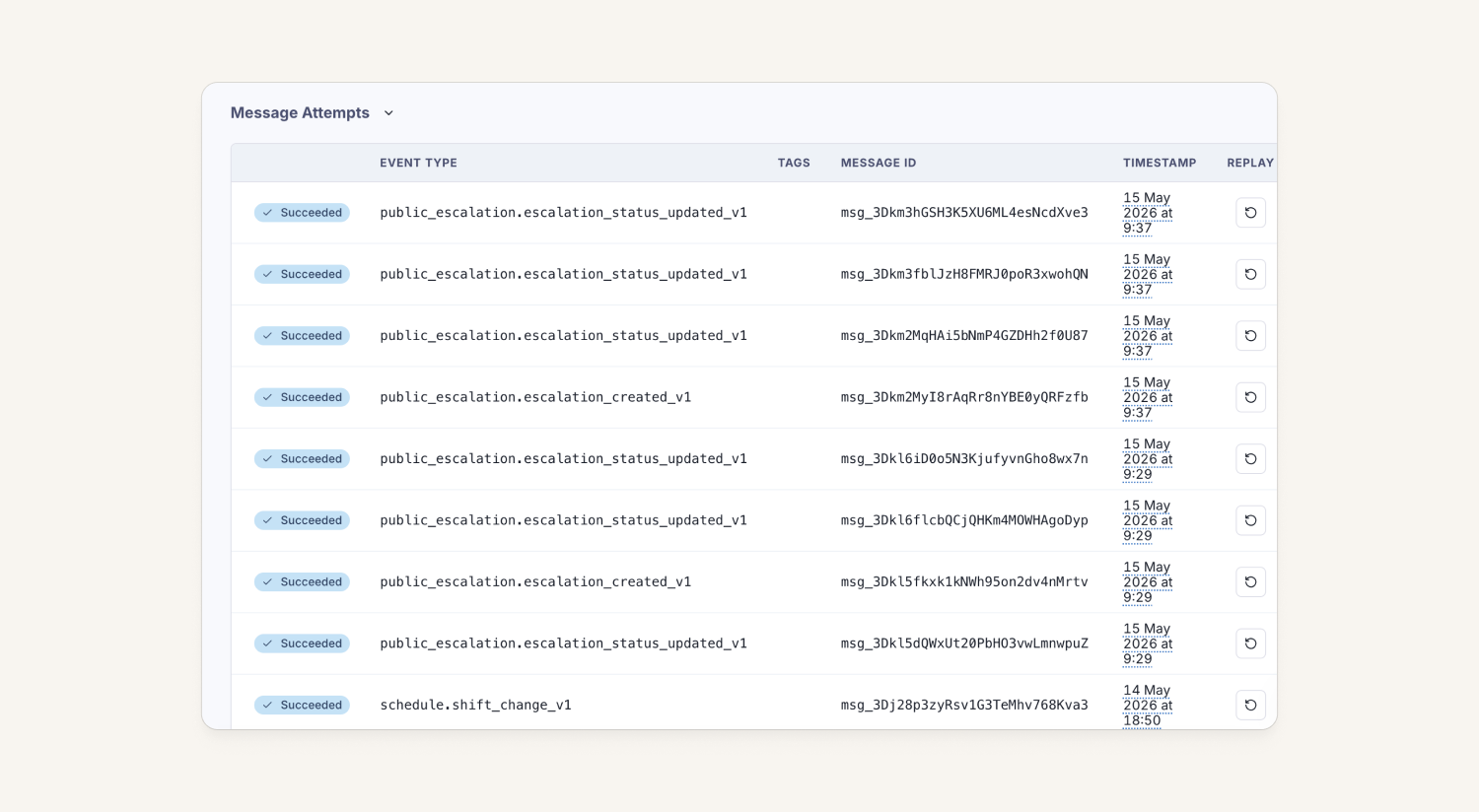
For more details, check out our API docs.
Programmatically manage a user's preferred paging provider
When migrating to incident.io at scale, teams sometimes need to control how individual users get paged, especially where users are paged directly rather than via an escalation policy. Without a way to set this programmatically, users with no preference configured could be unreachable during escalations.
We've now shipped two public API endpoints to get and set a user's preferred paging provider, so you can manage this during migration or via automation:
GET /v2/users/{user_id}/paging_providerreturns the effective provider for that user (their explicit preference if set, otherwise the fallback we'd use to actually page them). The field is omitted if the user can't be escalated to at all.POST /v2/users/{user_id}/paging_providerwith{"preferred_escalation_provider": "pagerduty"}sets the preference. This requires the newusers.preferred_paging_provider.editRBAC scope.
Admin editing of user notification rules
Sometimes an admin just needs to jump in and correct a mistake a user has in their notification setup. In this case it's allowing the owners, admins, or managers with the right team permissions to edit a user’s notification rules.
We already allowed the adding and updating of notification methods such as adding a new phone number or email and this change expands that to allow specifying how we should then use that method to notify the user (e.g. send an email immediately, followed by an SMS after 1 minute).
Unlinking catalog types from providers
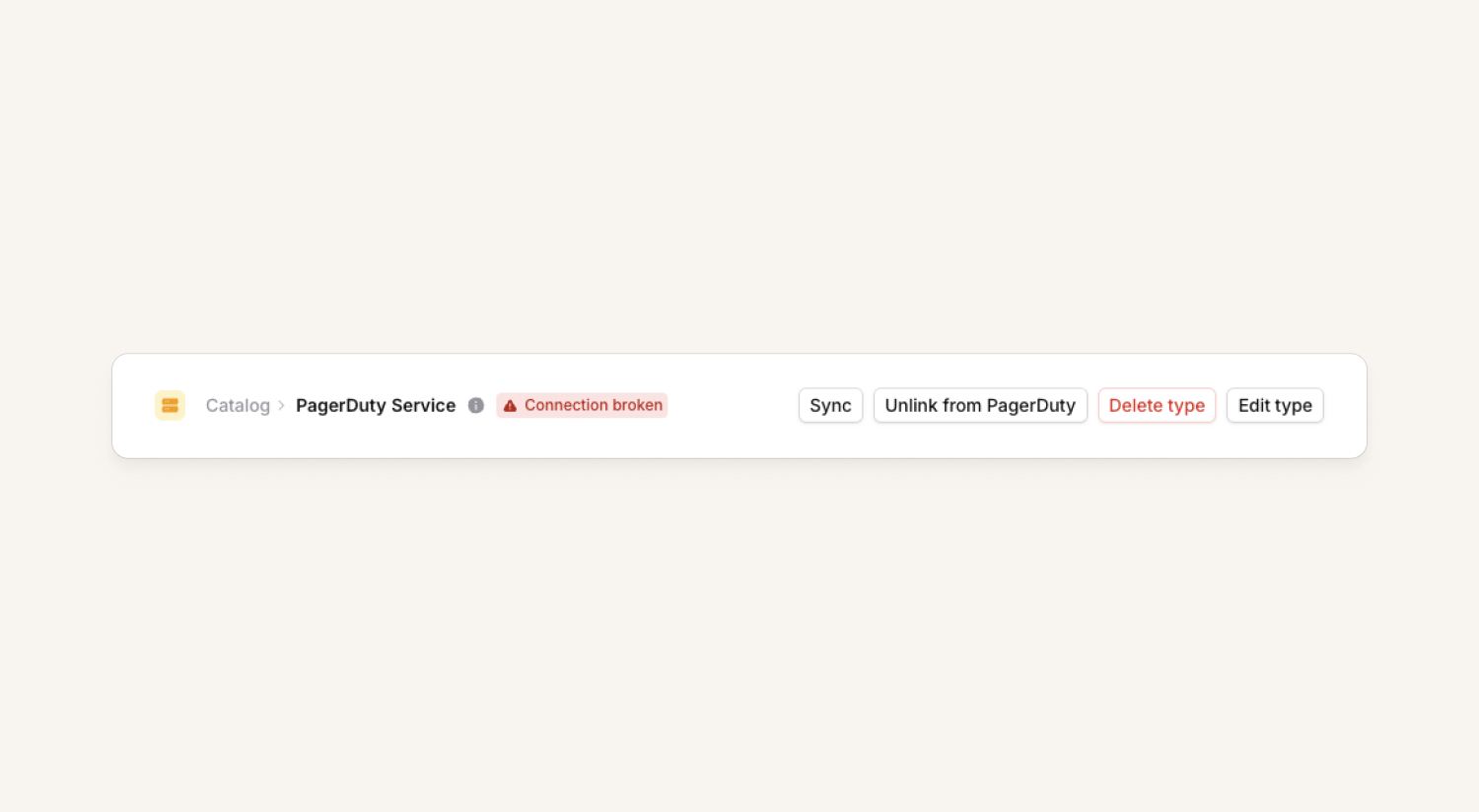
Many of our customers bootstrap their catalogs using integrations like PagerDuty. It helps them quickly import lists of services, escalation paths along with how they link to teams. The challenge comes when customers want to take control of those catalog types and cut the cord to their previous provider.
Traditionally you'd have to manually copy the data over into new catalog types, then relink any expressions you've made by hand. Now once you've disconnected the integration a new button will appear on the catalog type letting you unlink the catalog type from the original provider. This will convert it to a fully editable catalog type on our platform, letting you create new entries and delete old ones, and modify all the attributes.
Alarm style android notifications
We've enabled Android users to opt-in to a new style of high priority notifications, which displays a full screen notification when your phone screen is off, similar to how an alarm will display.
Users will need version >= 1.13.1 of the app, and can opt-in through the 'Advanced settings' section of the Notification settings. We recommend sending yourself a test notification from the web dashboard to see the new behavior, which you can read more here.
What else we've shipped
Bug fixes
- We've fixed an issue where stale rotation names were being shown in calendars and in the escalation path editor
- We've fixed an issue where escalations wouldn't automatically cancel if their related alert resolved whilst waiting on a preconfigured delay-node
- We've fixed an issue on Android where the alarm toggle wouldn't correctly show it was enabled if you'd enabled it in a work profile
- We've fixed an issue where phone number re-verification would ignore the selected verification type for some countries
- We've fixed an issue where alert description Markdown was not formatted in Microsoft Teams
- We've fixed an issue where some incident types could not be edited
- We've fixed an issue where some catalog-backed custom fields could not be edited
- We've fixed an issue where some private incident role permissions were not applied correctly
- We've fixed an issue where the incidents API ignored the sort_by parameter
- We've fixed an issue where GitHub PR links were being rendered garbled in Jira
So good, you’ll break things on purpose
Ready for modern incident management? Book a call with one of our experts today.

We’d love to talk to you about
- All-in-one incident management
- Our unmatched speed of deployment
- Why we’re loved by users and easily adopted
- How we work for the whole organization



