BigPanda integration
June 2, 2026
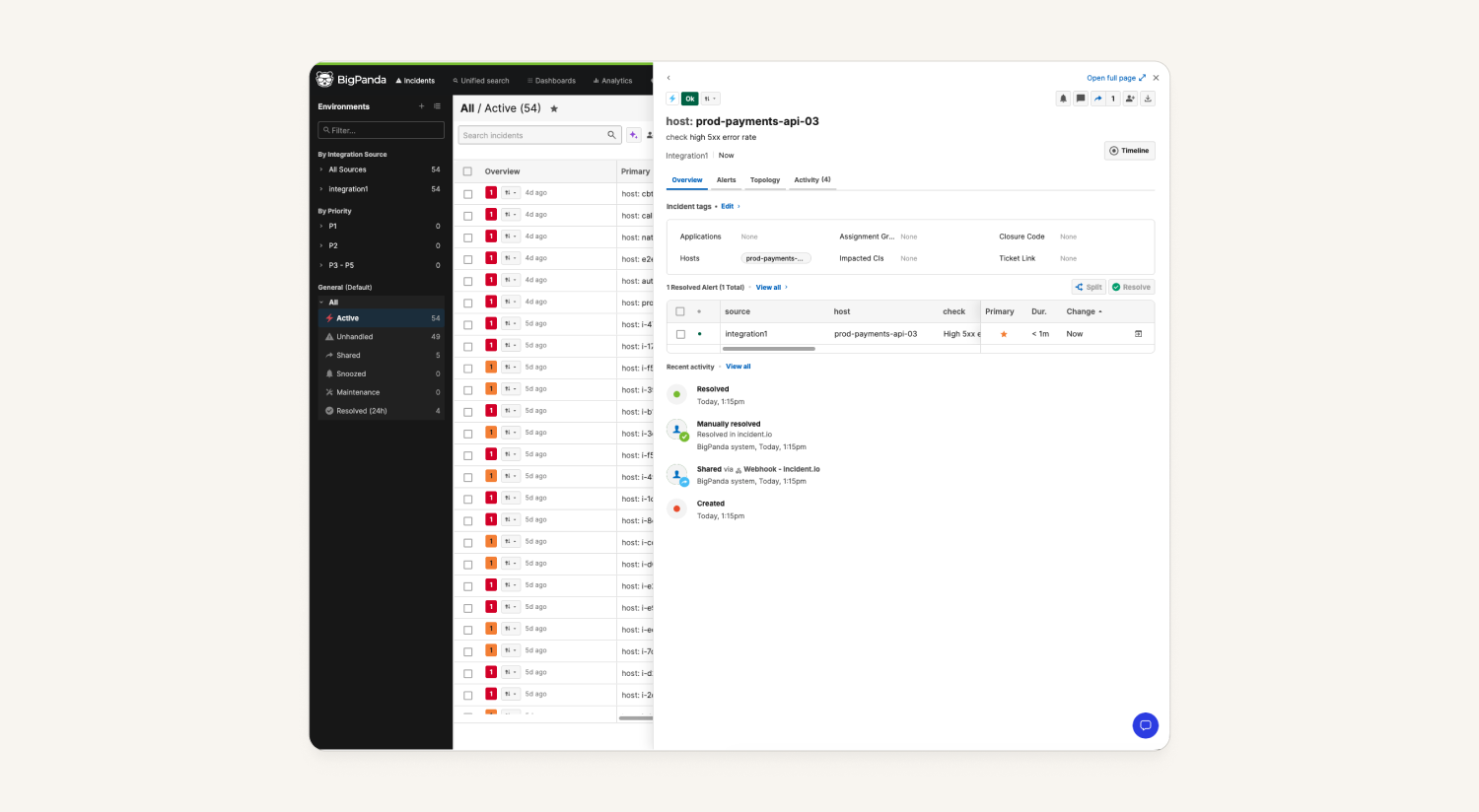
Connect BigPanda as an alert source to create an incident.io alert for each BigPanda incident. Resolution flows both ways: closing the incident in BigPanda resolves the alert in incident.io, and resolving the alert within incident.io closes the incident back in BigPanda.
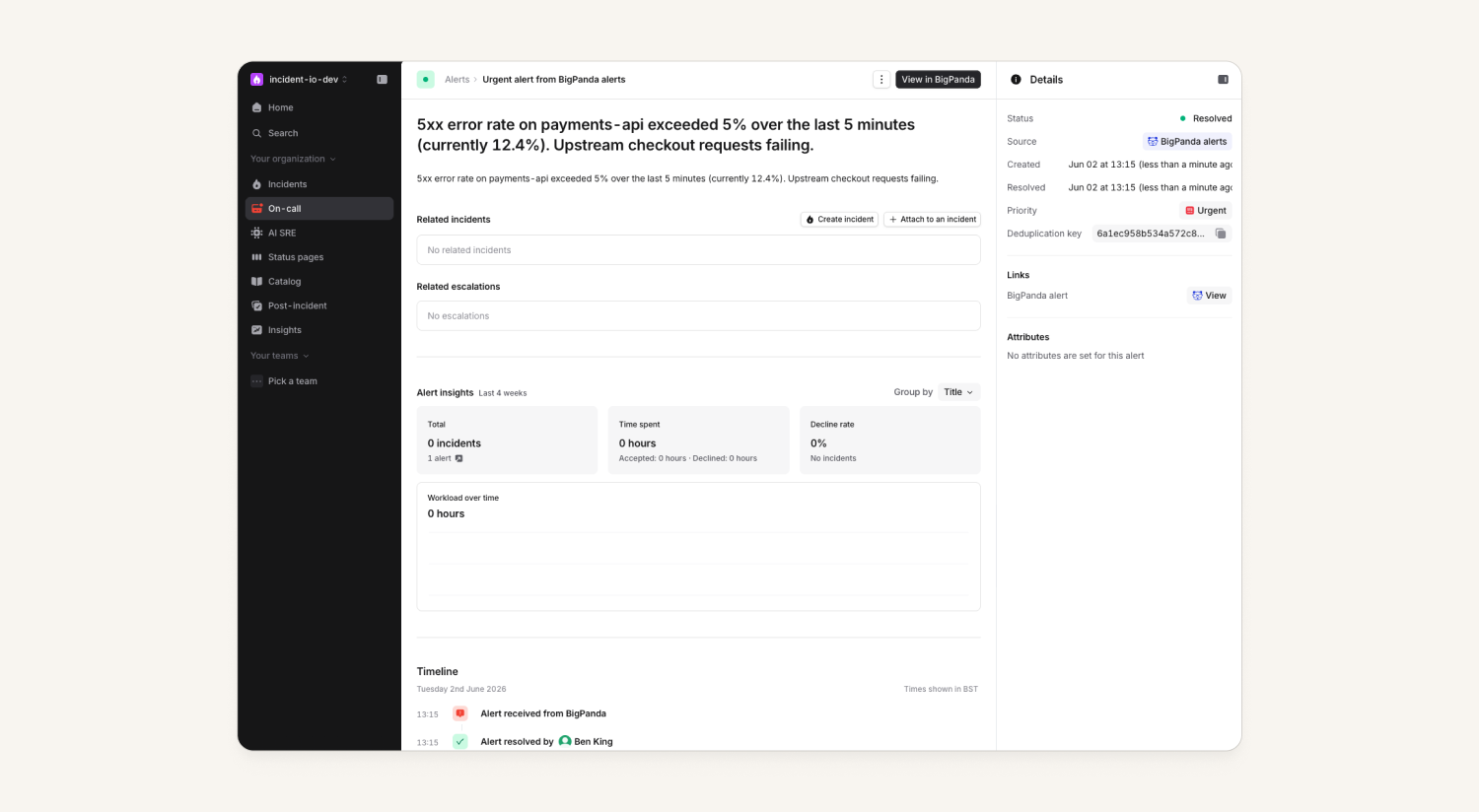
incident.io reads BigPanda’s native Notifications Webhook payload directly, so you don’t need to configure a custom body template. Alerts are keyed on the BigPanda incident.id, which means updates, closes, and re-opens all match back to the same incident.io alert!
Just head over to Settings → Integrations to get started, and check out our help docs here.
Updated escalation list
We've updated the escalation list in the dashboard to show more information about escalations at a glance. Previously, we just showed you the "last action," which wasn't always the most useful. Now, we show:
- The priority of the escalation
- Who's been paged and indicate if they've acknowledged or not with a little icon
We've also improved support for some edge cases like users who acknowledge an escalation, but weren't originally paged for it.
Post-mortem templates now have global AI instructions field
We now support instructions to AI-generated post-mortems that apply across all sections, such as setting high-level tone and providing a style guide. So, if you want to say "be clear and concise" you no longer have repeat that per section. This can be huge for the fans of "speak like a pirate" post-mortems. 🏴☠️
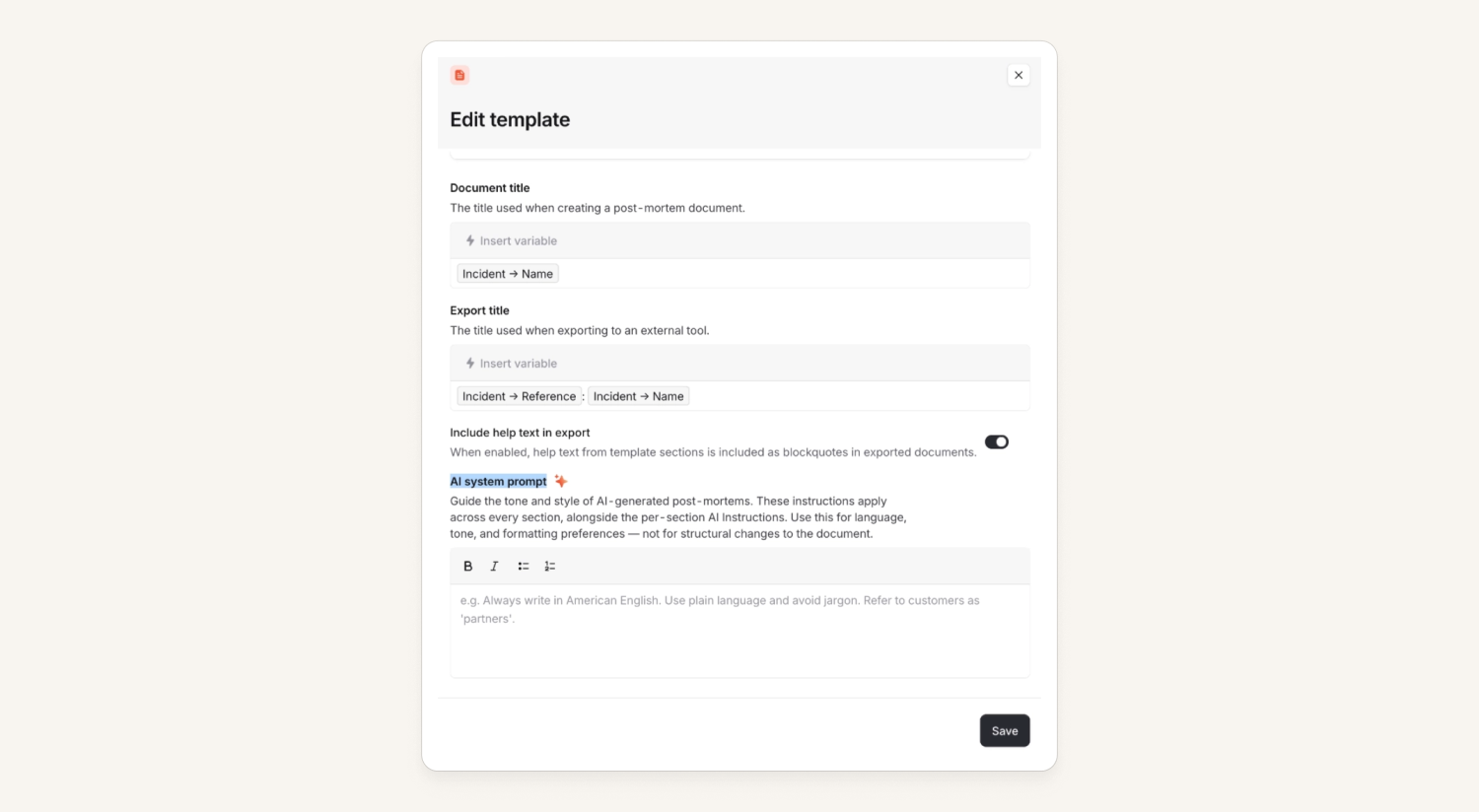
The new field can be found at the bottom of the post-mortem template.
Richer escalation timelines on mobile
Escalation timeline items now show who was paged at each level, avatar (or initials) and the notification method (App, SMS, Phone, Email) on the mobile app.
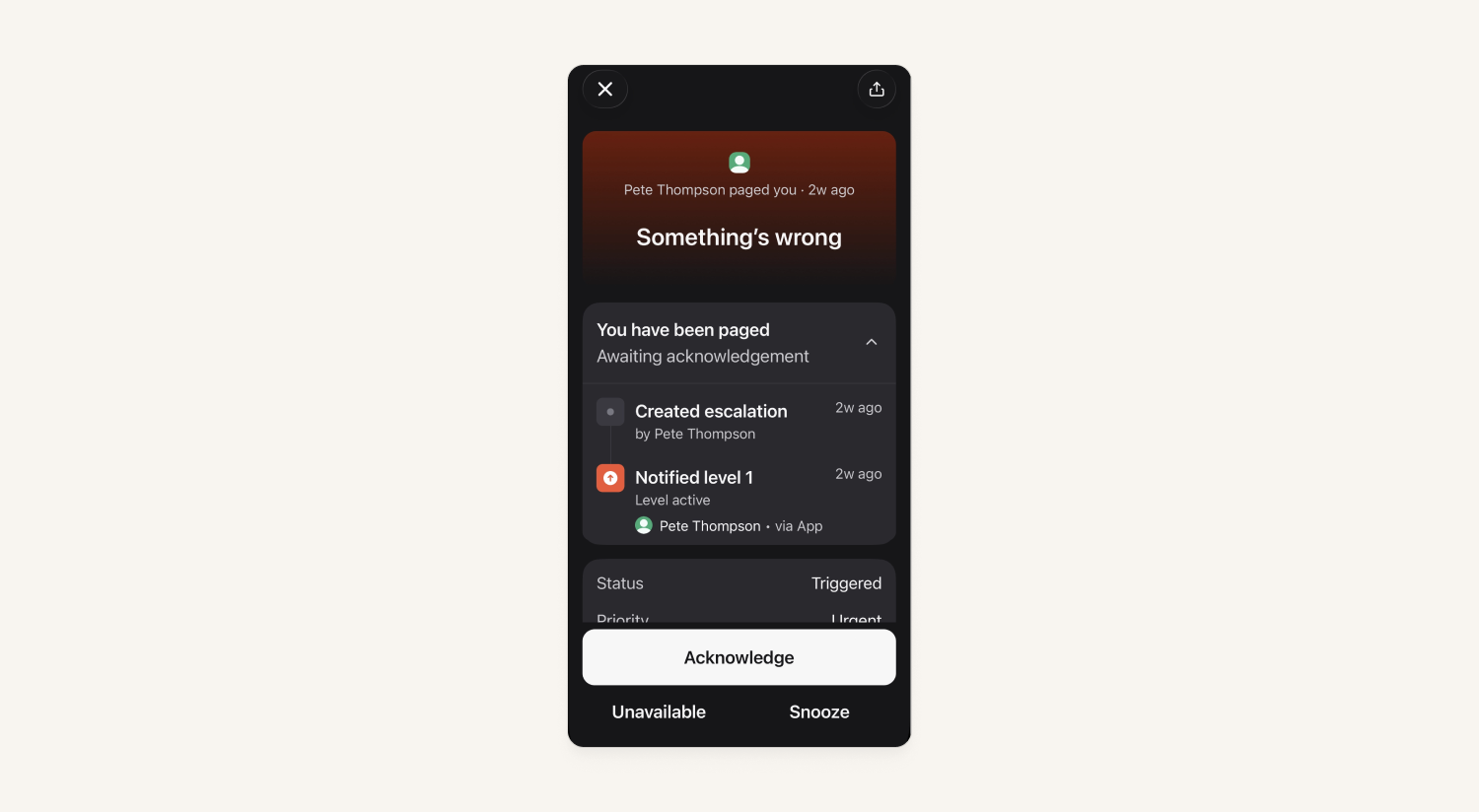
In addition, we now have the native iOS share button on incident and escalation detail screens, which can send a dashboard link. Any shared URLs deep-link straight back into the mobile app.
Voice calls and SMS capability overrides
When a user adds their phone number we infer whether those numbers can receive SMS and voice calls. For example, a landline can't receive text messages. These numbers are marked as Voice or SMS only. Now, a user may now override this by letting us know a non-mobile number can receive SMS and then add any notification rules accordingly.
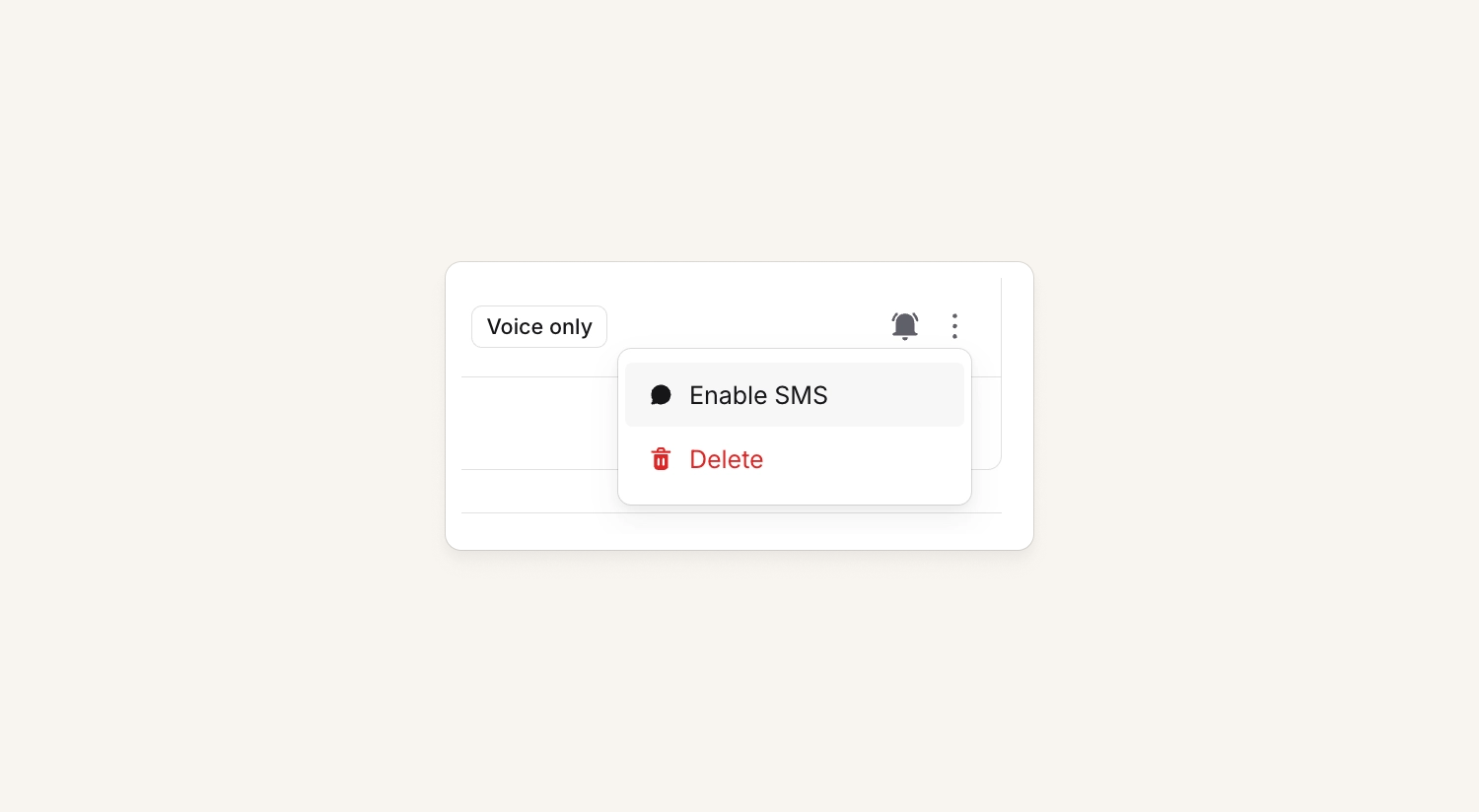
One example: A Google Voice number may be noted as only available for voice calls, but the user may override and also use SMS notification methods on these numbers as well.
What else we've shipped
Improvements
- We removed an extra border that was showing on cover request candidates in the mobile app
- Alert routing pages now visually group alert sources that share the same route(s), which means less squiggle lines!
Bug fixes
- Fixed an issue where during a bulk revoke of users in a private incident, we would sometimes still prompt you to revoke access for those users in Slack
- Fixed an issue where the one-time magic login links for customer status pages would be used up by email security scanners
- Fixed an issue where custom field values in the declare form were not being pre-filled via URL parameters
- Fixed an issue where expression-based rules for default visibility weren't applying on incident declare forms
- Fixed an issue where incidents with no slack channel couldn't be converted to private
So good, you’ll break things on purpose
Ready for modern incident management? Book a call with one of our experts today.

We’d love to talk to you about
- All-in-one incident management
- Our unmatched speed of deployment
- Why we’re loved by users and easily adopted
- How we work for the whole organization



