Reassign escalations
July 27, 2026
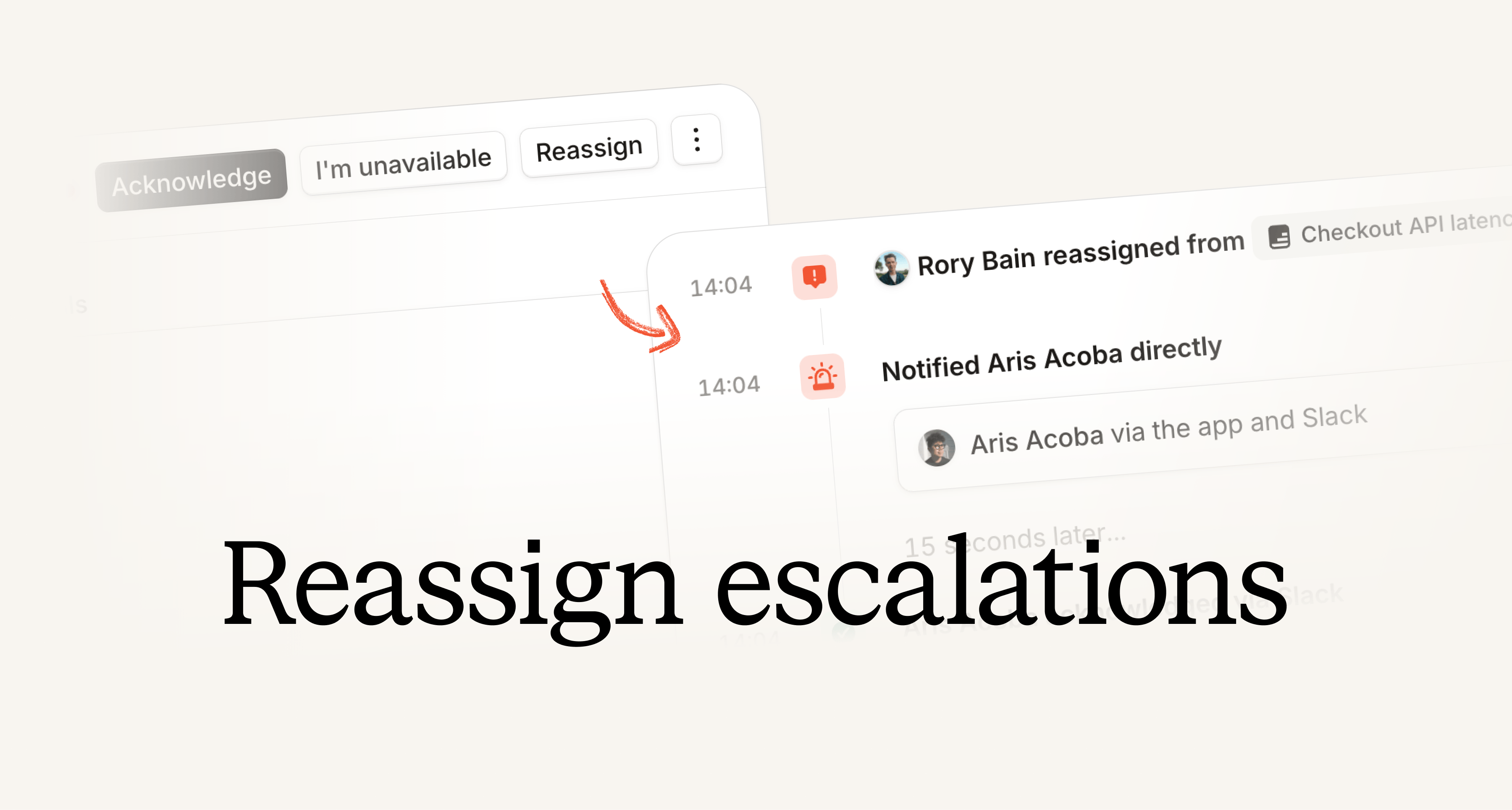
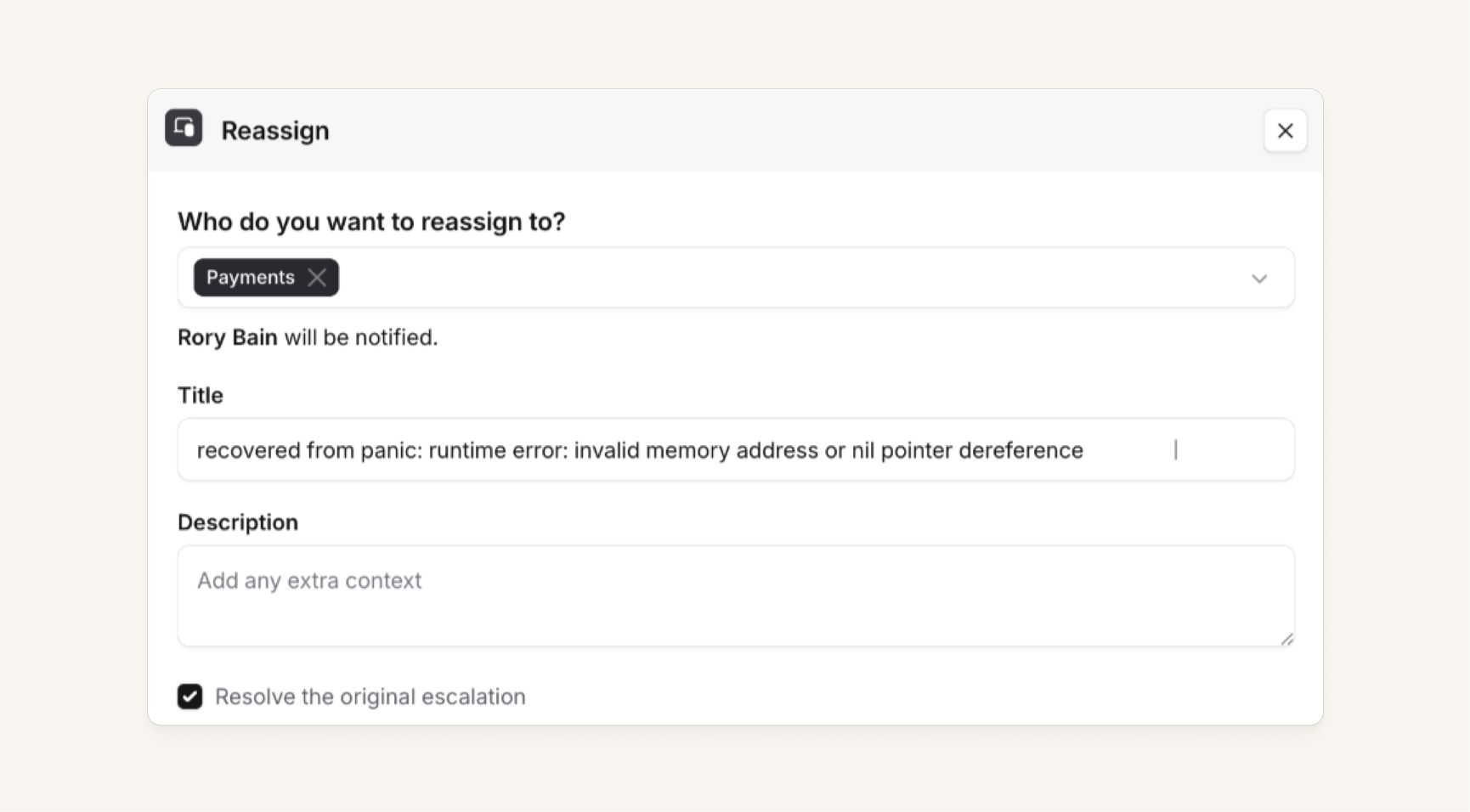
Sometimes you get paged, and you realize you're the wrong person to be investigating that problem, so you want to be able to send the escalation to someone else. Now, you can reassign an escalation to automatically take all the context of the item that paged you, and page someone else for it instead.
This reassignment creates a new escalation, which we link back to the original one - much like if you choose to "escalate to the next level." We use your default escalation form customization, so if you have opted into paging via Teams, Features, etc, then you can do that here too. So, if you need to reassign to the Infrastructure team, you can quickly and easily do so.
Check out our Loom for more details.
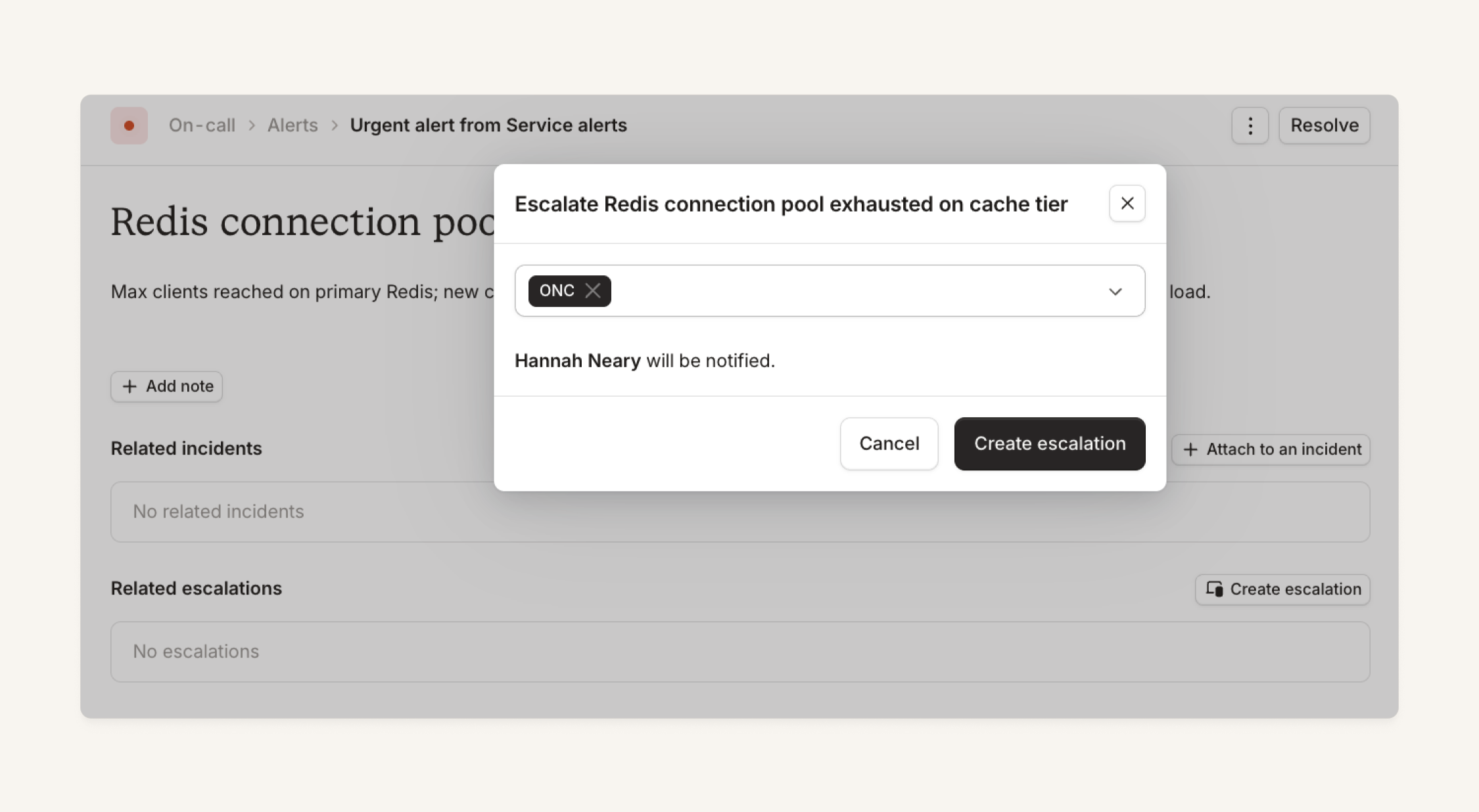
Escalate an alert
You can now create an escalation directly from an alert. Previously, you had to manually escalate or create an incident first. Now, you can quickly escalate to someone to make sure action is taken without the stress of creating an incident or copying context into a manual escalation form.
Undo merged incidents
Sometimes, you merge an incident into the wrong one. Or maybe the agent does that. Merging can now be reversed from:
- The dashboard, including access from the Microsoft Teams tab
- The Slack channel for either incident
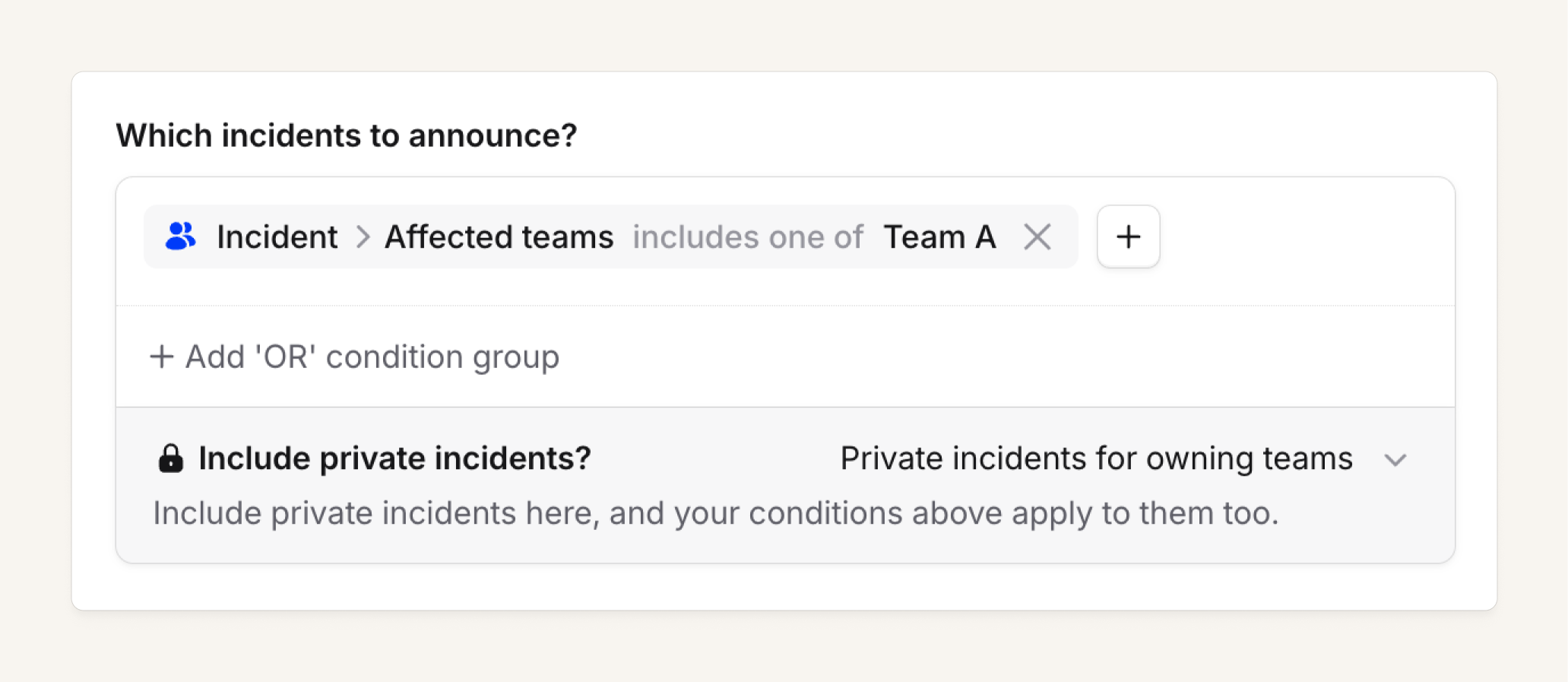
Announcement rules can now announce a team's private incidents
We've added the ability to set a team-owned announcement rule to run on private incidents that are visible to that team.
There's now a team-role permission for this: Manage announcement rules that run on private incidents. This can be configured in the announcement rules settings drawer. Check out our help docs for more detail here and here.
Scribe can now auto-join Microsoft Teams calls
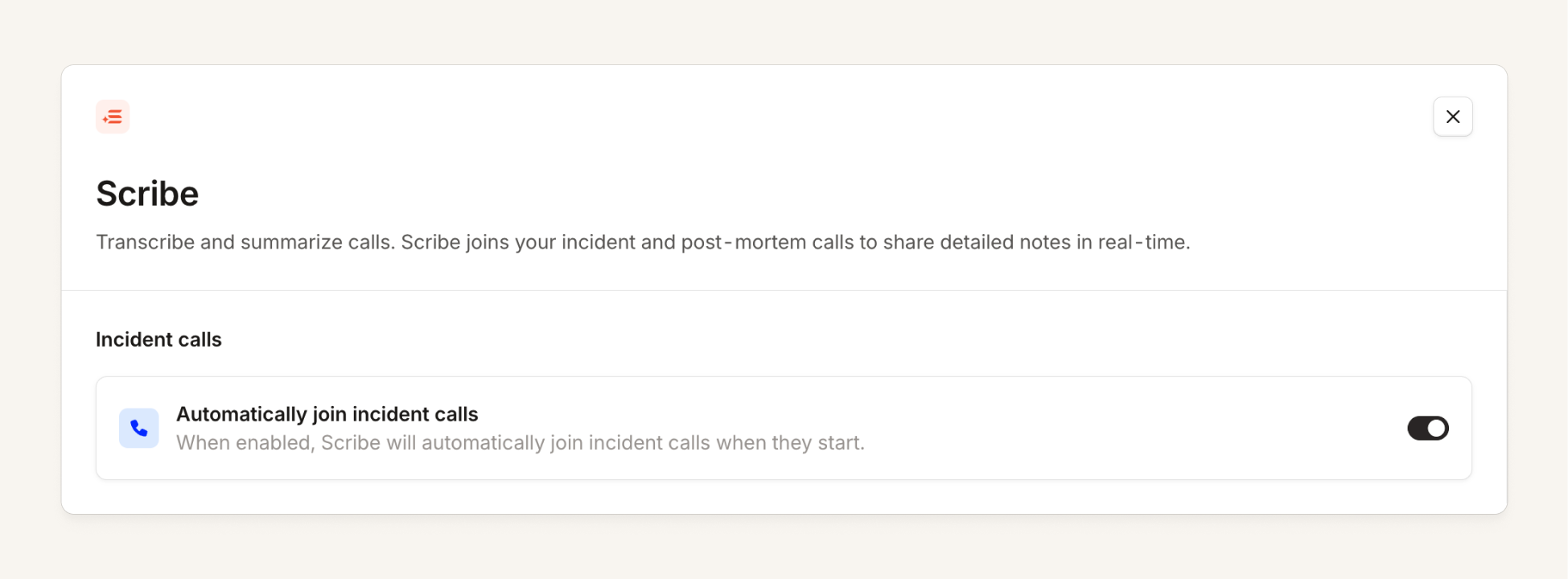
Scribe's auto-join feature for Meet, Zoom, and WebEx waits until a person joins the call, then requests to join.
In Microsoft Teams, we aren't able to track who is on a call due to API limitations, so instead Scribe will attempt to join the call as soon as it is linked to the incident. If no one else is on the call, it will sit in the waiting room for up to 30 minutes, then give up (but you can manually re-add Scribe later!).
Multilingual Scribe
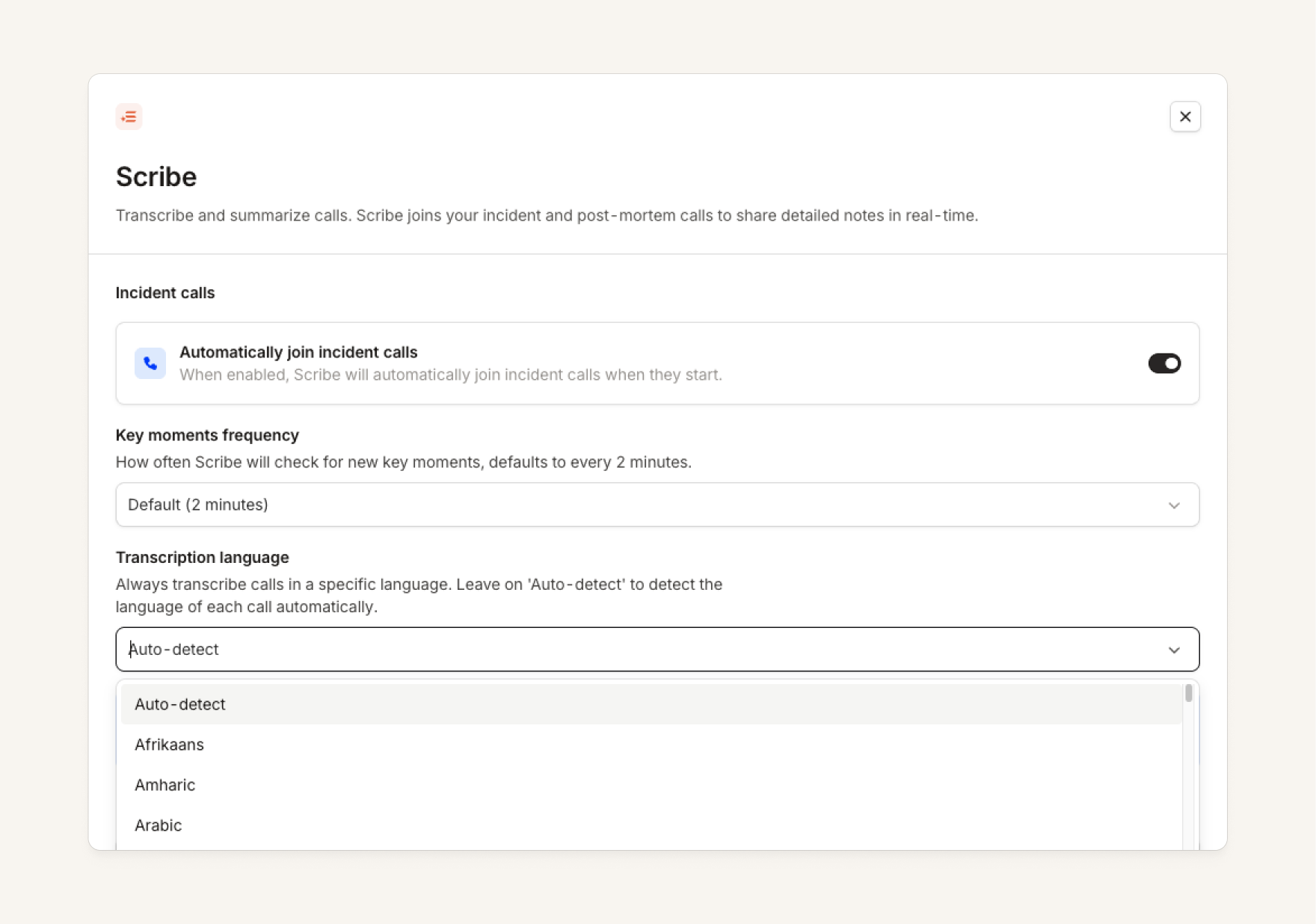
Scribe can now listen to calls in multiple languages, and no longer relies on closed-captions generated by the meeting platform itself.
We now support over 90 languages, and by default, the model will both detect the language being spoken and transcribe it. If your organization always speaks a single language on calls, the language Scribe listens for can be pinned from Settings → AI → Scribe, which can improve the quality of transcripts.
Note: We are rolling out to customers over the course of this week. If you’d like to be opted-in earlier, please reach out to your account manager or help@incident.io.
Linking to individual panels in Insights
You can now share URLs that link to individual panels in Insights. Hover over a panel and a little copy button will appear, it'll copy the link to that exact panel. So anyone who clicks on it will load up the dashboard and scroll right to what you want them to see.
Group by manual or automated escalations in Insights
On the Pager load dashboard we now allow people to group by or filter by Manual or Automated escalations.
Extract attributes from email address in email alert sources
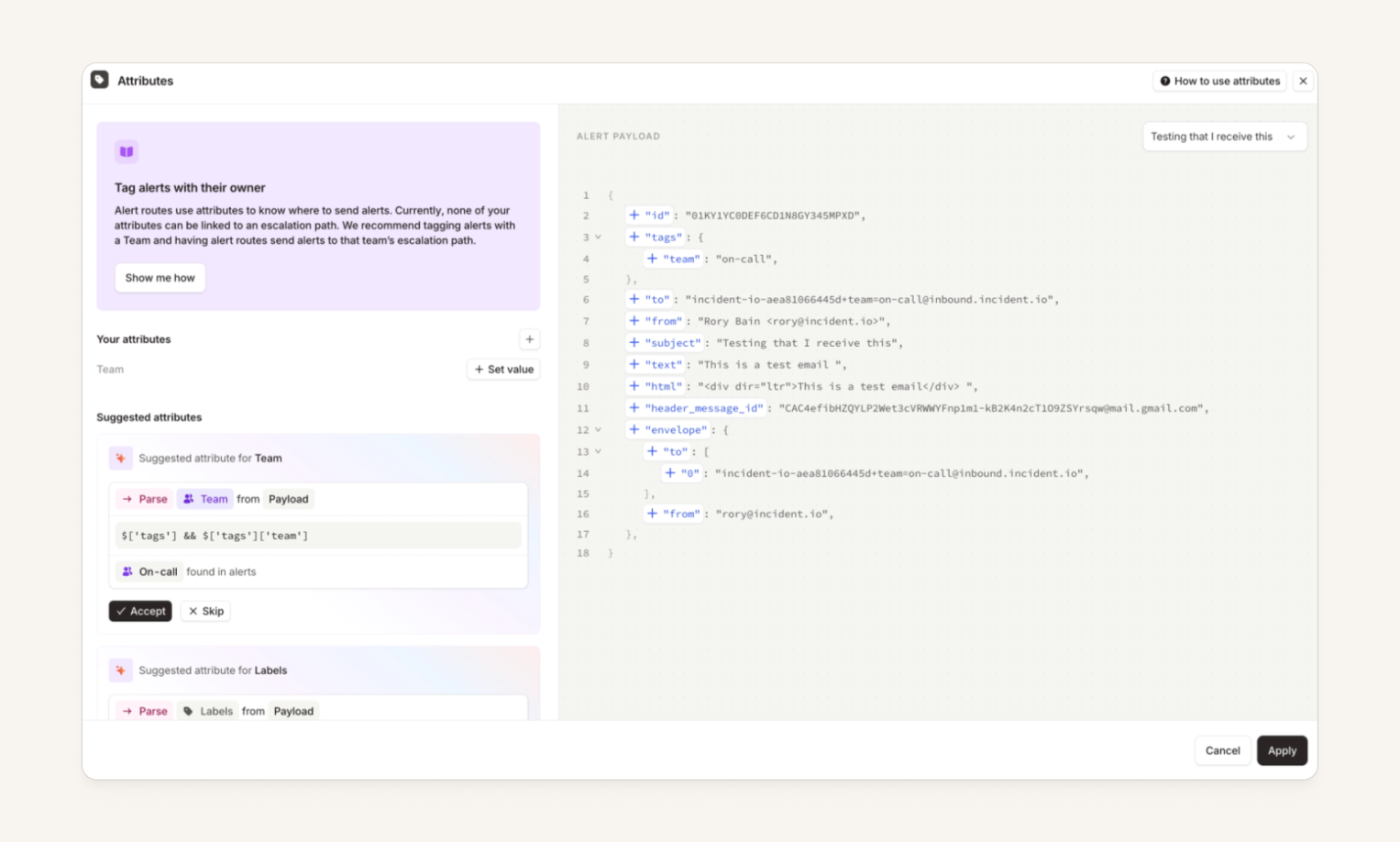
You can now set attributes for email alert sources by adding +team=on-call or +service=payments into your email addresses. These automatically pull through as a tags field on your alert payload, which our AI attribute suggestions will pull from.
Now, you can just set up a single alert source, and stick a + at the end to automatically route alerts to the right people instead of writing complex JavaScript or creating many email alert sources.
View and manage announcement posts from the dashboard
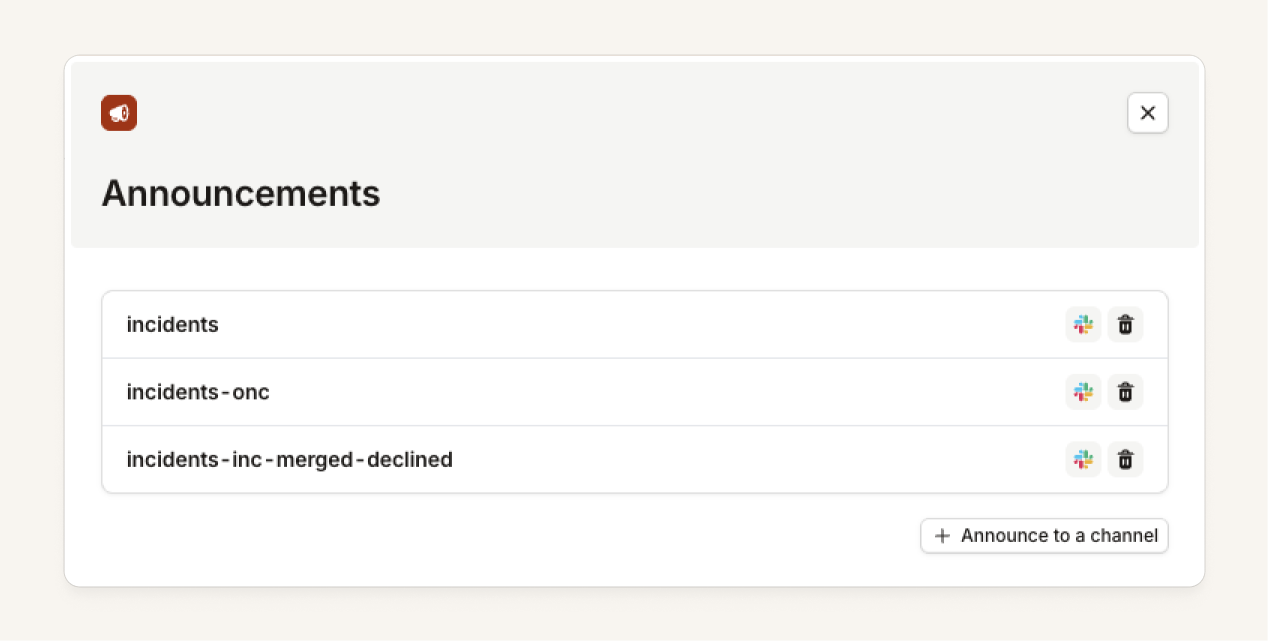
You can now see where an incident has been announced from within the dashboard. This allows you to do things such as:
- Find the announcement post thread for an incident that doesn't have a channel
- Delete an announcement post that was created by accident
- Send a one-off announcement of an incident to a channel
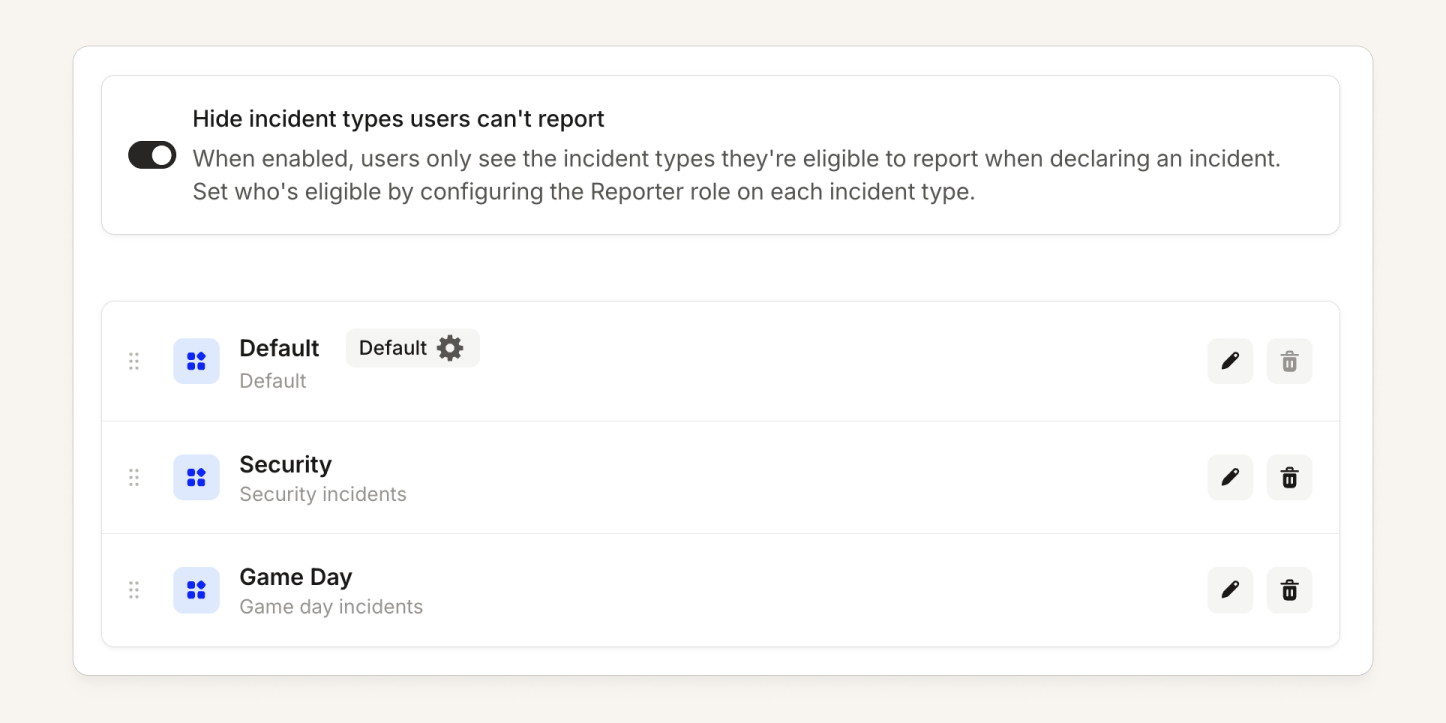
Hide incident types that a user cannot report
You can now hide incident types from the incident declaration forms. When enabled, users only see the types that they're able to report, based on the Reporter role for each incident type. This is useful for organizations that have a lot of incident types, where most users will only ever report a few of them.
What else we've shipped
New
- WhatsApp as an On-call notification method has been rolled out to all customers.
- We’ll now create additional escalations for a single alert if its priority increases. This is useful for some alert sources where you previously segmented an alert’s deduplication key by priority to work around us only escalating once per alert.
Improvements
- The public Schedules API now returns a
permalinkfield, giving you a direct link to view any schedule in the incident.io dashboard. - Added an "Unfold all" button to the Inspect alert drawer, so you can expand the full raw payload in one click instead of drilling into each level manually.
Bug fixes
- Fixed an issue where re-submitting the same Zoom meeting link could cause Scribe to fail to stop transcription, leaving it unable to find the associated call session.
- Fixed an issue where linking a Jira follow-up to the incident ticket failed if the epic lived in a different team-managed project
- Fixed an issue where a connection failure to a GitHub Enterprise Server installation could block user catalog updates from all of an organization's GitHub installations, including healthy GitHub.com ones.
- Fixed a bug where a stalled transcription session could leave the "Add Scribe" button hidden on a call, even though no bot was actually active. Scribe now correctly detects when a session has been abandoned and stays available to add to your call.
- Deleting a file in Slack now also removes it from the incident activity log, so a deleted image or attachment no longer lingers where it shouldn't.
- Fixed an issue in the Terraform provider where alert routes using
on_priority_increasemode showed perpetual configuration drift and couldn't be applied, due tograce_period_secondsbeing incorrectly read back into state. - Fixed a bug where saving a team member's role from the member drawer could silently fail (and still show a success message) if the team also had a catalog-managed role. Editable roles now save correctly, and any genuine save failure now shows an error instead of failing silently.
- Fixed Terraform provider bug when applying changes to an
incident_alert_routewith escalation targets could fail with a "Provider produced inconsistent result after apply" error. - Fixed an issue in the mobile app where the calendar would mark you as on-call on a day when your shift actually ended at midnight the day before. On-call days on the calendar now accurately reflect the shifts you're actually covering.
So good, you’ll break things on purpose
Ready for modern incident management? Book a call with one of our experts today.

We’d love to talk to you about
- All-in-one incident management
- Our unmatched speed of deployment
- Why we’re loved by users and easily adopted
- How we work for the whole organization



