Pager load insights glow up
April 28, 2026
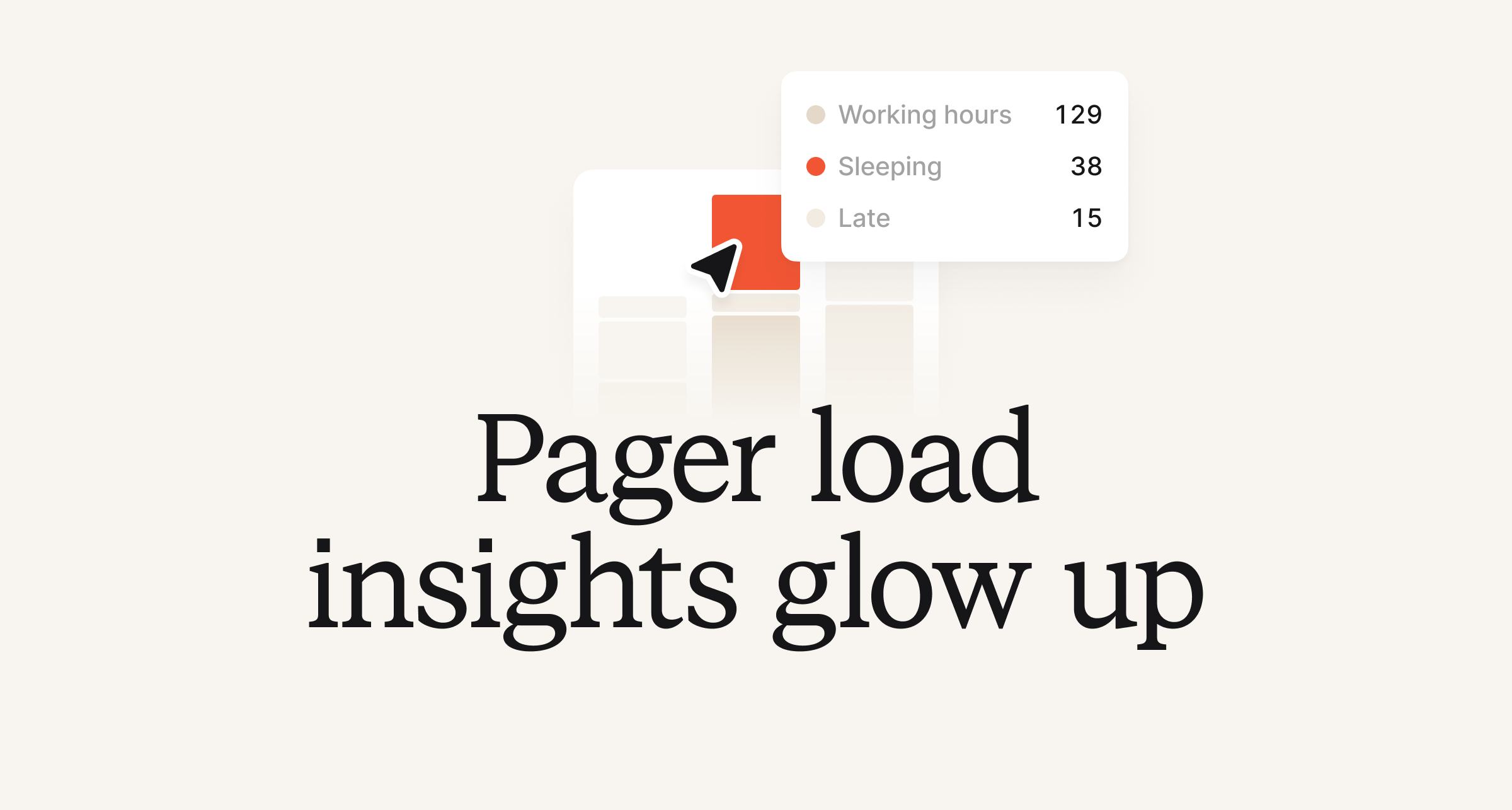
Pager load insights have gotten a bit of a glow up. For those leveraging our On-call product, they can now better slice, dice and filter pager load data in ways that weren’t possible before.
In addition to providing the existing metrics, such as MTTA and missed escalations, you can now:
- Filter in more ways, including by any alert attribute (e.g. team, service)
- Aggregate charts and tables by alert attribute, user, or escalation path - giving you breakdowns like pages by team or service
- Drill into any of the underlying data
- Dig in faster as the page should populate more quickly!

Stay tuned for more updates in Insights in coming weeks!
Acknowledge an escalation from the alert detail page
We know sometimes when you are reviewing alerts, you want to easily acknowledge or snooze an escalation. Well, now you can from the alert detail page. On the flip side, you can press "Resolve" for an alert from the relevant escalation details page too!
Import post-mortem documents into incident.io
You can now import post-mortem documents through our API! It's limited to just markdown documents, but this gives customers a way to bring old content over into our dashboard. API docs can be found here.
What else we've shipped
Improvements
- In workflows we now escape templated variables when sending JSON encoded webhooks
- We've removed the "I don't know yet" incident type option for triage incidents in incident forms in Slack, bringing functionality in line with that of the dashboard
- Catalog importer dry-run output now only shows attributes that have actually changed.
- When creating new custom field options during an incident, we'll deduplicate any which only differ by whitespace
Bug fixes
- We've fixed an issue where deselected teams would be reselected while editing incident fields in Slack
- Users without permission to edit workflows can now export the Terraform configuration for them
- When viewing your on-call notification preferences, the email address we use to notify you was blank. Now it's not!
- Subscribing to a customer status page now shows a confirmation that you've successfully been subscribed
- In the incidents list, users with long names would overflow into the next column. They will now be truncated instead.
- Fixed a bug where some post-incident task reminders wouldn't send
- We've fixed an issue where some form sheets weren't dismissing correctly on mobile
- Fixed a bug where you couldn't remove deactivated users from a schedule if you were at your on-call seat limit.
So good, you’ll break things on purpose
Ready for modern incident management? Book a call with one of our experts today.

We’d love to talk to you about
- All-in-one incident management
- Our unmatched speed of deployment
- Why we’re loved by users and easily adopted
- How we work for the whole organization



