Customize alert messages
February 23, 2026
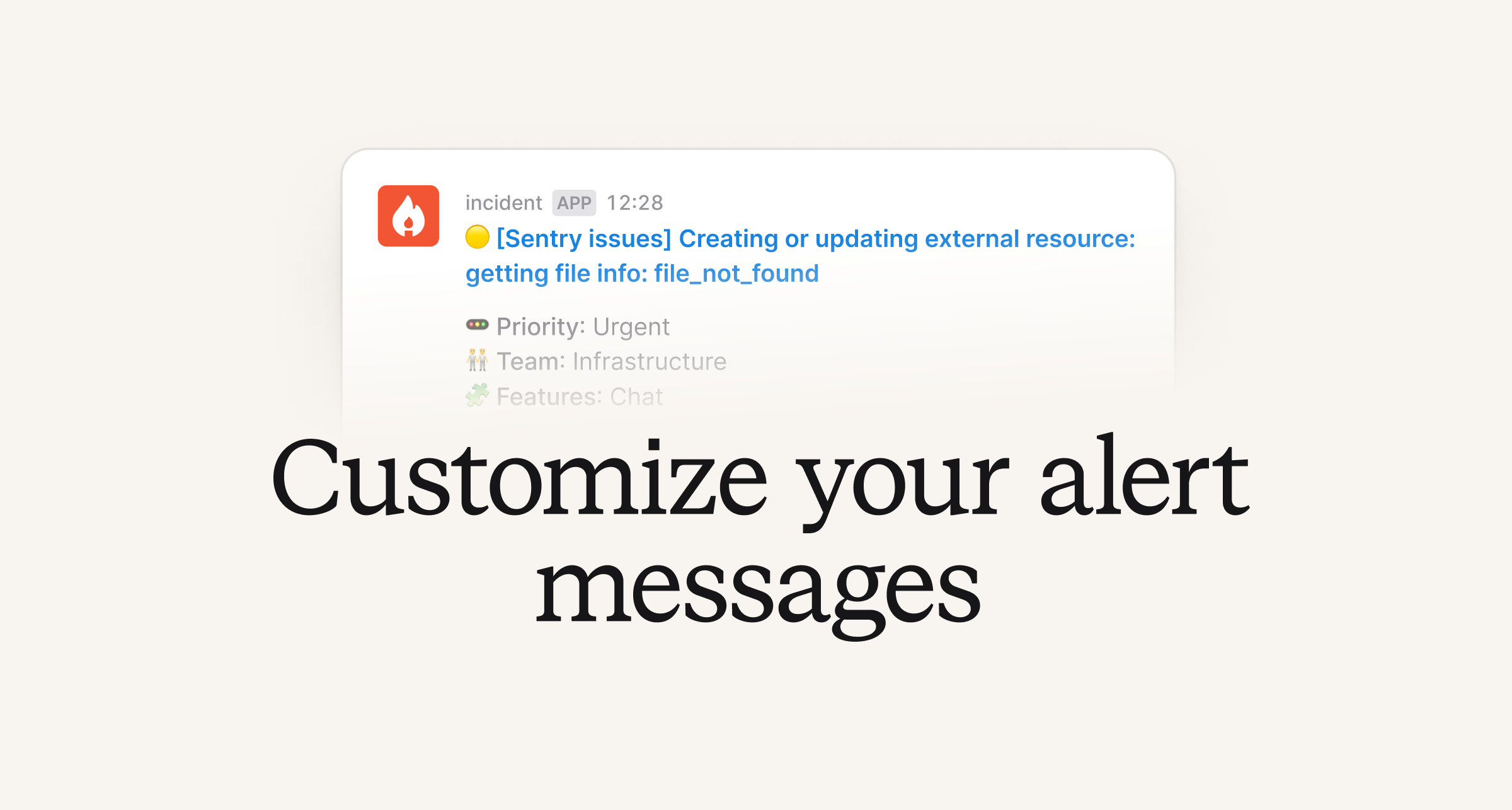
Alert messages are the first thing responders see when something breaks, and noisy or irrelevant messages can slow teams down.
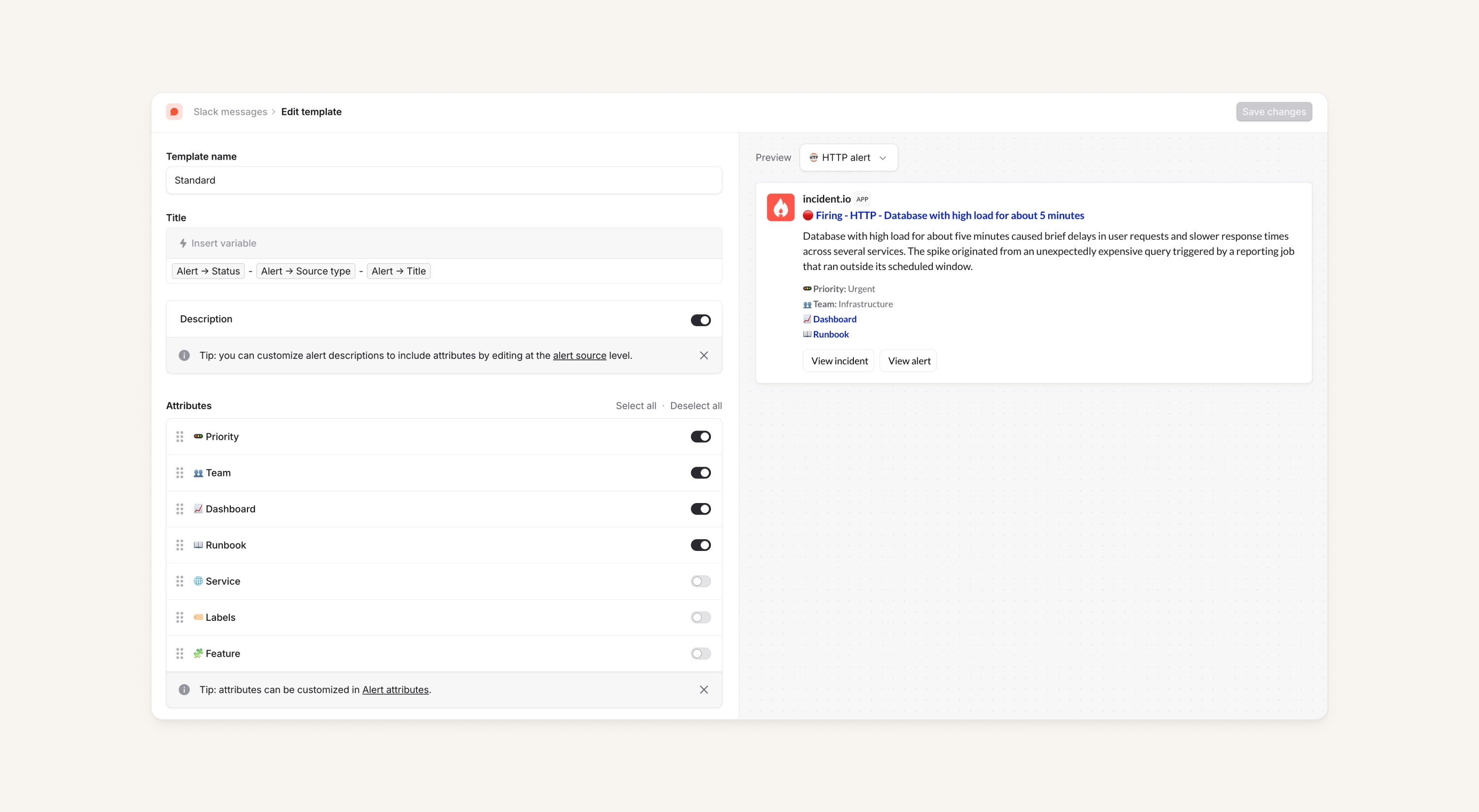
Now, you can define alert message templates to pick the attributes that matter, hide the noise, and make sure the right context is front and center - across all alert messages! This applies for the following message types:
- Alert pulse messages
- Escalation messages to a channel or DM, when created via an alert
- Incident messages, when triggered by an alert
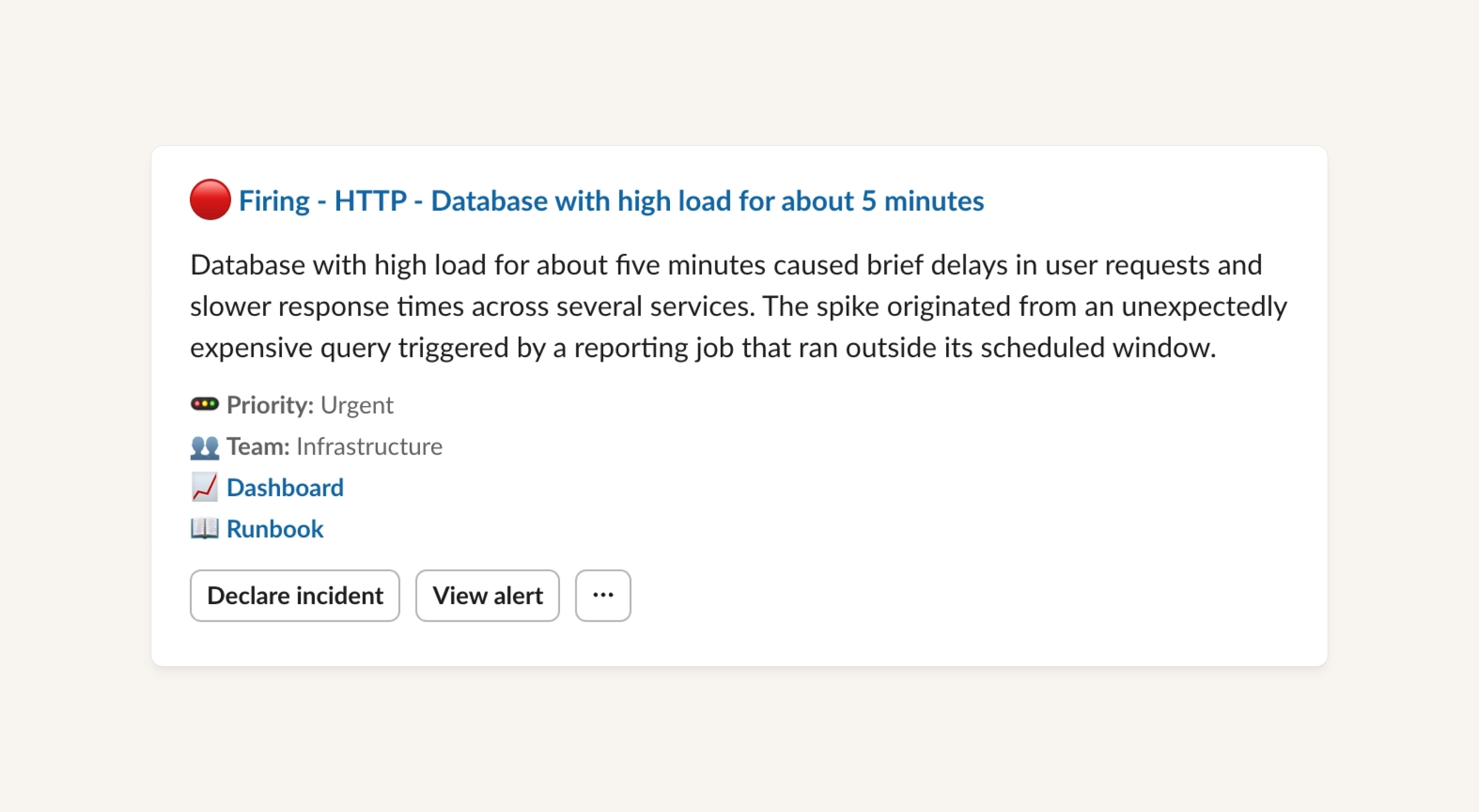
In your template, you can:
- Customize the message title with dynamic values
- Toggle whether the description is shown
- Choose which alert attributes to display and in what order - we've also added the ability to give your attributes custom emojis 🪄
Then, apply your template to any alert route so that every alert flowing through that route uses your chosen format.
Expressions let you go further: dynamically select templates based on alert attributes, such as team or alert source.
This is available across Slack and Microsoft Teams. See more details in our help article.
Snooze escalations
Responders can now snooze escalations to say "I've seen this, but I can't act on it right now — remind me later."
For example, this is useful when you're triaging multiple pages and need to prioritize a higher-urgency issue first.
You can:
- Pick from pre-set sensible durations
- Optionally, add a justification for why you're snoozing
- Check that when the escalation resumes, the right person gets paged
Snoozing is possible from the mobile app, dashboard, Slack and Microsoft Teams. From a compliance/MTTA point of view, snoozes count as acknowledgements.
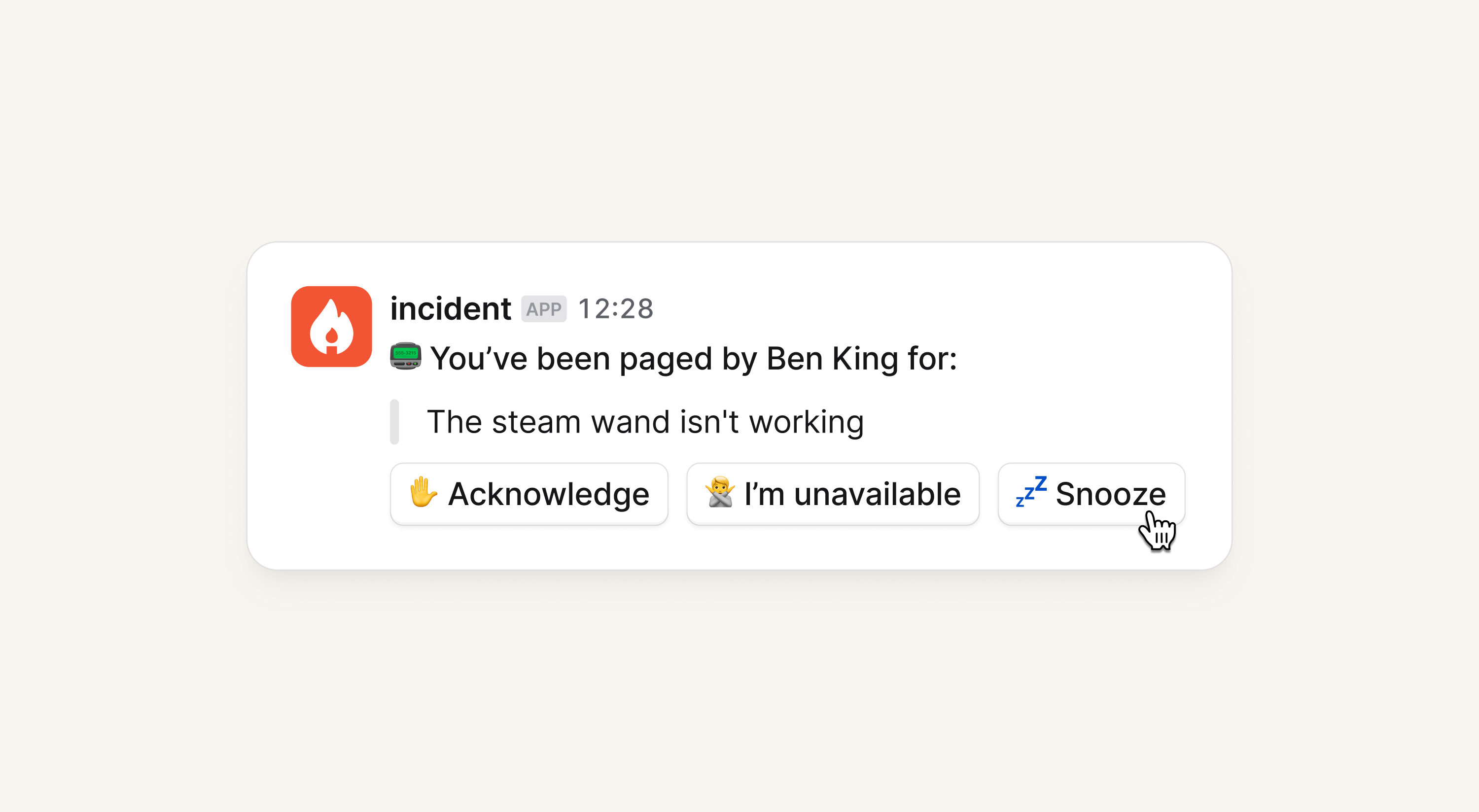
Snoozing is available across the mobile app, dashboard, Slack and Microsoft Teams.
Escalate to all users on a particular rotation
You can now have an escalation path that notifies all users on a particular rotation of a schedule. You can use this just like the everyone on a schedule mode, where you either round robin around these users, or page them all at once.
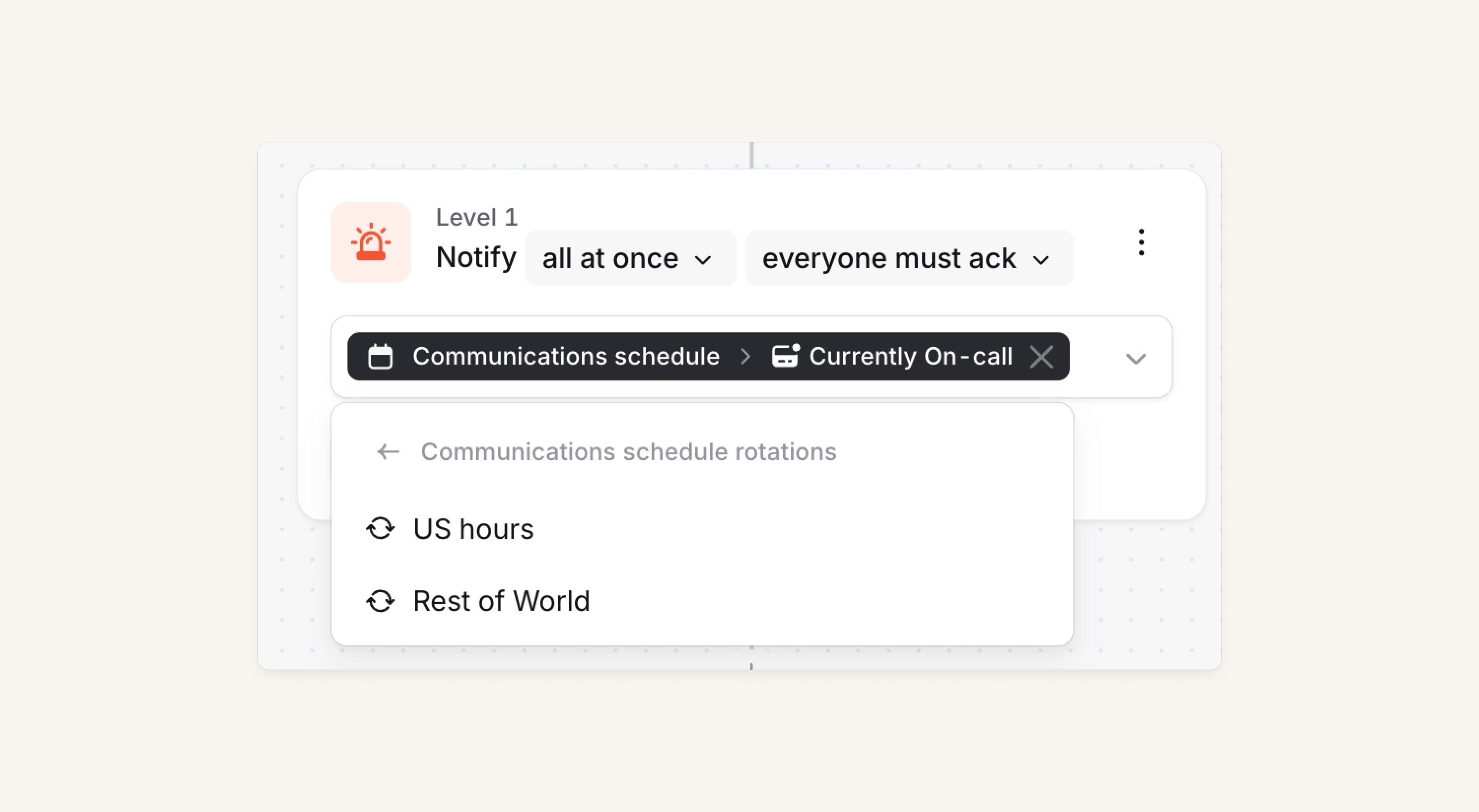
This doesn’t allow you to page just the currently on call from a rotation, but rather all the users configured to be on that rotation.
Set your Slack status when you're on call
We can set your Slack status when you are on call. When your shift ends, we'll either reset your status to whatever it was before, or clear it.
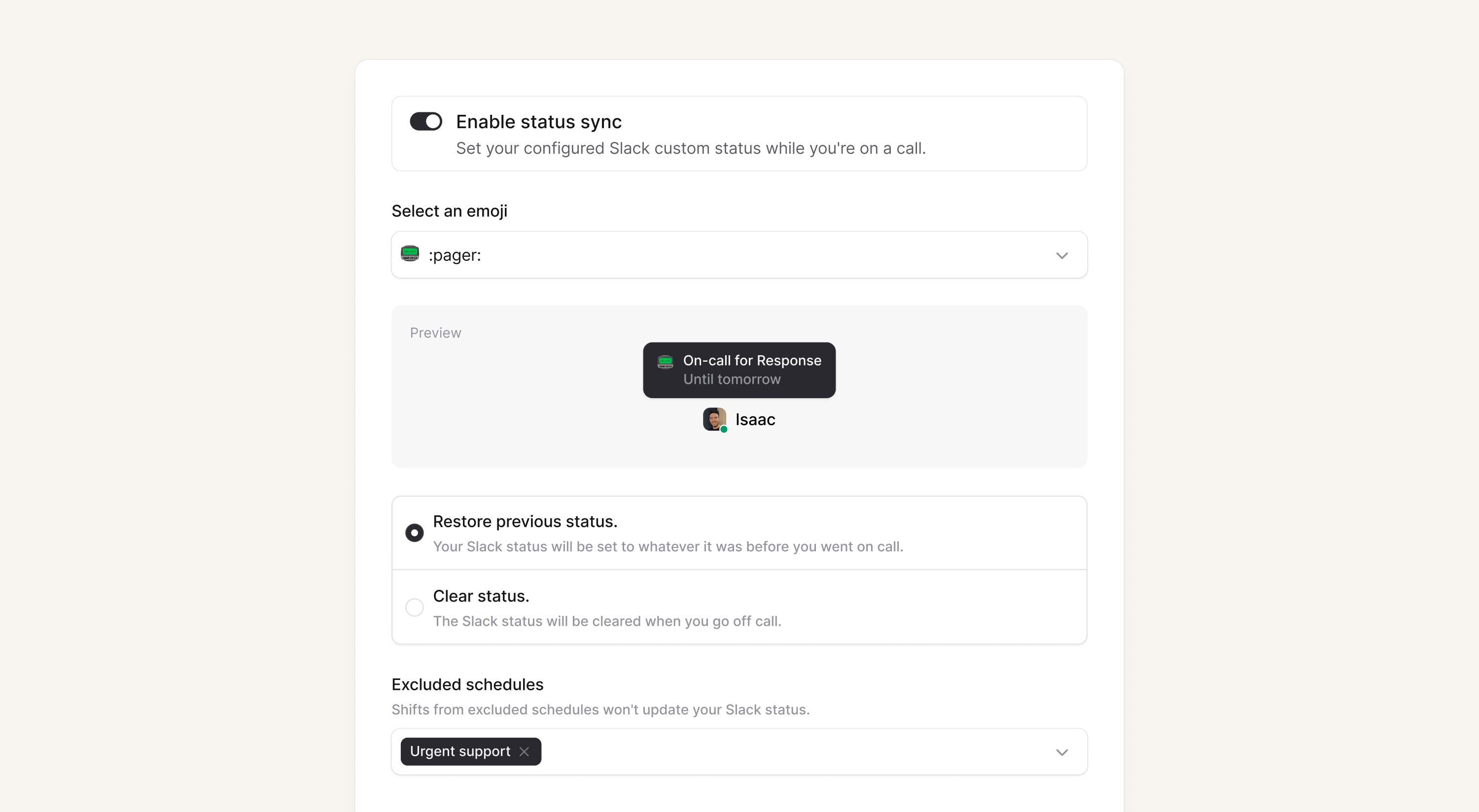
It is nice for your colleagues to be able to quickly see that you're on the pager and might be busy dealing with an incident! Head over to your preferences to set this up!
What else we’ve shipped
New
- Updated escalation path cards on mobile; You can exclude escalation paths or tap through to create an override or cover request
- You can now use the Slack command
/inc mergewith the Slack channel name pre-filled. - We have a new permission to
View insightsthat allows organizations to restrict who can use Insights in our dashboard
Improvements
- Remove flash of light background when loading dark mode status page
- Clipboard copies of timestamp fields are now in user's local timezone
Bug fixes
- Fix bug when showing users attending a debrief
- Fix missing tags from incidents board view
- Fixed a bug where default values didn't show in incident declaration form fields
So good, you’ll break things on purpose
Ready for modern incident management? Book a call with one of our experts today.

We’d love to talk to you about
- All-in-one incident management
- Our unmatched speed of deployment
- Why we’re loved by users and easily adopted
- How we work for the whole organization



