Join live: What happens when your AI goes down?
The JSM way
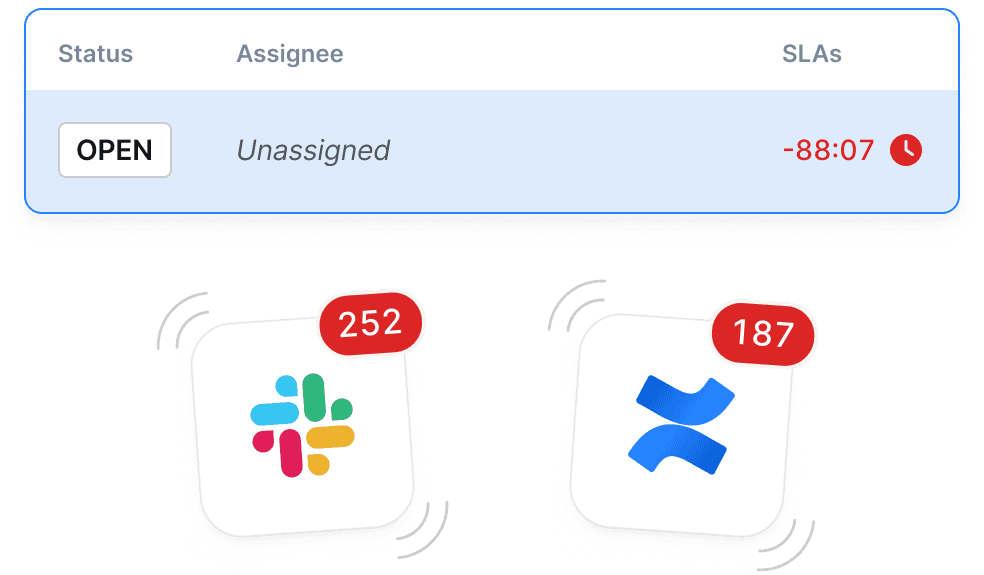
Trusted for ticketing and ITSM, but stops short - leaving teams to coordinate across Jira, Slack, and Confluence while the incident is still happening.
Join live: What happens when your AI goes down?
OpsGenie is sunsetting in 2027. As teams replace paging and scale incident response, many are asking whether Jira Service Management can do the job or whether incidents need a dedicated execution layer.


From alert to resolution, give your team everything they need to respond quickly, reduce downtime, and keep customers in the loop.
Trusted for ticketing and ITSM, but stops short - leaving teams to coordinate across Jira, Slack, and Confluence while the incident is still happening.
Run the entire incident in one place, with context, communication, and control from alert to retro.
Both JSM and incident.io can be used during incidents. But differences compound as incident volume, team count, and service ownership grow.
| Details | JSM | incident.io | |
|---|---|---|---|
| Alerting | |||
| Native alert integrations | Datadog, Grafana, Alertmanager, Honeycomb, etc. | ||
| Alert grouping and deduplication | Group related alerts to reduce noise | AI grouping on Premium/Enterprise only | |
| Alert routing by service ownership | Route based on catalog / team ownership | Rules-based routing only, no service catalog | |
| On-call | |||
| On-call scheduling | Create and manage rotation schedules | ||
| Schedule overrides | Individuals can override shifts e.g. to cover vacation | ||
| Cover requests | On-callers can proactively request cover and have the system find someone | ||
| On-call pay calculator | Calculate on-call compensation automatically | ||
| Mobile app (iOS & Android) | Native mobile app for paging and response | Jira Cloud app — not a dedicated on-call/incident app | |
| Incident response | |||
| Slack-native incident management | Run incidents end-to-end without leaving Slack | Slack ChatOps exists but JSM requires constant context-switching | |
| Automatic role assignment | Assign IC, comms lead etc. based on service ownership | ||
| Real-time incident timeline | Capture decisions, updates and ownership as they happen | AI timeline from Slack on Premium/Enterprise only | |
| Automated stakeholder updates | Structured comms sent automatically during incidents | "Notify stakeholders" button exists but manual, not automated | |
| Status page integration | Customer-facing status updates tied to the incident | Enterprise plan only - not available on lower tiers, 10k subscriber limit | |
| Post-incident | |||
| AI-generated post-incident review | Auto-generate PIR/retro from incident data | AI PIR generation on Premium/Enterprise only | |
| Follow-up tracking | Structured action items created and tracked from incidents | Jira tickets can be linked manually but not auto-generated from incidents | |
| Insights and analytics | Incident trends, MTTD/MTTR, workload reports | Basic reporting only; advanced analytics on Premium/Enterprise | |
Datadog, Grafana, Alertmanager, Honeycomb, etc.
Group related alerts to reduce noise
AI grouping on Premium/Enterprise only
Route based on catalog / team ownership
Rules-based routing only, no service catalog
Create and manage rotation schedules
Individuals can override shifts e.g. to cover vacation
On-callers can proactively request cover and have the system find someone
Calculate on-call compensation automatically
Native mobile app for paging and response
Jira Cloud app — not a dedicated on-call/incident app
Run incidents end-to-end without leaving Slack
Slack ChatOps exists but JSM requires constant context-switching
Assign IC, comms lead etc. based on service ownership
Capture decisions, updates and ownership as they happen
AI timeline from Slack on Premium/Enterprise only
Structured comms sent automatically during incidents
"Notify stakeholders" button exists but manual, not automated
Customer-facing status updates tied to the incident
Enterprise plan only - not available on lower tiers, 10k subscriber limit
Auto-generate PIR/retro from incident data
AI PIR generation on Premium/Enterprise only
Structured action items created and tracked from incidents
Jira tickets can be linked manually but not auto-generated from incidents
Incident trends, MTTD/MTTR, workload reports
Basic reporting only; advanced analytics on Premium/Enterprise
See how teams move beyond ticket-based incident handling to a complete incident management platform - from alert to retro, in one place.